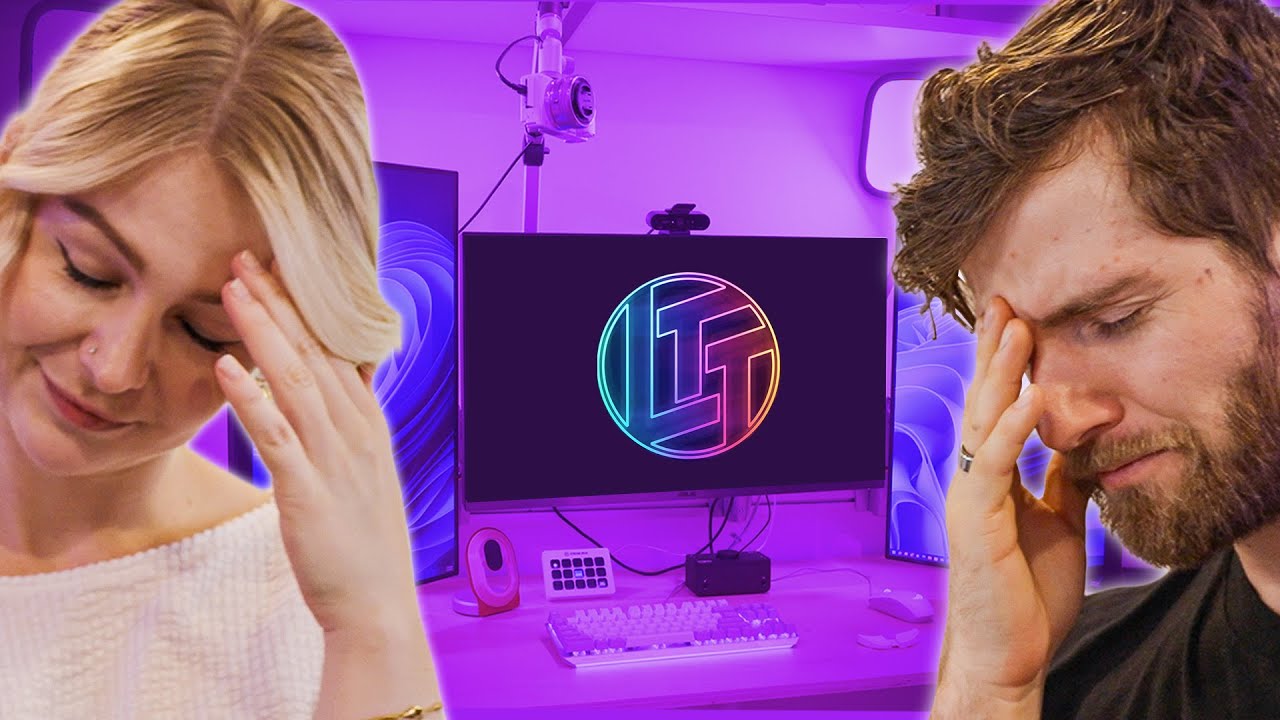
This Build Never Ends... - Kallmekris Tech Makeover Part 2
0 up · 0 down · 0 ratings
Description
Thanks to ASUS for sponsoring today's video!
Check out some of the products featured below: ASUS ROG Strix 30 Series Graphics Cards For gamers looking to make the most of these raw gains, ASUS GeForce RTX 30 Series cards harness the elements to upgrade cooling and boost performance. components. asus.com ProArt Z690-CREATOR WIFI – Your Powerhouse for Creativity asus.com ROG Thor 1000W Platinum II - is the quietest PSU in its class. rog.asus.com Discuss on the forum: linustechtips.com Buy a Sony Alpha ZV-E10 Camera: geni.us Buy an ASUS PA32UCG ProArt Display: geni.us Buy a Electro-Voice RE320 Microphone: geni.us Buy an ASUS ROG Strix Scope NX: geni.us/mV4GPGw Buy an ASUS ROG Strix Impact II: geni.us Buy a SCUF Instinct Pro Wireless Controller: geni.us Buy a Yamaha HS8 Studio Monitor: geni.us
Promos
Check out Sweetwater audio products at geni.us Purchases made through some store links may provide some compensation to Linus Media Group. ► GET MERCH: lttstore.com ► SUPPORT US ON FLOATPLANE: floatplane.com ► AFFILIATES, SPONSORS & REFERRALS: lmg.gg ► PODCAST GEAR: lmg.gg FOLLOW US --------------------------------------------------- Twitter: twitter.com Facebook: @LinusTech Instagram: @linustech TikTok: @linustech Twitch: twitch.tv MUSIC CREDIT --------------------------------------------------- Intro: Laszlo - Supernova Video Link: youtube.com iTunes Download Link: itunes.apple.com Artist Link: soundcloud.com Outro: Approaching Nirvana - Sugar High Video Link: youtube.com Listen on Spotify: spoti.fi Artist Link: youtube.com Intro animation by MBarek Abdelwassaa @mbarek_abdel Monitor And Keyboard by vadimmihalkevich / CC BY 4.0 geni.us Mechanical RGB Keyboard by BigBrotherECE / CC BY 4.0 geni.us Mouse Gamer free Model By Oscar Creativo / CC BY 4.0 geni.us CHAPTERS --------------------------------------------------- 0:00 - Intro 0:17 - 3 months earlier... 1:45 - Setting up the monitors 6:33 - All white everything (Thanks ASUS!) 8:35 - We blow Linus' mind (with some finishing touches) 10:10 - Mongolian Sheep 10:50 - Cleanup game on point 11:33 - The Big Reveal 15:22 - A trip to the box room 16:58 - Let's go through Kris' desk drawers 17:52 - Gametime 19:20 - Conclusion
This build makeover video follows Kris and Linus as they assemble and refine Kris’s tech setup for a dramatic, work-in-progress reveal. The segment opens with a candid reminder that the journey to finishing touches will be shown in full, including the planning and the inevitable bumps along the way. Early on, we see the team setting up multiple monitors, debating orientation, and identifying the logistical challenges of hanging large speakers and a towering display. The discussion shifts to a hefty focus on ergonomics and real-world usage, with jokes about color accuracy, light balance, and the practicalities of a two-monitor chat layout. As the project progresses, the crew injects branded hardware from ASUS, showcasing high-end monitors, a new keyboard, mouse, mic, and an assortment of accessories to elevate the workspace aesthetics. The big reveal approaches with careful attention to the placement of RGB strips, mains power planning, and cable management, all culminating in a dramatic unveiling of Kris’s upgraded desk, chair, and streaming setup. The video closes with a humorous reflection on the chaos of the process, a tease of a floatplane exclusive extended cut, and a nod to the ongoing collaboration between Kris and Linus that fans have come to love. Overall, the episode blends genuine build challenges with entertaining banter, leaving viewers eager for the promised Part 3 and curious to see how Kris settles into the newly upgraded space.
Topics · technology · lifestyle · entertainment · computing · collaboration
Questions answered
- What is the sponsorship shown in This Build Never Ends Part 2?
- The video is sponsored by ASUS, with mentions and product showcases of ASUS components such as monitors and peripherals.
- What is the main focus of Kris and Linus during the early part of the build?
- They focus on setting up monitors, planning where components will go, and optimizing the desk layout and ergonomics while discussing practical placement.
- Where do they search for the capture card during the upgrade process?
- They plan to locate the capture card in the box room after checking various storage areas, as part of the troubleshooting during the teardown and reassembly.