iHelicopter Bluetooth RC Helicopter for iPhone iPod iPad Unboxing & First Look Linus Tech Tips
0 up · 0 down · 0 ratings
Description
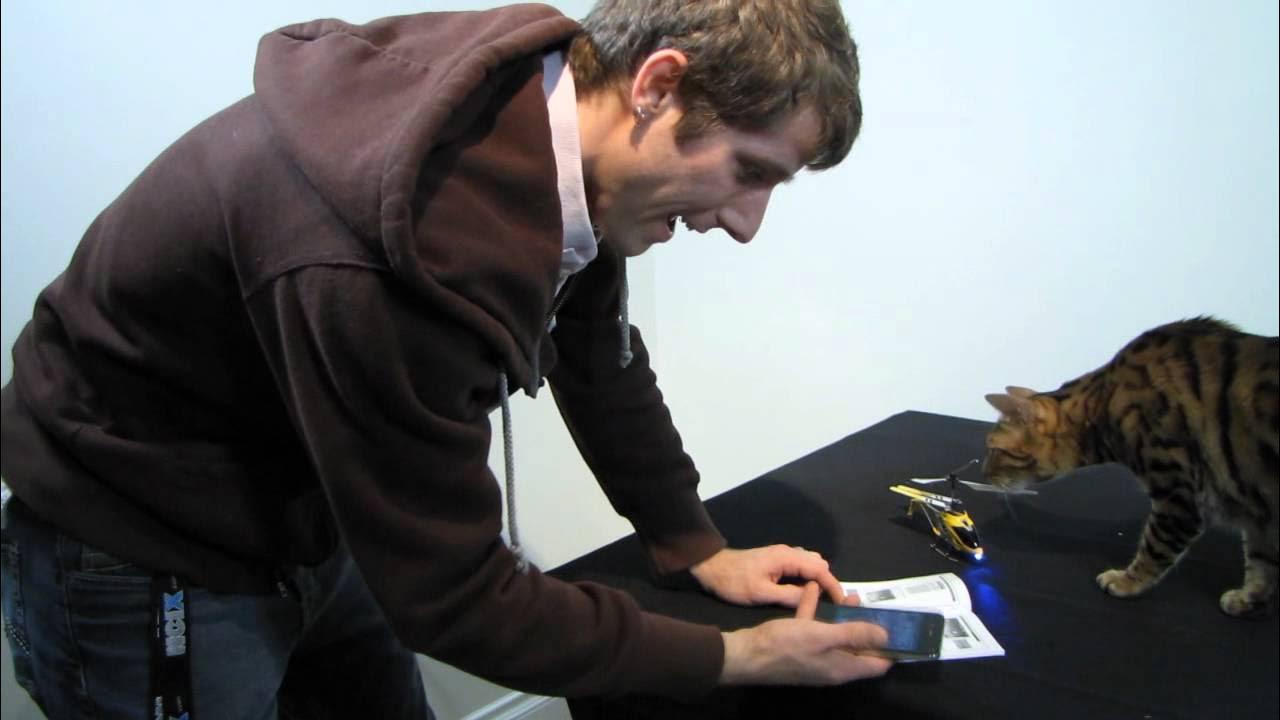
ncix.com Yep more toys. This one is pretty cool though and my cat totally takes it out in mid-flight!
Linus Tech Tips takes a hands-on look at the iHelicopter Bluetooth RC Helicopter designed to be controlled by an iPhone, iPod touch, or iPad. The video opens with a quick intro about the product as a Bluetooth controlled helicopter, noting that it does not include a built-in camera or FPV display like the AR drone, but can be piloted via a dedicated iOS app. Linus walks through the packaging and accessories, highlighting a spare tail propeller, USB charging cable, a parts list, and a user guide that covers charging, flight indoors, and safe operation. He demonstrates the basics of pairing the helicopter with an iOS device, launching the app, and trying to achieve initial control, including up and down thrust, yaw, and forward/backward movement. Throughout the segment he indicates this is a first flight, shares initial challenges, and remarks on the build quality with a metal frame and flexible plastic components designed to absorb impacts. The host reflects on the claims of precise real-time control and the model’s intended ease of use, while comparing it to other hobby aircraft and emphasizing indoor use and caution around pets and walls. The video culminates in a demonstration of basic hovering, some early attempts at a circular flight, and a recap of tilt and joystick control as alternate input methods, ending with a plug for subscribing to Linus Tech Tips for more unboxings and reviews.
Topics · technology · unboxing · consumer electronics · rc toys
Questions answered
- What platforms can control the iHelicopter, and how is it paired with the device?
- The iHelicopter is controlled via Bluetooth using an iPhone, iPad, or iPod touch. Pairing is done by turning on Bluetooth on the iOS device, turning on the helicopter, selecting the iSuper helicopter in the Bluetooth devices list, and then launching the iSuper heli app.
- What are the key flight controls described in the unboxing video?
- Controls include up and down thrust, left and right yaw, and forward and backward movement. The app also supports tilt and a joystick input option, with a hover mode and camera-free flight.