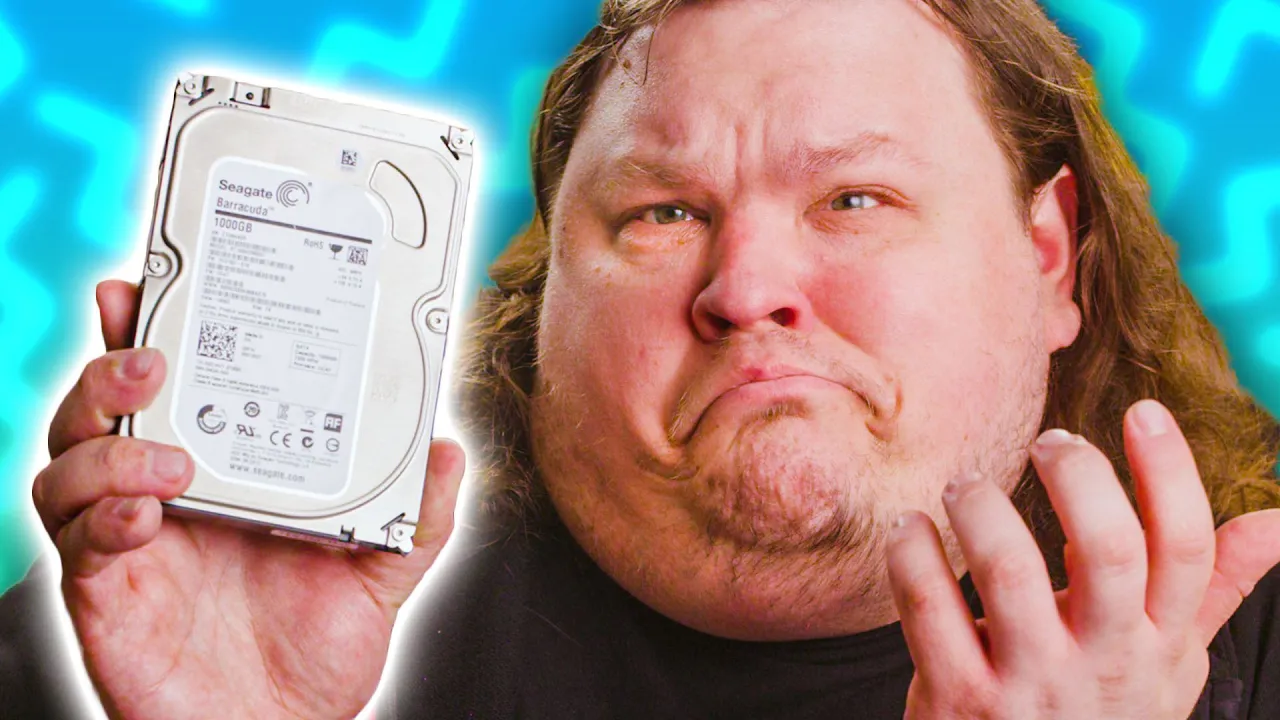
Are Hard Drives Still Worth It?
0 up · 0 down · 0 ratings
Description
Get a Free pair of Wireless Headphones at Micro Center: micro.center
Promos
Check out the Micro Center Custom PC Builder: micro.center Join the Micro Center Community: micro.center Use code LINUS and get 25% off GlassWire at lmg.gg We tested modern software running on older storage to see if it can still keep up with ever-increasing file sizes and demand Buy an Intel i9-9900k CPU: geni.us Buy a Cooler Master Hyper 212 Evo V2 CPU Cooler: geni.us Buy a Crucial Ballistix RGB 32gb 3200mhz DDR4 RAM: geni.us Buy a Crucial MX500 1TB SSD: geni.us Buy a Seagate Barracuda 1TB 7200RPM HDD: geni.us Buy an ASUS PRIME Z390-P: geni.us Purchases made through some store links may provide some compensation to Linus Media Group. Discuss on the forum: linustechtips.com ► GET MERCH: lttstore.com ► AFFILIATES, SPONSORS & REFERRALS: lmg.gg ► PODCAST GEAR: lmg.gg ► SUPPORT US ON FLOATPLANE: floatplane.com FOLLOW US ELSEWHERE --------------------------------------------------- Twitter: twitter.com Facebook: @LinusTech Instagram: @linustech TikTok: @linustech Twitch: twitch.tv MUSIC CREDIT --------------------------------------------------- Intro: Laszlo - Supernova Video Link: youtube.com iTunes Download Link: itunes.apple.com Artist Link: soundcloud.com Outro: Approaching Nirvana - Sugar High Video Link: youtube.com Listen on Spotify: spoti.fi Artist Link: youtube.com Intro animation by MBarek Abdelwassaa @mbarek_abdel Monitor And Keyboard by vadimmihalkevich / CC BY 4.0 geni.us Mechanical RGB Keyboard by BigBrotherECE / CC BY 4.0 geni.us Mouse Gamer free Model By Oscar Creativo / CC BY 4.0 geni.us
Are Hard Drives Still Worth It? assesses whether traditional hard disk drives (HDDs) remain a viable option in modern PC builds given the rise of solid state drives (SSDs). The video opens with a reflection on how storage media has evolved since the early days of compact flash and spinning disks, noting that many systems now ship without any hard drive at all. The host walks through practical considerations, such as the price gap between HDDs and SSDs, and explains how HDDs can still handle large file transfers, media playback, and light gaming, albeit with notable caveats. A key point is the physical limitation of HDDs, particularly the moving read head which causes latency when multiple files are accessed simultaneously, something SSDs largely avoid. The discussion then shifts to real-world testing where multiple applications ran off an HDD while a large video file was being transferred, illustrating that while it’s technically feasible, it isn’t always ideal for multitasking. The host delves into SATA native command queuing, explaining how it optimizes throughput but cannot overcome fundamental mechanical limits. The video also compares power consumption and noise, highlighting that SSDs are quieter and typically use far less power, making them a better long-term choice for many builds, especially in compact or energy-conscious setups. Finally, it weighs the pros and cons of adding more drives for storage, advises on where SSDs shine in terms of speed and resilience, and concludes with practical buying guidance, reinforcing that if budget allows, SSDs offer clearer advantages in speed, size, and durability. Throughout, the presenter emphasizes context-specific decisions, such as use cases for media storage versus primary system drives, and ends with a call-to-action to explore Micro Center’s PC builder and community resources for building an optimal rig. The overall message is that HDDs aren’t extinct, but for most users an SSD-based system delivers superior performance and efficiency, with HDDs serving selectively for large-scale media storage or budget-focused setups.
Topics · storage · hardware · computing · technology · consumer_electronics
Questions answered
- What is the main conclusion about HDDs versus SSDs for most users?
- For most users, SSDs provide better performance, lower power consumption, and smaller size, making them the preferred choice for the primary system drive, while HDDs can still serve as affordable, high-capacity storage for less frequently accessed data.
- Can HDDs handle multitasking and large file transfers simultaneously?
- Yes, HDDs can manage multitasking and large file transfers, but the experience may suffer from thrashing and slower response times due to the mechanical nature of the drive.