My Computer is Everywhere - New House Office Setup
0 up · 0 down · 0 ratings
Description
Try FreshBooks free, for 30 days, no credit card required at freshbooks.com
Promos
Check out the ViewSonic ELITE XG321UG at lmg.gg Luke helps Linus move his computer. Linus shows off a new cable management tool. Yvonne worries about things that actually matter. Discuss on the forum: linustechtips.com Purchases made through some store links may provide some compensation to Linus Media Group. ► GET MERCH: lttstore.com ► SUPPORT US ON FLOATPLANE: floatplane.com ► AFFILIATES, SPONSORS & REFERRALS: lmg.gg ► PODCAST GEAR: lmg.gg FOLLOW US --------------------------------------------------- Twitter: twitter.com Facebook: @LinusTech Instagram: @linustech TikTok: @linustech Twitch: twitch.tv MUSIC CREDIT --------------------------------------------------- Intro: Laszlo - Supernova Video Link: youtube.com iTunes Download Link: itunes.apple.com Artist Link: soundcloud.com Outro: Approaching Nirvana - Sugar High Video Link: youtube.com Listen on Spotify: spoti.fi Artist Link: youtube.com Intro animation by MBarek Abdelwassaa @mbarek_abdel Monitor And Keyboard by vadimmihalkevich / CC BY 4.0 geni.us Mechanical RGB Keyboard by BigBrotherECE / CC BY 4.0 geni.us Mouse Gamer free Model By Oscar Creativo / CC BY 4.0 geni.us CHAPTERS --------------------------------------------------- 0:00 Intro 1:11 Tearing Down 3:38 Van Test Fit 4:24 Plugging In 7:26 Desk Get! 8:55 Cable Management Tool 11:23 Moment of Truth 13:44 Outro
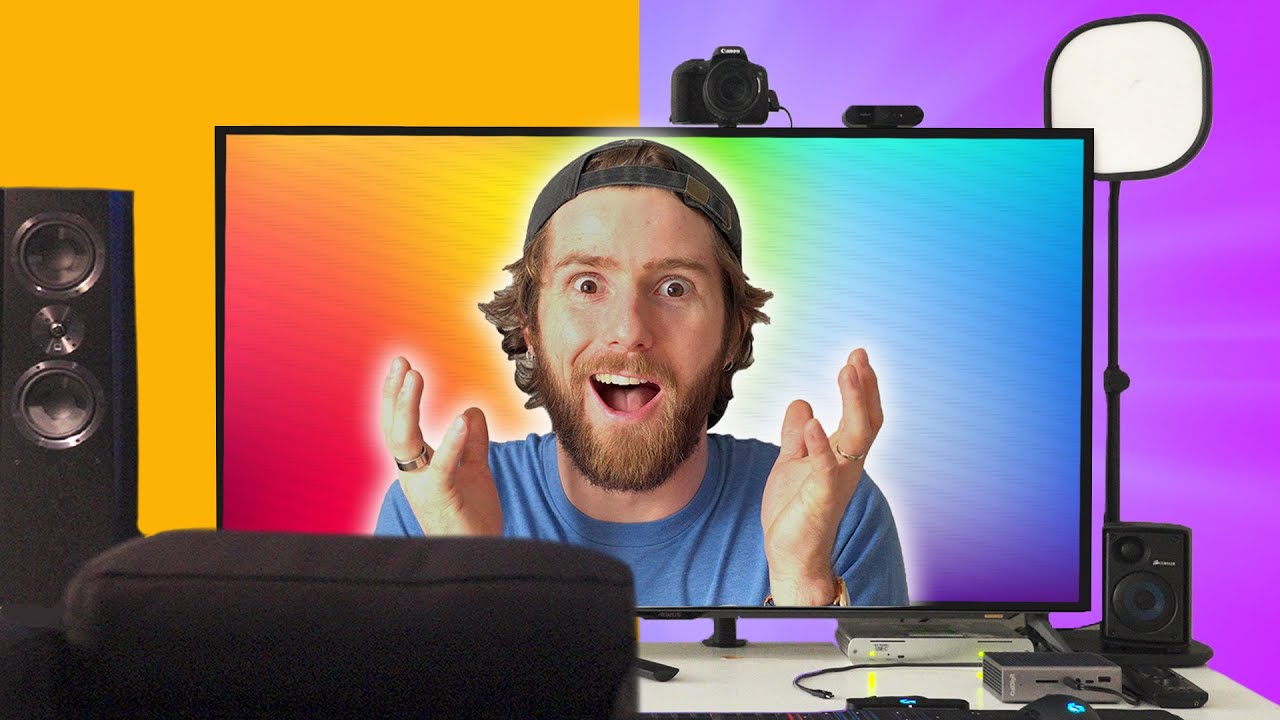
In this episode, Linus and team tackle a major home office relocation project, moving both Linus’ and Yvonne’s computers into a new house setup. The plan centers on creating a centralized rack in the basement and running fiber optic cables to the office to minimize clutter and maximize performance, a departure from traditional near-desktop layouts. The team discusses challenges such as reach, cable length, and the complexity of routing connections through floors and walls, while also testing new cable management ideas and tools. Early on, there is a focus on prep work, including setting expectations for space, securing monitors like the ViewSonic Elite XG3-21 UG, and coordinating with a guest helper, Luke Lafreniere, to move heavy equipment safely. Throughout the segment, there is a clear emphasis on functional first, meaning that the priority is making sure the fiber, displays, and racks actually work before refining aesthetics or final desk placement. The video then pivots to on-the-fly problem solving, labeling cables, routing through conduits, and validating signal integrity, culminating in a functional 4K display setup with 120Hz capability and plans for future refinements. Toward the end, Linus also weaves in a sponsor segment and hints at future updates, including a home theater build and ongoing cable management improvements that will shape the final layout of the workspace.
Topics · technology · howto · home-improvement · gaming · science-and-technology · diy
Questions answered
- What is the primary goal of Linus and Luke in this setup video?
- The primary goal is to move and wire Linus and Yvonne’s computers into a new basement-rack setup and test a fiber-optic link to the office to reduce clutter and improve performance.
- What challenge drives much of the early tension in the video?
- The main challenge is ensuring the long fiber optic connections reach the rack and work through in-floor and in-wall paths while safely maneuvering heavy equipment.
- Which component is highlighted as a key enabler for a clean setup?
- A new cable management system and magnets are highlighted as essential for organizing the wires and keeping the installation tidy.