What To Know About the New MacOS Ventura
0 up · 0 down · 0 ratings
Promos
Learn more about NexiGo's family of webcams here: viraln.link MacOS 13, or Ventura, is here and has some cool features for those of you in the Apple ecosystem. Leave a reply with your requests for future episodes. ► GET MERCH: lttstore.com ► AFFILIATES, SPONSORS & REFERRALS: lmg.gg ► PODCAST GEAR: lmg.gg ► SUPPORT US ON FLOATPLANE: floatplane.com FOLLOW US ELSEWHERE --------------------------------------------------- Twitter: twitter.com Facebook: @LinusTech Instagram: @linustech TikTok: @linustech Twitch: twitch.tv
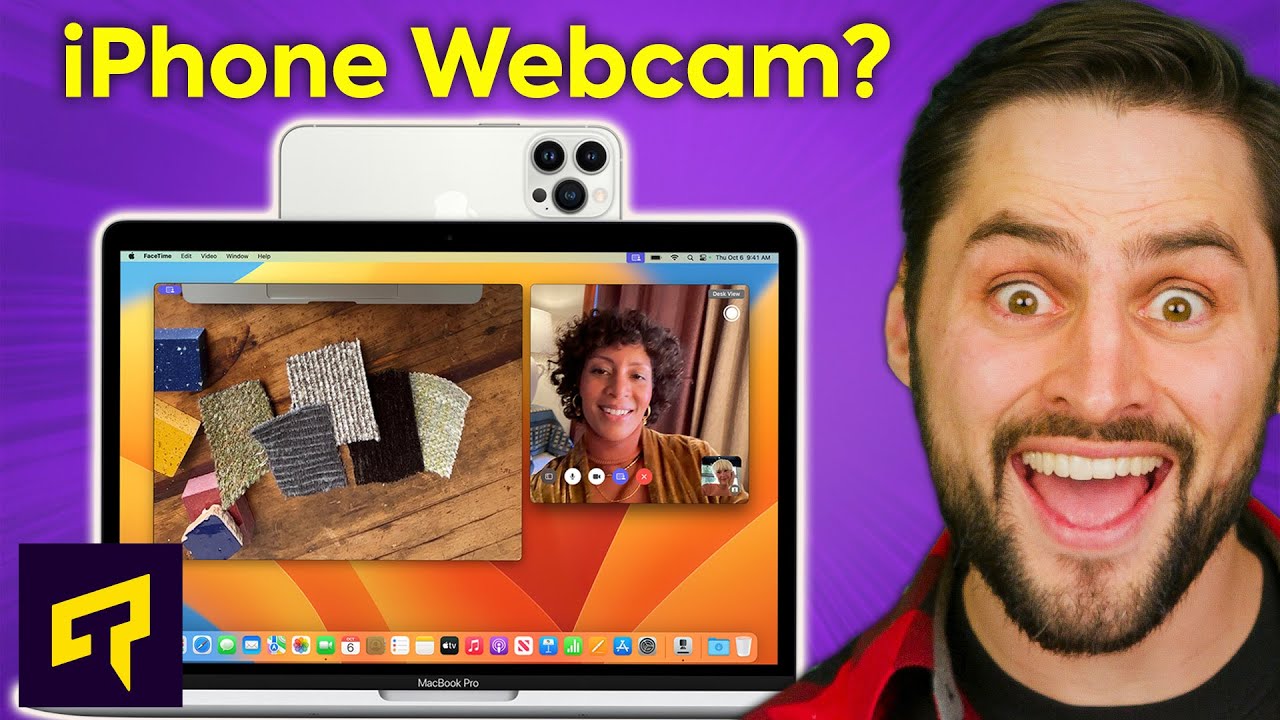
MacOS Ventura marks a major evolution for Apple software, and this video lays out what changes matter for most users. It begins by confirming compatibility, noting that Macs from 2017 onward can run Ventura, with some exceptions for specific models like the MacBook Air and newer Mac minis. The host then dives into hardware and feature boosts, starting with Continuity Camera which leverages an iPhone to provide higher quality video for video calls and adds Desk View to show a top down view of your desk when sharing content. The discussion covers how FaceTime Handoff can smoothly relocate calls between iPhone and Mac, a feature that can improve long sessions at a desk. Following that, the show compares new iCloud sharing options like the shared photo library to similar features in competing ecosystems, and highlights Stage Manager, a window management feature that persists previews along a left-hand column to simplify multitasking. Spotlight enhancements are also explained, including Quick Look integration which lets you peek at results using the spacebar for quick access to files or web content. Throughout, the presenters weigh the practical impact of these changes on everyday workflows, including rearranged System Settings, AirPods integration, and new gaming capabilities with Metal 3 that could attract more developers to macOS. The overall takeaway is that Ventura brings a blend of productivity tools, improved media features, and gaming potential, even as some interface changes provoke frustration for users accustomed to the old System Preferences layout and navigation. As the video closes, the hosts invite viewer feedback for future topics, highlighting the ongoing interest in how Ventura reshapes the Mac user experience and ecosystem investments.
Topics · technology · operating_systems · consumer_electronics · gaming
Questions answered
- What Macs are compatible with Ventura according to the video?
- Macs from 2017 onward are compatible, with specific notes about the MacBook Air and 2018-era Macs.
- What new camera feature does Ventura introduce and how does it work?
- Continuity Camera lets you use your iPhone as a webcam and adds Desk View to show a top down view of your desk during video calls.