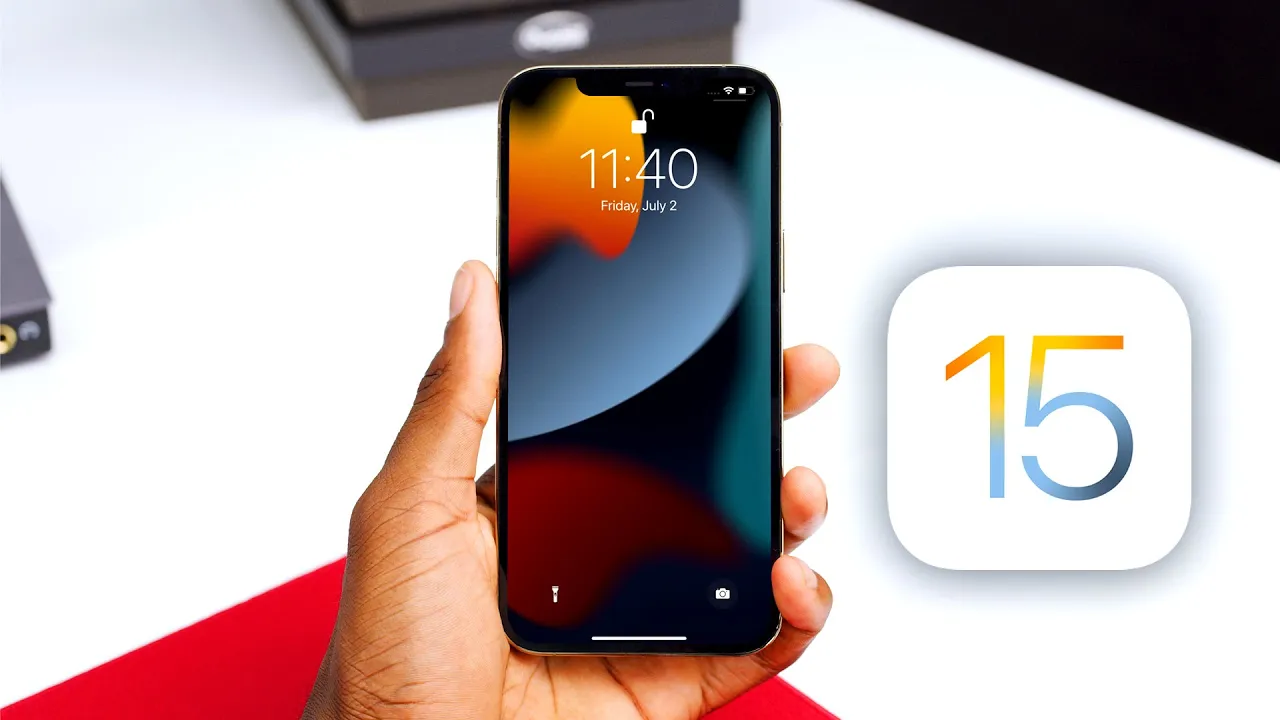
iOS 15 Hands-On: Top 5 New Features!
0 up · 0 down · 0 ratings
Promos
The best iOS 15 Features, coming to an iPhone near you! The first 1,000 people to use this link will get a 1 month free trial of Skillshare: skl.sh iOS 15 wallpapers: 9to5mac.com 0:00 Intro 1:02 Redesigned apps 2:56 Facetime features 5:31 Live Text 7:07 Notifications 8:13 Focus Modes 10:15 Other Stuff + Conclusions MKBHD Merch: shop.mkbhd.com Tech I'm using right now: amazon.com Intro Track: youtube.com Playlist of MKBHD Intro music: goo.gl ~ twitter.com @MKBHD @MKBHD
The video provides a hands-on look at iOS 15, organized from what the creator considers the least exciting to the most impactful features. In the opening segment, the host highlights redesigned stock apps, noting the refreshed weather app with full-screen animations that illustrate sunny, rainy, or snowy conditions, and a clock app that lets you type the alarm time rather than using sliders. He also mentions a sleeker Safari redesign with a bottom address bar that becomes full screen as you browse and recedes when you start typing, emphasizing improved accessibility and a more fluid experience. Apple Maps is showcased for its enhanced details, including more 3D models and landmarks in major cities, with a caveat that availability varies by location and city size. The section concludes with a quick nod to wallpapers and a teaser that there is more to come, setting the stage for deeper exploration of iOS 15’s big changes. Moving into the mid portion of the video, the host dives into Facetime improvements and then pivots to the on-device capabilities that power Live Text. Facetime gains spatial audio, a new grid view, portrait mode for blur, and adjustable microphone modes to filter noise while preserving ambient sound. The host walks through SharePlay, which enables synced playback of media across participants, along with new API support so more apps can integrate this experience. He explains how facial recognition, syncing, and calendar-based sharing links could allow Facetime calls to be joined from other platforms, highlighting the cross-device and cross-platform potential. Live Text is demonstrated as a powerful on-device feature that can recognize and extract text from photos and videos, offering copy, translate, and lookups, with Siri integration for search enhancements. The overall takeaway is that iOS 15 emphasizes collaboration and practicality through these features while keeping data processing on-device for privacy. In the final stretch, the host rounds out the top five with a focus on notifications and the standout Focus Modes. He notes a refreshed notification design with larger icons and a new notification Summary that groups low-priority alerts, though he admits there is still room for improvement in Android-like notification management. Focus Modes are praised as a centerpiece, allowing users to tailor Do Not Disturb, Sleep, Personal, and Work modes, each with its own rules for apps, people, and even home screens, and with automation based on location or time of day so transitions feel seamless. The wrap-up emphasizes that iOS 15 contains many more refinements beyond the top five, including Spotlight and offline speech-to-text improvements, but the featured content demonstrates a unified approach to privacy, focus, and collaboration across iPhone and other Apple devices. The host closes by inviting viewers to share whether they agree with the ordering and teases related content, including a separate iPadOS 15 video later on, along with a plug for Skillshare resources.
Topics · technology · mobile_os · apple_ecosystem · ios_features · user_experience
Questions answered
- What are the most impactful iOS 15 features described in the video?
- The video highlights redesigned stock apps, Facetime improvements with spatial audio and grid view, Live Text on-device capabilities, and the new Focus Modes with cross-device synchronization as the most impactful features.
- How does Live Text work according to the video?
- Live Text can recognize text in photos and images on-device, allowing you to copy, paste, translate, and look up information, with some Siri integration for suggestions.
- What is SharePlay and how is it described in the video?
- SharePlay lets you watch or listen to media in sync with others during a Facetime call, with playback controls that stay synchronized for all participants and new API support for broader app integration.