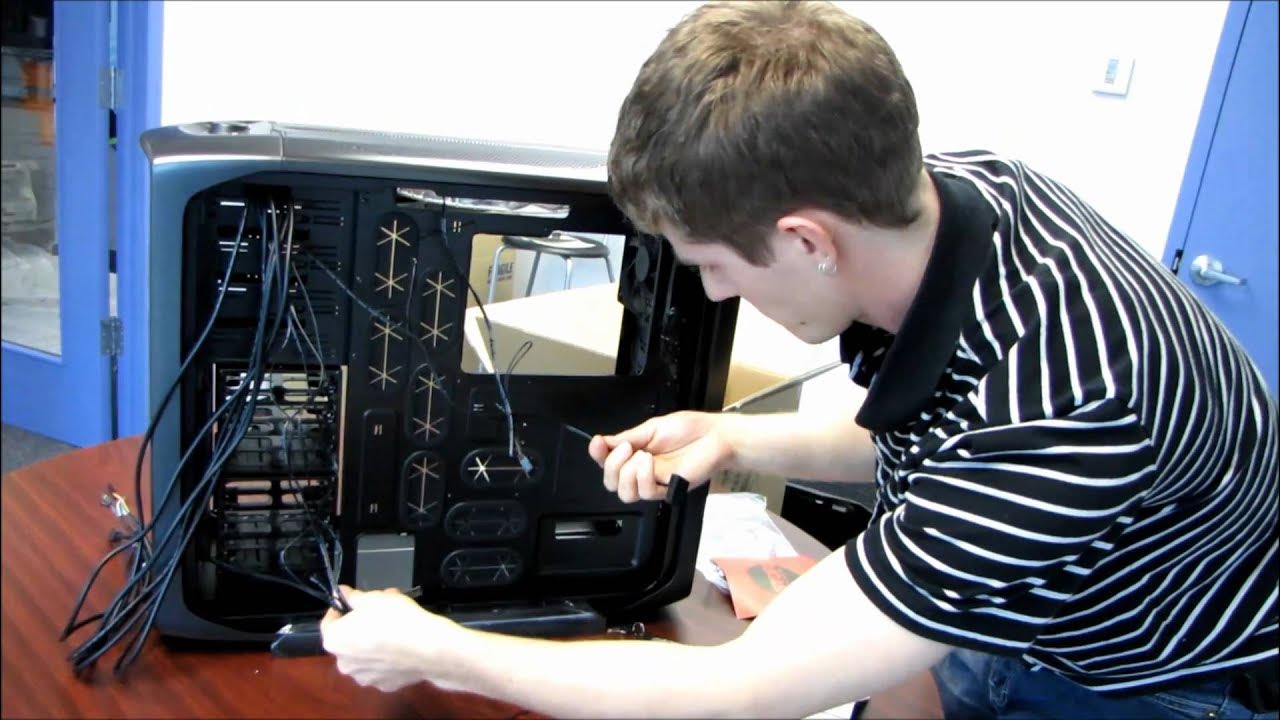
Corsair Graphite Series 600T Gaming Computer Case Unboxing & First Look Linus Tech Tips
0 up · 0 down · 0 ratings
Description
ncix.com By popular demand...
The video opens with Linus describing the Corsair Graphite Series 600T, noting its design language and the packaging. He proceeds with an unboxing sequence, carefully removing the box and presenting the case in its full glory, while highlighting the outside features such as the dust filtered mesh front, top USB and audio ports, and a robust external fan controller. Linus emphasizes Corsair's focus on cooling, mentioning the two 200 mm fans on top and front, the integrated cable routing system, and the tool-free drive bays that promise easy maintenance and clean cable management. After removing the side panels, he examines the interior with a detail-oriented tour of the backplate cutout, rubber grommets, and the eight PCI expansion slots, all designed to support large power supplies and even XL ATX motherboards. He also showcases the included accessories, such as screws, zip ties, and a locking mechanism for the side panel, and explains how the cable routing channels on the back of the motherboard tray help keep cables tidy and out of sight. The presentation culminates with a practical assessment of the overall build quality, the removable dust filters, and the panel that can be taken off for cleaning, concluding with a reminder to subscribe for more Linus Tech Tips content and a note on off-camera discoveries that enhance the user experience of this case.
Topics · technology · hardware · unboxing · pc-case · computer-science