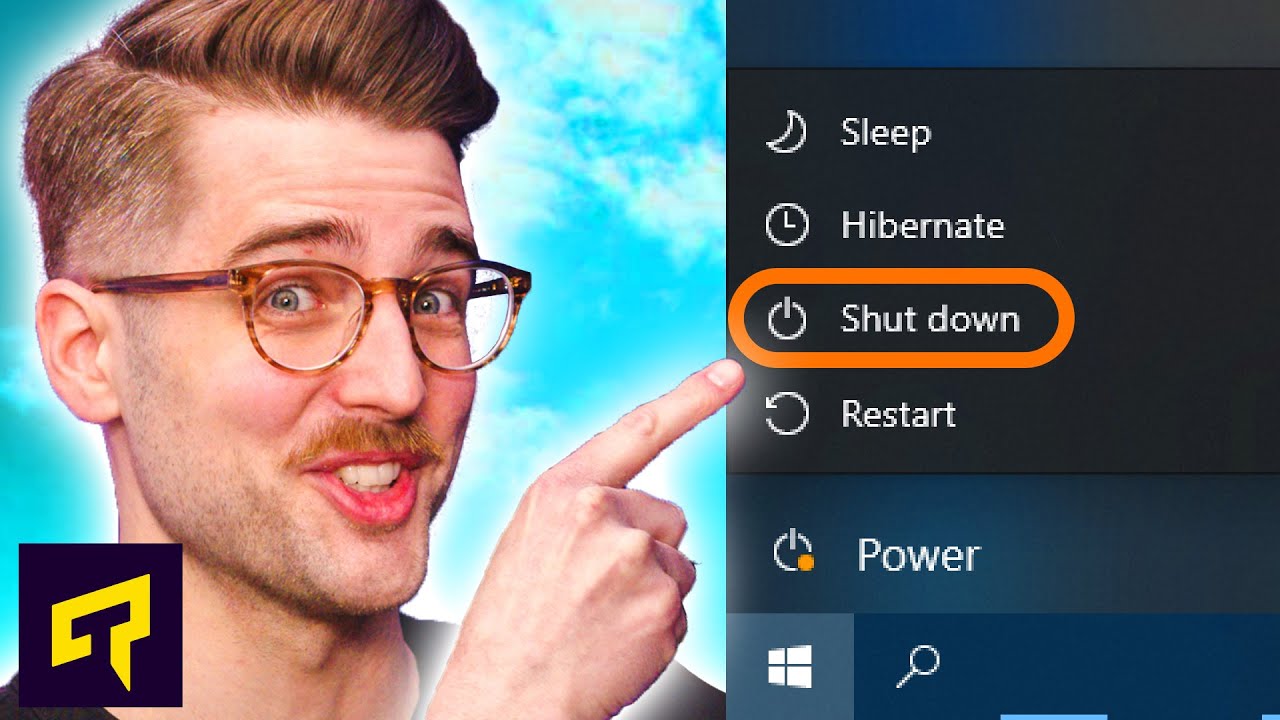
"Shut Down" Doesn't Actually Shut Down Your PC
0 up · 0 down · 0 ratings
Promos
Sign up for iFixit’s monthly Pro Tech giveaway! ifix.gd Checkout iFixit Tools: ifixit.com Have you ever wondered how your PC boots up really fast from a shutdown and even remembers which websites and programs you had open? Well, when you might be surprised why and how your PC does it in today's video! Leave a reply with your requests for future episodes, or tweet them here: twitter.com ►GET MERCH: lttstore.com ►SUPPORT US ON FLOATPLANE: floatplane.com ►LTX EXPO: ltxexpo.com AFFILIATES & REFERRALS --------------------------------------------------- ►Affiliates, Sponsors & Referrals: lmg.gg ►Private Internet Access VPN: lmg.gg ►MK Keyboards: lmg.gg ►Nerd or Die Stream Overlays: lmg.gg ►Official Game Store: nexus.gg ►Amazon Prime: lmg.gg ►Audible Free Trial: lmg.gg ►Our Gear on Amazon: geni.us FOLLOW US ELSEWHERE --------------------------------------------------- Twitter: twitter.com Facebook: @LinusTech Instagram: @linustech Twitch: twitch.tv FOLLOW OUR OTHER CHANNELS --------------------------------------------------- Linus Tech Tips: lmg.gg Mac Address: lmg.gg TechLinked: lmg.gg ShortCircuit: lmg.gg LMG Clips: lmg.gg Channel Super Fun: lmg.gg Carpool Critics: lmg.gg
In this Techquickie video, the host explains a common misconception about what happens when you click shut down in Windows. The discussion revisits older power-saving concepts like hibernate and hybrid sleep, then introduces Windows 10 Fast Startup, a feature that changes the traditional shutdown process. Fast Startup saves the kernel state to disk after you log off, which speeds up future boots but does not save all program data or open files. The host highlights the trade-offs: faster startup comes with potential issues if drivers or devices misbehave, since parts of the system may resume in a partially cached state. The video then offers practical fixes, such as fully disabling Fast Startup via Control Panel or performing a full shutdown by holding Shift while selecting Shut Down. Viewers are nudged to consider whether the speed gains are worth the potential quirks, especially on systems with hard drives versus SSDs. The embedded sponsor message shifts to practical repair tools, followed by a closing call to action encouraging feedback and subscriptions. By the end, the video presents a clear conclusion: true shutdown behavior and restart semantics differ due to Fast Startup, and users can opt for a full shutdown if they want to clear the current state entirely.
Topics · technology · computing · operating systems
Questions answered
- What is Fast Startup and how does it affect shutdown and boot times?
- Fast Startup saves the Windows kernel state to disk after you log off, which speeds up subsequent boots but does not save open program data, meaning a full shutdown may not clear all current states.
- How can I ensure my PC fully shuts down and clears current state every time?
- Disable Fast Startup in Control Panel under power settings, or perform a full shutdown by holding the Shift key while clicking Shut Down from the Start menu.