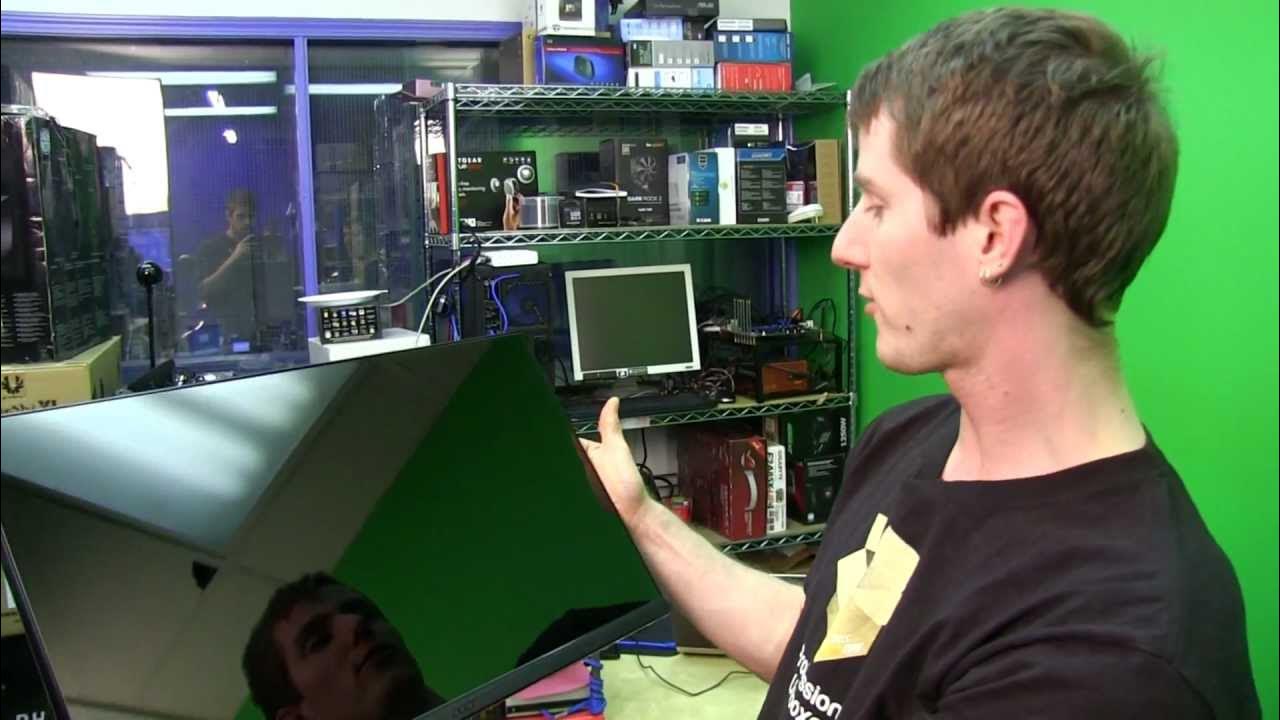
Acer H236HL bid Slim Bezel LCD Monitor Unboxing & First Look Linus Tech Tips
0 up · 0 down · 0 ratings
Description
Slim bezel monitors. We need more of them. There is no excuse for manufacturers being capable of building a phone display with a non-existent bezel and not being able to do it on a PC monitor! The H236HL bid is a step in the right direction. Sponsor link: coolermaster-usa.com Read more & join our community forum: bit.ly Buy it now at NCIX: ncix.com
This unboxing and first look at the Acer H236HL bid monitors a slim, nearly bezel-free 23 inch IPS display designed for surround gaming. The presenter highlights the 0.08 inch bezel as a standout feature that reduces the visual gap between multiple screens, and explains why IPS panels and 5 millisecond response times can still deliver solid performance for gaming compared to traditional TN panels. He notes the compact build quality, including a magnetic base for easy accessory storage and a brushed plastic finish that mimics aluminum without the upkeep, plus a simple three-piece assembly. The back of the monitor houses all connectors,HDMI, DVI, VGA, audio out, and DC input,because there isn't a lot of bezel to hide bulky ports, and Acer includes the necessary cables in the box. Visual considerations like the glossy screen and its reflectivity are discussed, with the assessment that glazing helps reduce glare when the panel is installed beneath a glass layer, and overall the device is positioned as a stylish, space-efficient option for single or multi-monitor setups. The video frames the H236HL bid as a meaningful step toward sleeker, more immersive PC displays, especially for those building surround configurations, while acknowledging trade-offs versus higher-end gaming panels.
Topics · technology · hardware · unboxing
Questions answered
- What screen size and panel type are highlighted for balanced readability and gaming in the Acer H236HL bid?
- The video emphasizes a 23 inch class size, around 23.6 inches, with an IPS panel for better viewing angles and color accuracy, suitable for gaming and multi-monitor setups.
- What design feature helps with port management on this slim monitor?
- Because the bezel is slim, ports are mounted on the back rather than along the edge, and the connector array includes HDMI, DVI, VGA, audio out, and DC input with the necessary cables included in the box.