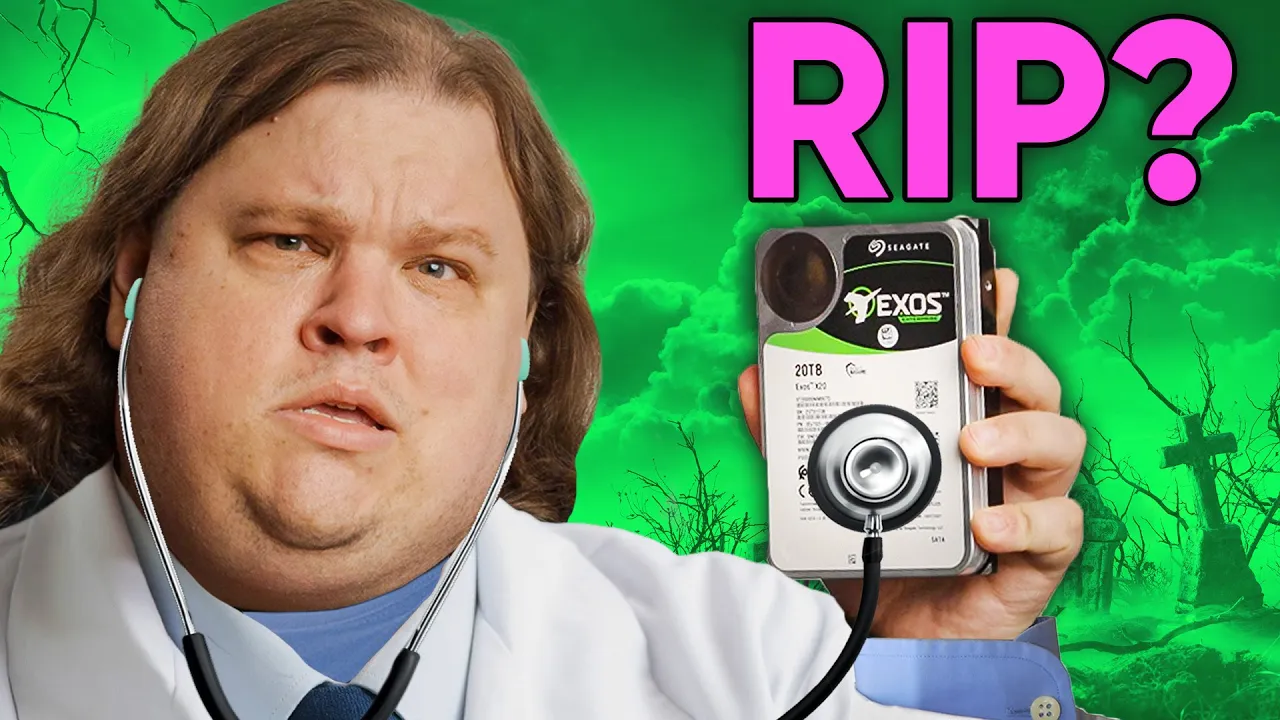
Your Hard Drive Could be DYING. Here's How to Check!
0 up · 0 down · 0 ratings
Promos
Join us in War Thunder for FREE at playwt.link Get an exclusive bonus using our link - thanks for supporting the channel! Your storage device WILL eventually fail. But what if you knew the signs to look for ahead of time so you could react appropriately and save your data? Beat It on FLOPPOTRON by Paweł Zadrożniak: youtube.com Sounds of a Failed Hard Drive by MausolfB: youtube.com Discuss on the forum: linustechtips.com Buy a Seagate Exos 20TB HDD: geni.us Buy a Western Digital 4TB Red HDD: geni.us Buy a Toshiba X300 6TB HDD: geni.us Purchases made through some store links may provide some compensation to Linus Media Group. ► GET MERCH: lttstore.com ► SUPPORT US ON FLOATPLANE: floatplane.com ► AFFILIATES, SPONSORS & REFERRALS: lmg.gg ► PODCAST GEAR: lmg.gg FOLLOW US --------------------------------------------------- Twitter: twitter.com Facebook: @LinusTech Instagram: @linustech TikTok: @linustech Twitch: twitch.tv MUSIC CREDIT --------------------------------------------------- Intro: Laszlo - Supernova Video Link: youtube.com iTunes Download Link: itunes.apple.com Artist Link: soundcloud.com Outro: Approaching Nirvana - Sugar High Video Link: youtube.com Listen on Spotify: spoti.fi Artist Link: youtube.com Intro animation by MBarek Abdelwassaa @mbarek_abdel Monitor And Keyboard by vadimmihalkevich / CC BY 4.0 geni.us Mechanical RGB Keyboard by BigBrotherECE / CC BY 4.0 geni.us Mouse Gamer free Model By Oscar Creativo / CC BY 4.0 geni.us CHAPTERS --------------------------------------------------- 0:00 Intro 0:43 Sound 2:23 SMART 3:33 Software 5:45 Used HDDs 7:26 Backups 7:46 Too late 9:45 Outro
The video opens by underscoring the inevitability of hard drive failure and stresses the importance of recognizing warning signs before data is lost. It outlines three primary avenues to assess drive health: listening for unusual sounds, checking SMART data, and reviewing Windows Event Viewer for read or write errors and reallocated sectors. The host then walks through practical steps to perform quick offline checks, including using BIOS self-tests to gauge noise levels and determine if a drive is behaving abnormally. He explains that certain noises like high-pitched whining, clicking, or grinding when idle are red flags, and emphasizes that audio cues alone are not enough to diagnose a failing drive. The discussion moves to software-based methods, highlighting CrystalDiskInfo, HD Tune, Hard Disk Sentinel, and Victoria as tools to read SMART attributes more deeply, sometimes requiring paid versions for advanced diagnostics. Throughout, the presenter stresses maintaining backups and setting up automatic backups while staying vigilant with regular drive monitoring. The segment concludes by contrasting traditional hard drives with SSDs, noting that indicators of failure differ and that careful monitoring can avert data loss, followed by a nod to additional resources and a reminder to practice safe data management.
Topics · technology · data storage · computer hardware · education
Questions answered
- What are the first signs a hard drive might be failing, and how can you verify them safely?
- First signs include unusual noises such as high pitched sounds, clicking, or grinding when the drive is idle. To verify safely, listen for the noise with minimal fan or case interference, then check SMART data and Windows Event Viewer for read/write errors and reallocated sectors. Use offline BIOS self-tests and simple commands if you have no internet access, and follow up with software tools like CrystalDiskInfo or HD Tune for a deeper SMART readout.
- What backup strategies are recommended to protect data in case of drive failure?
- The recommended strategy is a 3-2-1 backup plan: three copies of data on two different media types, with one copy offsite. Automate backups to reduce reliance on memory, and set up monitoring to remind you to check drive health regularly. If a failure occurs, cloud storage can help preserve certain kinds of data like game saves and settings, though passwords may still pose a risk if stored on the same drive.