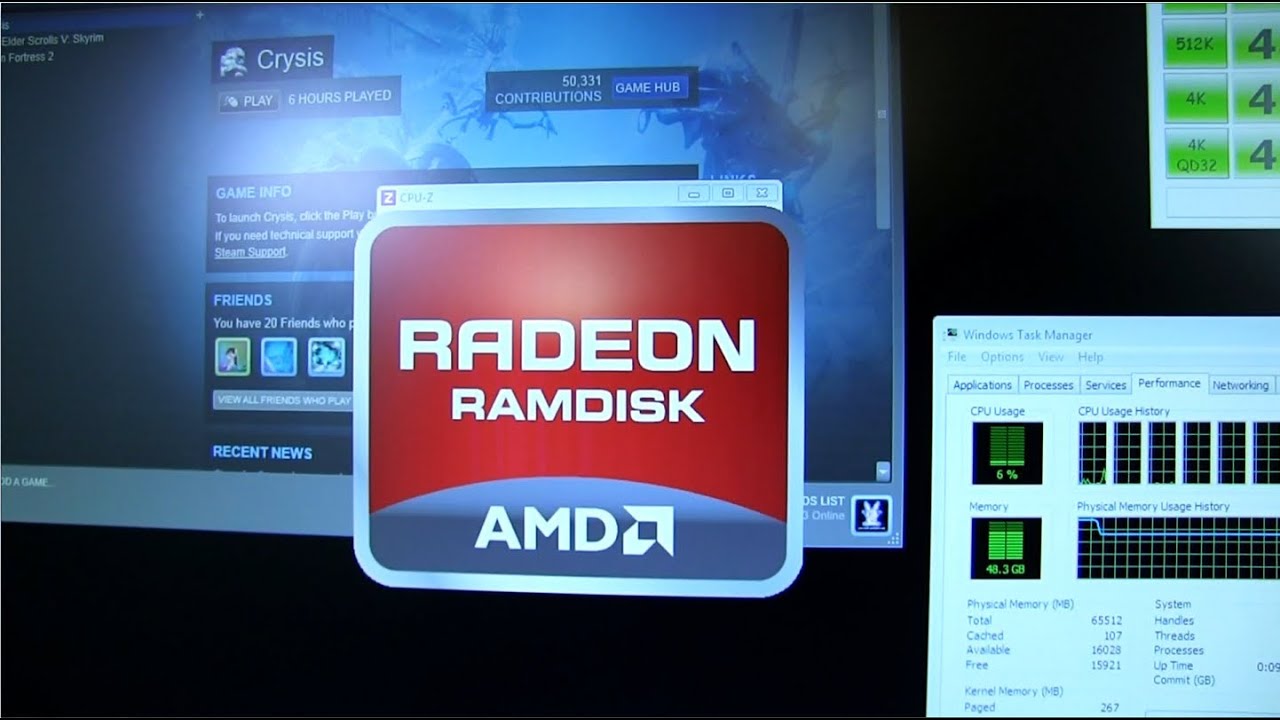
AMD Radeon RAM Disk Featuring 64GB G.Skill RipjawsZ Linus Tech Tips
0 up · 0 down · 0 ratings
Description
Featuring 64GB of G.Skill RipjawsZ AMD's Radeon RAM Disk software allows you to set aside system memory to use as a hard drive. CA: ncix.com US: us.ncix.com
Linus Tech Tips explores the practical use of a RAM disk by configuring a high capacity 64 GB setup using eight sticks of G.Skill Ripjaws Z memory on a P9 X79 Deluxe motherboard. The host walks through the hardware specs, including timing, voltage, and platform targeting, and clarifies that this amount of RAM is not for gaming but for heavy workloads like 3D rendering, video editing, and storage caching experiments. He demonstrates the AMD Radeon RAM Disk software, explaining how to allocate memory as a virtual drive, create a RAM disk image on boot, and save changes back to the boot SSD image on shutdown. The segment emphasizes that RAM disks are fast and showcase tangible improvements in loading times for certain applications, while also noting practical constraints such as boot/shutdown delays and potential data loss if the RAM disk is not properly managed. Overall, the video frames the RAM disk as an educational, experimentation-first approach to maximizing workstation responsiveness and testing RAM-based caching strategies rather than a mainstream performance upgrade for typical users.
Topics · hardware · technology · performance · pc-build · video-editing
Questions answered
- Can a RAM disk truly improve gaming FPS or general gameplay performance?
- According to viewer questions and the demonstration, a RAM disk does not meaningfully increase FPS in games; it offers faster data access for loaded assets and smoother loading, but it is not a magic FPS boost.
- How is the RAM disk saved across reboots, and can it auto-save?
- The RAM disk image can be saved to the boot SSD image, and the setup can auto-save at chosen moments, though boot and shutdown times may increase while the RAM disk is written.
- What are practical limits and risks of using a RAM disk for everyday systems?
- Practical limits include the finite size of RAM, potential data loss if the RAM disk is not saved properly, and longer boot/shutdown times. A cache-based approach with RAM for caching rather than a dedicated RAM disk for all activities is often recommended.