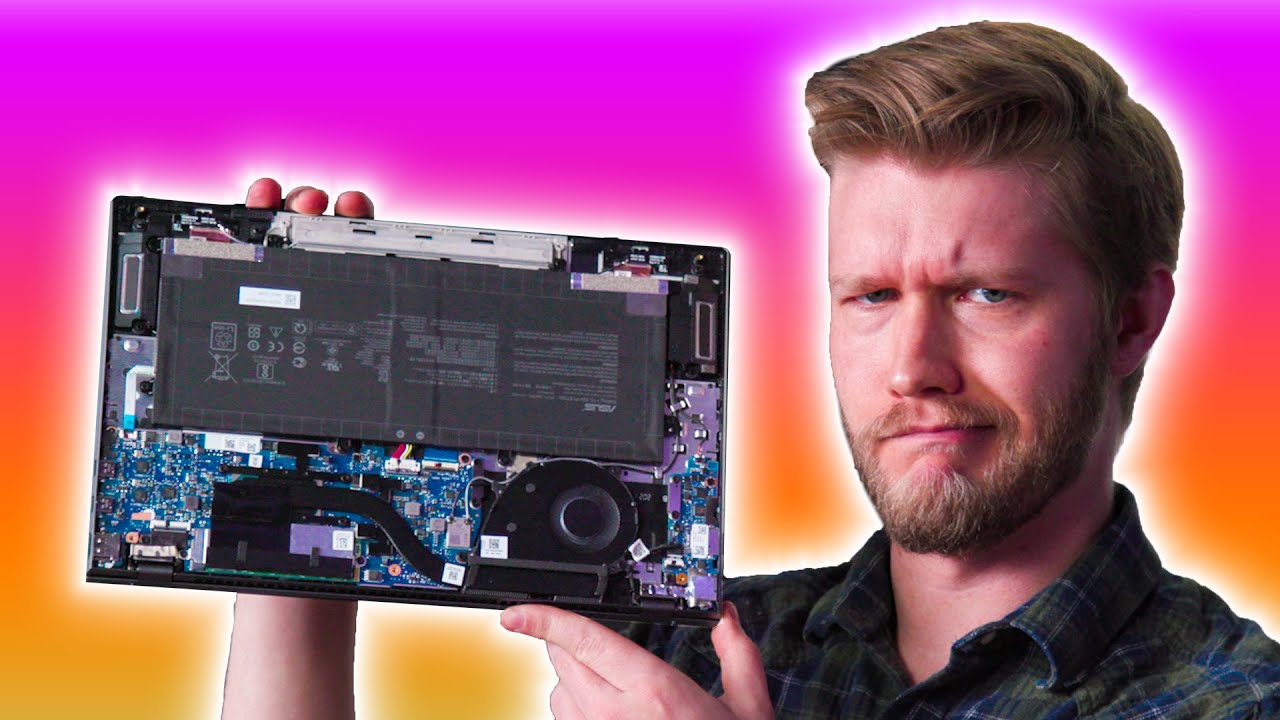
Don't buy this laptop.... YET! - ASUS Zenbook UX425EA
0 up · 0 down · 0 ratings
Promos
Grab a ModMic Wireless for your favorite headset at lmg.gg Why is everyone buying and using the ASUS Zenbook? It's not the most powerful, yet not exactly the cheapest... until it goes on sale. Alex decides to take a look! Buy ASUS Zenbook UX425EA On Newegg (PAID LINK): geni.us On B&HPhoto (PAID LINK): geni.us On BestBuy (PAID LINK): geni.us Purchases made through some store links may provide some compensation to Linus Media Group. ►GET MERCH: lttstore.com ►SUPPORT US ON FLOATPLANE: floatplane.com ►LTX EXPO: ltxexpo.com AFFILIATES & REFERRALS --------------------------------------------------- ►Affiliates, Sponsors & Referrals: lmg.gg ►Private Internet Access VPN: lmg.gg ►MK Keyboards: lmg.gg ►Nerd or Die Stream Overlays: lmg.gg ►NEEDforSEAT Gaming Chairs: lmg.gg ►Displate Metal Prints: lmg.gg ►Epic Games Store (LINUSMEDIAGROUP): lmg.gg ►Amazon Prime: lmg.gg ►Audible Free Trial: lmg.gg ►Our Gear on Amazon: geni.us FOLLOW US ELSEWHERE --------------------------------------------------- Twitter: twitter.com Instagram: @shortcircuityt Facebook: @ShortCircuitYT FOLLOW OUR OTHER CHANNELS --------------------------------------------------- Linus Tech Tips: lmg.gg TechLinked: lmg.gg Techquickie: lmg.gg LMG Clips: lmg.gg Channel Super Fun: lmg.gg Carpool Critics: lmg.gg
The video opens with the host commenting on how real-world experiences of laptops often diverge from glossy review summaries, noting that ZenBooks frequently appear widely in the wild and are commonly purchased on sale. The unboxing showcases a premium-feeling metal chassis, but the host immediately flags a surprising design choice: no 3.5mm headphone jack, which triggers a broader discussion about port selection and user expectations for thin and light machines. The unboxing also reveals practical inclusions like a full-size HDMI port, two USB-C ports (both Thunderbolt capable), a USB-A port, and a microSD reader, while lamenting the lack of charging on both sides via USB-C. As the video transitions into the hands-on portion, the host tests the keyboard, trackpad, and the unique number pad on the trackpad, praising the keystroke travel as the longest among modern thin laptops and noting the impressive backlighting and RGB touches typical of ASUS ROG lines. The display options are thoroughly analyzed, with emphasis on a 400 nit 1080p panel as the best balance of brightness and power efficiency, while acknowledging that a touchscreen option is not available on this model. Battery life becomes a central selling point, with the host citing ASUS claims of up to 21 hours and expressing healthy skepticism while conceding that real-world use should still offer excellent longevity, potentially around 15 hours or more. The host touches on upgradeability, highlighting soldered RAM as a drawback but acknowledging the potential flexibility of other components, and concludes with practical buying advice: consider waiting for sales to maximize value, and set realistic expectations regarding ports, screen options, and touchscreen absence. The video ends with enthusiasm for future ZenBook models that may deliver a 3:2 display and improved daily-driver appeal, inviting viewers to subscribe for updates while reaffirming that the UX425EA remains a strong, light, and battery-heavy option when priced attractively on sale.
Topics · technology · laptop-reviews · consumer-electronics · unboxing · design-and-build · battery-life · display-and-screen · ports-and-connectivity
Questions answered
- Does the ASUS ZenBook UX425EA include a 3.5 mm headphone jack?
- No, the UX425EA configuration reviewed lacks a 3.5 mm headphone jack.
- What are the display options and which is most power efficient?
- The display options are 300 nit 1080p, 400 nit 1080p, and a 4K panel. The 400 nit 1080p option is the most power efficient.
- Is the RAM upgradeable on this model?
- No, the RAM on this model is not upgradeable; it is soldered to the motherboard.