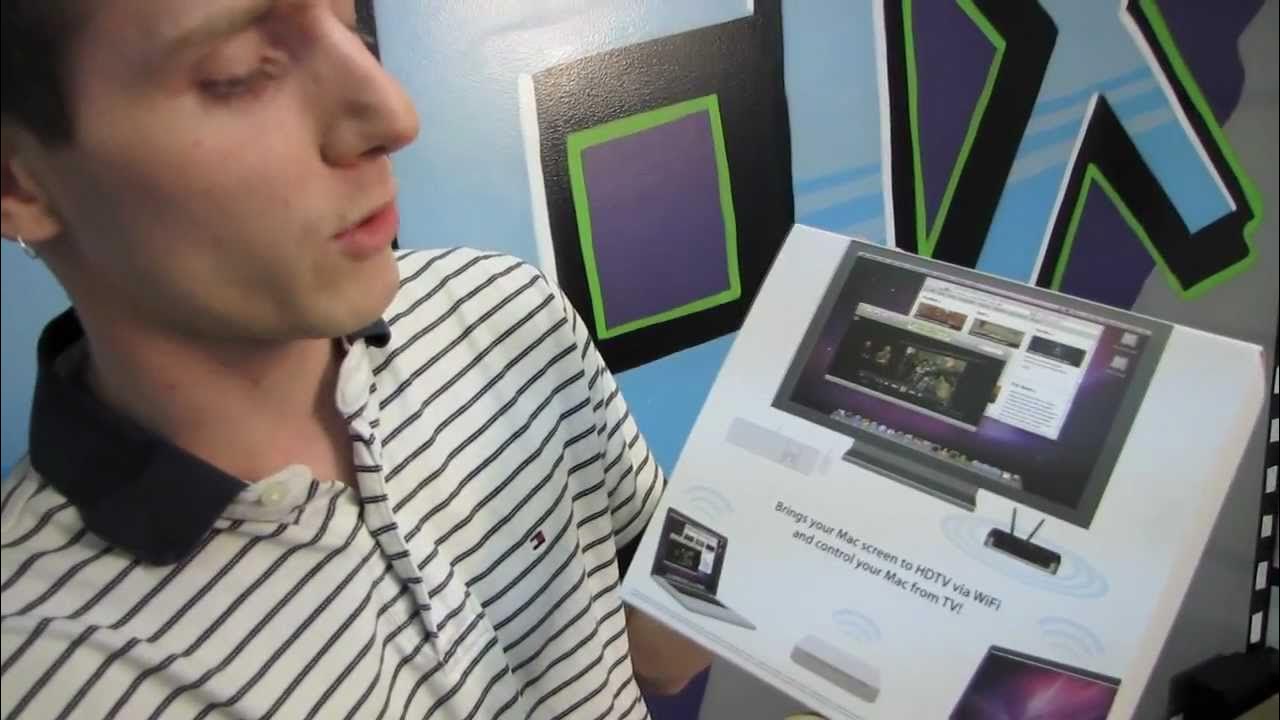
McTiVia Wireless HDMI & USB Device for Apple Unboxing & First Look Linus Tech Tips
0 up · 0 down · 0 ratings
Description
ncix.com This thing actually looks incredible and works on PC as well!! You can use a wired or wireless connection.
The video opens with Linus highlighting an unusual product for his channel, the McTiVia, a wireless HDMI and USB device intended to mirror a Mac computer's display to a TV. He notes that the device won a Best of Show award at Macworld 2011 and emphasizes its ability to bring a Mac screen to a television via Wi-Fi, with the added feature of remote Mac control from the TV using a USB keyboard and mouse. The unboxing reveals a compact unit with antennas and a sturdy aluminum build, accompanied by a diverse set of adapters to cover 120V and 240V regions. The host carefully walks through the installation guide, driver updates, and firmware context, and then dives into setup options, explaining Ethernet, powerline adapters, and wireless configurations, along with the impact of each on performance and interference. He demonstrates the included accessories and outlines how the device can function as a wireless access point or a Windows 7 PC sender, broadening its utility beyond Apple setups. As the discussion progresses, Linus weighs the four setup possibilities against expected performance, stressing that wired connections will yield the best results while wireless variants offer flexibility. He then inspects the back of the unit, identifying ports for Ethernet, USB, HDMI, and power, and comments on the physical design, noting the solid construction and rubber feet. The video concludes with Linus expressing excitement to test the McTiVia in real-world use, planning a follow-up demo using a Mac borrowed from a cameraman and testing on the Tech Tips TV setup that features HDMI, signaling a forthcoming hands-on performance review.
Topics · unboxing · hardware · peripherals · networking · mac · pc · electronics · tech_review
Questions answered
- What are the main connection options for McTiVia and how do they affect performance?
- The McTiVia offers Ethernet, powerline, and wireless connection options. Ethernet provides the best performance, powerline offers high performance with good power conditions, wireless provides varying performance depending on signal quality and interference, and a mixed setup can combine access point connectivity with client mode for flexibility.
- Can McTiVia control a Mac remotely and what peripherals are supported?
- Yes, McTiVia can remotely operate a Mac from the TV using a USB keyboard and mouse, and it supports USB peripherals for input and control.