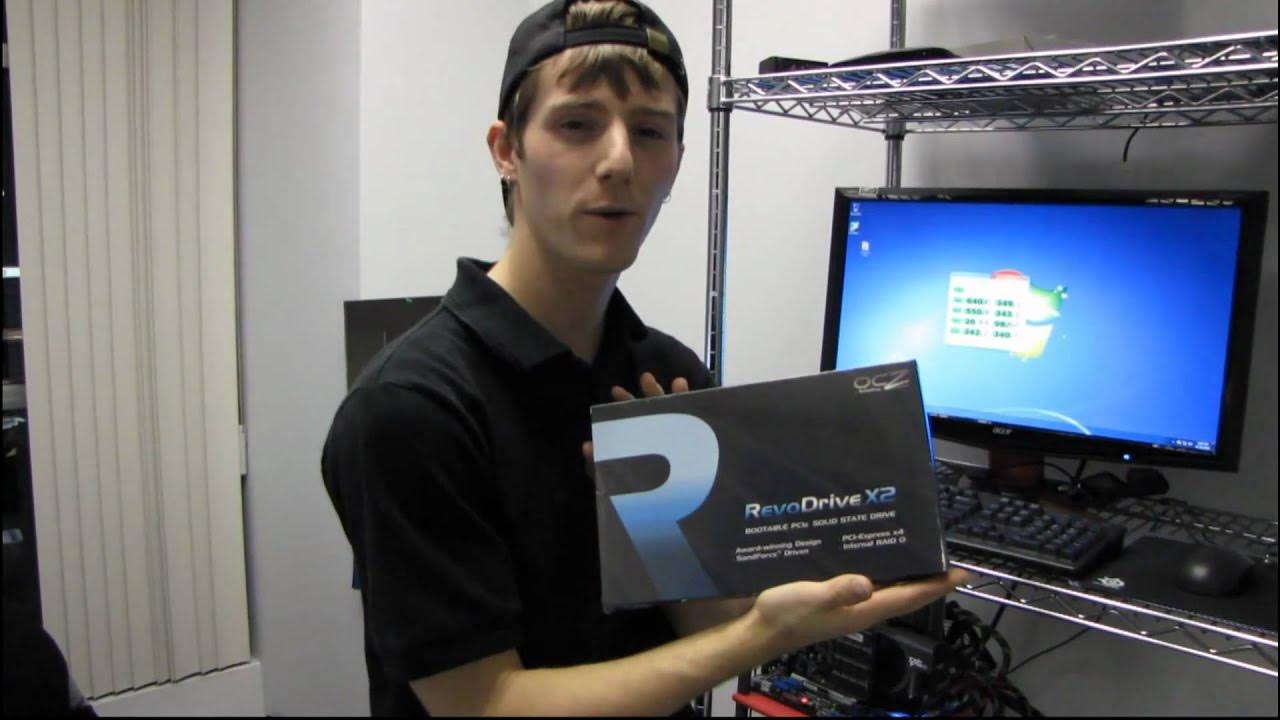
OCZ Revodrive X2 240GB PCIe SSD Drive Quick Test & Boot Up Linus Tech Tips
0 up · 0 down · 0 ratings
Description
ncix.com Just doing some quick tests on the Revodrive X2. It's very impressive.
The video provides a concise hands-on look at the OCZ Revodrive X2 240GB PCIe SSD, focusing on both its hardware configuration and real-world responsiveness. The presenter demonstrates a four-drive RAID 0 setup connected through a PCIe bridge, highlighting how the combined setup achieves exceptionally high sequential read speeds, with CrystalDiskMark results suggesting performance in the hundreds of MB per second range. He also emphasizes the practical impact of such speeds on everyday tasks, noting that Windows updates install rapidly and that launching applications like Word, PowerPoint, and Excel happens with almost no delay after boot. The quick boot sequence is showcased by powering on the system and observing near-instant access to the desktop, which contrasts sharply with traditional hard drives. The discussion then shifts to the system's boot and application load performance, including a demonstration of adding several startup items and observing immediate availability of programs like Internet Explorer, Windows Media Center, and Office apps without typical lag. In summary, the presenter asserts that the Revodrive X2 delivers
Topics · }, · notableMoments · {
Questions answered
- What is the OCZ Revodrive X2 240GB PCIe SSD configuration used in the video?
- The setup shown uses four SSDs in RAID 0 connected via a PCIe bridge and RAID controller to maximize bandwidth.
- Why does the Revodrive not support TRIM, and what implication does that have?
- TRIM is not supported in RAID for this device, so idle garbage collection is relied upon to maintain performance over time.