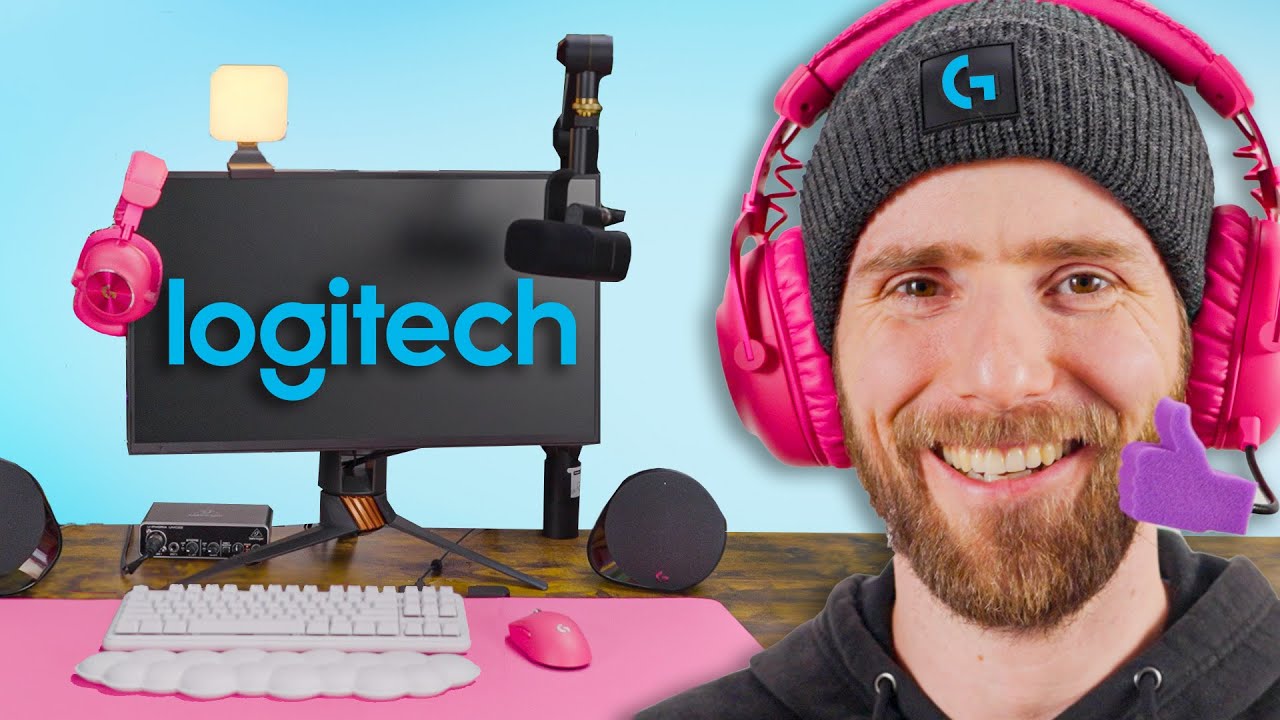
The ALL LOGITECH Gaming Setup
0 up · 0 down · 0 ratings
Promos
Try Rocket Money for free: rocketmoney.com Logitech makes a lot of computer peripherals. From keyboards for your mom, to keyboards for your gamer bros, if there is a category of product that lives on your desk, Logitech probably has their hat in the ring. And after creating some iconic pieces of kit, like the Logitech G Pro Superlight, or the MX Master line-up of products, it's no wonder they're a top brand in a space crowded with competitors like Corsair, Razer, Cooler Master, and many more. But is it all good? We build a full gaming setup using only Logitech products to find out. Discuss on the forum: linustechtips.com Buy a Logitech G G715 Wireless Mechanical Keyboard: lmg.gg (Canada: lmg.gg ) Buy a Logitech G POWERPLAY Wireless Charging System: lmg.gg Buy a Logitech G Pro Superlight 2 Wireless Gaming Mouse: lmg.gg (Canada: lmg.gg ) Buy a Logitech G Pro X 2 Lightspeed Wireless Gaming Headset: lmg.gg (Canada: lmg.gg ) Buy a Logitech G G560 LIGHTSYNC RGB Gaming Speakers: lmg.gg (Canada: lmg.gg ) Buy a Logitech G Cloud Handheld Gaming Console: lmg.gg (Canada: lmg.gg ) Buy a Logitech Yeti GX RGB Microphone: lmg.gg (Canada: lmg.gg ) Buy a Logitech Yeti Orb RGB Microphone: lmg.gg (Canada: lmg.gg ) Buy a Logitech Blue Sona XLR Broadcast Microphone: lmg.gg Buy a Logitech Compass Boom Arm: geni.us Buy Logitech Mevo Start Wireless Cameras: geni.us Buy a Logitech Mevo Ethernet Power Adapter: geni.us Buy a Logitech Litra Glow Streaming Light: geni.us Buy a Logitech Litra Beam Streaming Light: geni.us Buy a Logitech Litra Beam LX Streaming Light: geni.us Buy a Logitech G Playseat Challenge X Racing Sim Cockpit: geni.us Buy a Logitech G Pro Racing Wheel: lmg.gg (Canada: lmg.gg ) Buy Logitech G Pro Racing Pedals: lmg.gg Buy a Logitech G x Herman Miller Embody Chair: lmg.gg Buy an Ultimate Ears HYPERBOOM Speaker: lmg.gg (Canada: lmg.gg ) Buy Logitech G Mic Covers: lmg.gg Buy a Logitech G G804 XL Gaming Mouse Pad: geni.us Purchases made through some store links may provide some compensation to Linus Media Group. ► GET MERCH: lttstore.com ► GET EXCLUSIVE CONTENT ON FLOATPLANE: lmg.gg ► SPONSORS, AFFILIATES, AND PARTNERS: lmg.gg ► EQUIPMENT WE USE TO FILM LTT: lmg.gg ► OUR WAN PODCAST GEAR: lmg.gg FOLLOW US --------------------------------------------------- Twitter: twitter.com Facebook: @LinusTech Instagram: @linustech TikTok: @linustech Twitch: twitch.tv MUSIC CREDIT --------------------------------------------------- Intro: Laszlo - Supernova Video Link: youtube.com iTunes Download Link: itunes.apple.com Artist Link: soundcloud.com Outro: Approaching Nirvana - Sugar High Video Link: youtube.com Listen on Spotify: spoti.fi Artist Link: youtube.com Intro animation by MBarek Abdelwassaa @mbarek_abdel Monitor And Keyboard by vadimmihalkevich / CC BY 4.0 geni.us Mechanical RGB Keyboard by BigBrotherECE / CC BY 4.0 geni.us Mouse Gamer free Model By Oscar Creativo / CC BY 4.0 geni.us CHAPTERS --------------------------------------------------- 0:00 Intro 0:25 Logitech G715 Keyboard 1:30 Logitech G840 Mousepad 2:08 Logitech G PowerPlay 2:48 Pro X Superlight 2 4:18 Pro X 2 Lightspeed 5:26 Mic Covers 5:56 G560 RGB Desktop Speakers 7:25 Ultimate Ears Hyperboom Bluetooth Speaker 8:35 Mevo Start Cameras 11:14 Yeti Microphones 11:49 Blue Sona 12:32 Compass Boom Arm 13:17 Litra Keylights 13:39 Playseat Challenge X 14:38 Pro Racing Wheel and Pro Racing Pedals 15:39 Logitech G x Herman Miller Embody 16:43 Setup Impressions 21:12 Outro
The video kicks off with a bold premise, asking whether you could build the ultimate gaming setup using only Logitech products. The host starts by introducing the Logitech G715 wireless keyboard, highlighting its multiple connectivity options Bluetooth and a 2.4 GHz dongle, along with switch options and RGB backlighting. They note the optional interchangeable faceplates, which adds a customize-your-look angle, and then move to a desk swap with the Logitech desk mat before discussing the PowerPlay wireless charging system. The narration emphasizes the convenience of never having to plug in again, while also exposing the high price point of a few premium components and the real value of the system as a cohesive whole. As the build progresses, the team evaluates the Pro Superlight 2 mouse, the PowerPlay receiver integration, and the setup’s total cost, painting a picture of premium products that are powerful but expensive. The discussion then shifts to headset options, including the Pro X2 Lightspeed and the Pro X2’s features like the detachable boom mic, leatherette and velour ear cups, and USB-C charging, all while weighing cost versus performance. Throughout, the hosts balance enthusiasm for Logitech’s ecosystem with understandable caution about MSRP versus street price, and how the software ecosystem, including GHUB, ties the whole setup together for a cohesive user experience.
Topics · technology · consumer_electronics · gaming_peripherals · product_reviews
Questions answered
- What is the main goal of the video series 'The ALL LOGITECH Gaming Setup' and what products are highlighted?
- The goal is to build a complete gaming setup using only Logitech products, highlighting items such as the G715 keyboard, PowerPlay charging system, Pro Superlight 2 mouse, Pro X2 Lightspeed headset, Mevo Start cameras, Yeti microphones, and the Embody chair, among others.
- Do the hosts consider price versus value for the Logitech products featured?
- Yes, they repeatedly note the high MSRP of many items and discuss whether the performance and ecosystem justify the cost, often concluding that while expensive, the setup feels cohesive and premium, with caveats about sale pricing versus MSRP.
- What peripherals do the hosts test for wireless charging and dongle connectivity?
- They test the PowerPlay wireless charging mouse pad, which includes a receiver and can work with or without an extra dongle, and they explore connecting devices via USB-C, Bluetooth, and dongles where applicable.
- Are there any budget-friendly alternatives discussed during the video?
- The video primarily focuses on premium Logitech gear; when affordable options appear, they are noted as such, for example inexpensive mic covers, but the core setup remains high-end and pricey.
- What is the general impression of Logitech’s ecosystem based on this video?
- The hosts appreciate the cohesive software and hardware integration, especially around lighting and device control, but they also criticize the cost, suggesting the experience is compelling but expensive.