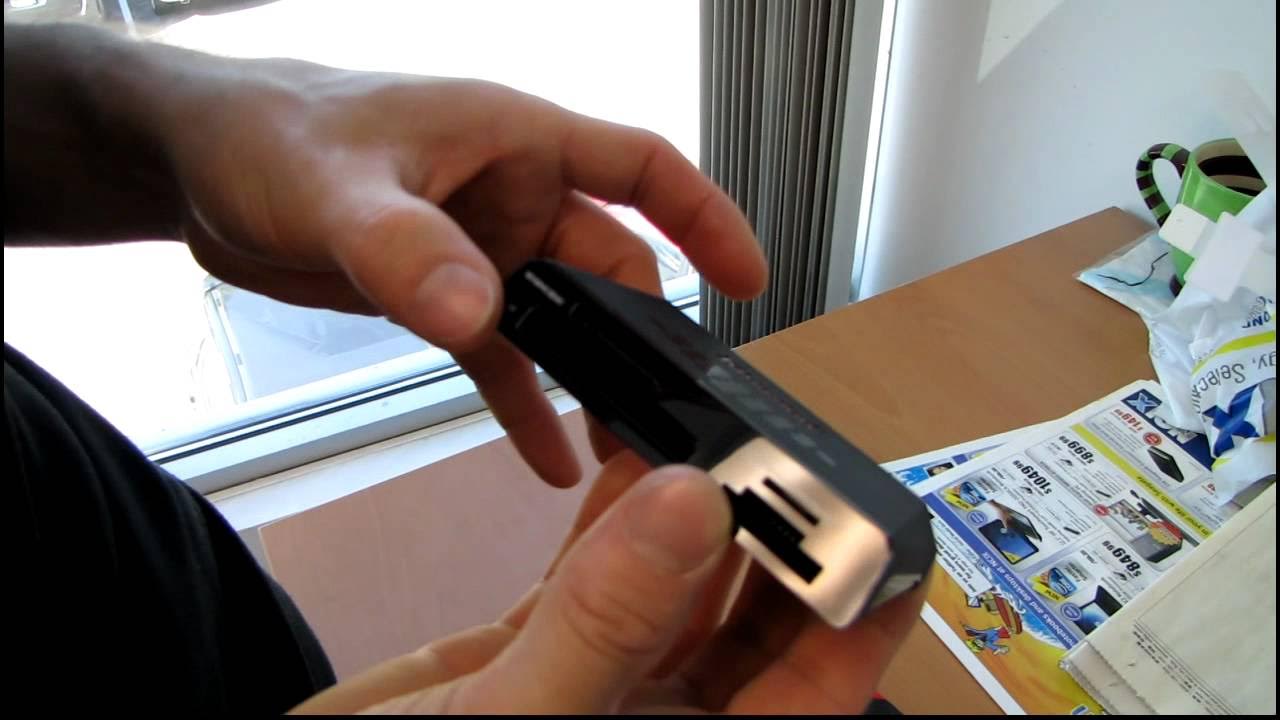
Kingston USB3 Multi Card Reader Unboxing & First Look Linus Tech Tips
0 up · 0 down · 0 ratings
Description
This is useful because it allows you to take advantage of the extra bandwidth provided by USB3 when reading flash cards :)
This video presents an unboxing and first look at the Kingston USB3 Multi Card Reader. The host highlights the reader’s USB 3.0 interface and explains that it takes advantage of the higher bandwidth offered by USB 3 when accessing flash cards, such as SD, SDHC, SDXC and MicroSD family formats, as well as compact flash and MS Duo cards. The device design is shown with its glossy bottom finish and a compact, angled form that keeps card access reachable even when plugged in. The presenter demonstrates how the USB 3 port provides extra power and faster transfer speeds thanks to the additional pins available in USB 3 hardware, and he notes that USB 3 is backward compatible with USB 2.0 ports. Packaging is described as difficult to open, a minor nuisance given the timing of the unboxing, and the included USB 3 cable is shown. In closing, the video confirms the Kingston FCR HS3 USB 3 card reader as the product being reviewed and invites viewers to subscribe to Linus Tech Tips for more unboxings, reviews, and computer videos.
Topics · technology · hardware · unboxing · computer-peripherals
Questions answered
- What card formats does the Kingston USB3 Multi Card Reader support?
- The reader supports SD, SDHC, SDXC, MicroSD, MicroSDHC, MicroSDXC, Memory Stick Duo and Compact Flash formats.
- Does the Kingston USB3 card reader include a USB 3.0 cable and is USB 3 backward compatible?
- Yes, it includes a USB 3.0 cable and USB 3.0 is backward compatible with USB 2.0 ports.
- What is the primary benefit of using USB 3 with this card reader?
- USB 3 provides higher bandwidth and additional pins, enabling faster read and write speeds for compatible cards compared to USB 2.0.