Western Digital My Book Elite Hands On & Setup Guide Linus Tech Tips
0 up · 0 down · 0 ratings
Description
I wanted to try out the software included with the My Book Elite, and I was VERY impressed with how easy it was to use. I walk you through the process on camera.
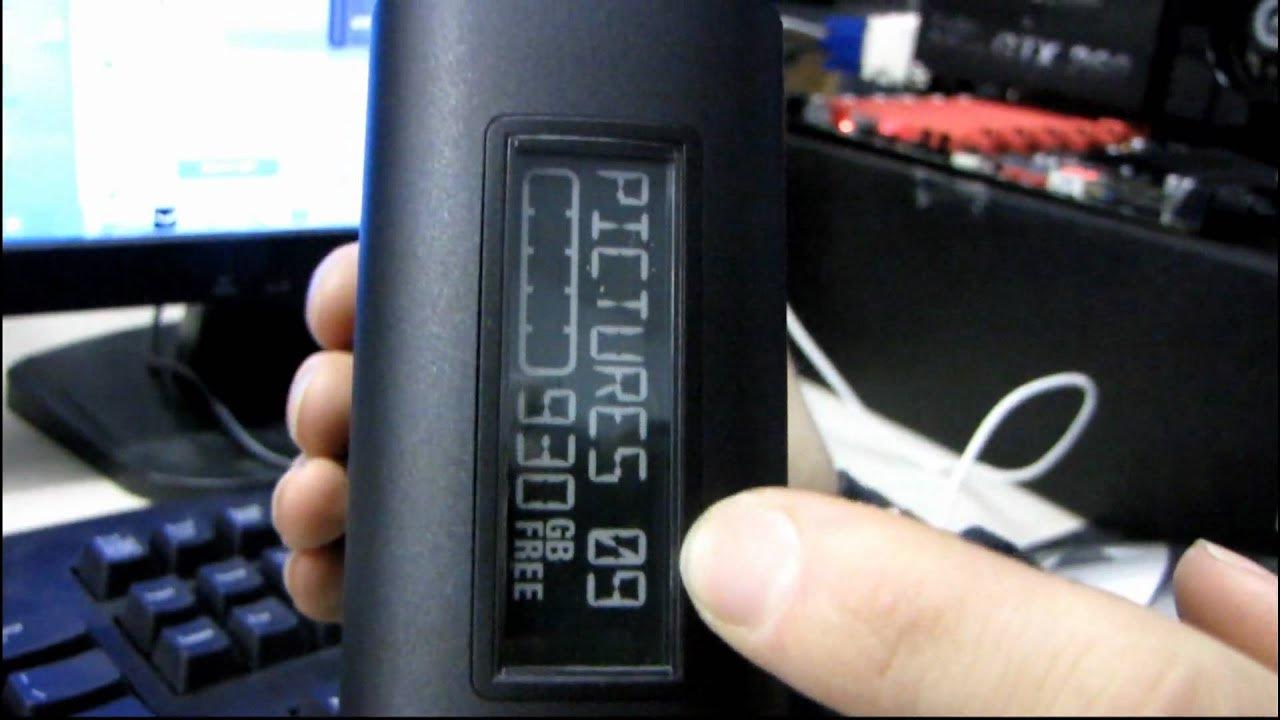
The video provides a hands on setup walkthrough of the Western Digital My Book Elite, following the vendor's three easy steps and demonstrating the user experience from power up to initial configuration. The presenter first connects the power supply and USB cable, then powers on the drive and notes the activity LED becoming active. The on screen prompts appear, including an autoplay option for a virtual CD drive and SmartWare backup setup, which is accepted to begin installation. The guide walks through the drive initialization, showing the formatted capacity around 930 GB and how the software interface presents a breakdown of C drive data categories, including pictures, music, documents, and system files, with the remaining free space displayed alongside the My Book Elite storage. A labeling feature is demonstrated, with a password and hint being configured to secure the drive, and the corresponding security settings are reviewed. The video then covers basic storage management, including dragging files to the drive to illustrate backup and retrieval capabilities, and concludes with a recap of the setup success and options for ongoing backups and data security, underscoring the My Book Elite as a convenient, secure external storage solution with easy to use software features.
Topics · technology · hardware · storage · setup-guide · consumer-electronics
Questions answered
- What software is installed with the My Book Elite in this setup guide?
- SmartWare backup software is installed and the setup process includes an autoplay prompt for the virtual CD drive.
- What is the reported usable capacity after formatting the My Book Elite in this video?
- Approximately 930 GB are shown as free after formatting.