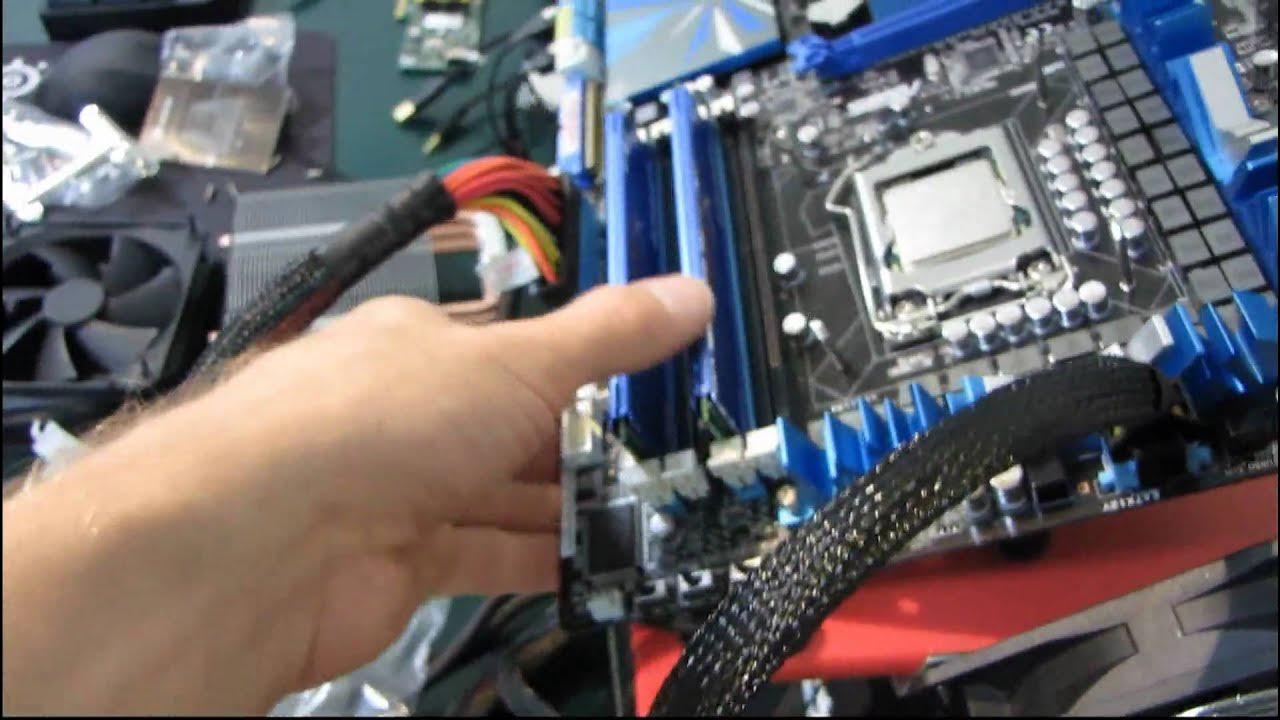
Corsair A50 Heatpipe Heatsink Cooler Installation Guide Tutorial Video Linus Tech Tips
0 up · 0 down · 0 ratings
Description
ncix.com I install the A50 on LGA1156. Hopefully I'll have time to do some performance numbers soon.
This Corsair A50 heatpipe heatsink installation guide from Linus Tech Tips walks through mounting a direct touch, three-heat-pipe Corsair A50 cooler on an LGA1156 socket. The tutorial begins with surface preparation, showing the use of rubbing alcohol and TP (soft tissue) to remove old thermal compound and clean the CPU for a proper bond. The host then demonstrates installing the universal back plate and adjusting it to align with the motherboard mounting holes, noting common fitment quirks when using universal brackets. The video covers the practical steps of attaching the back plate with rubber grommets, verifying that mounting holes align without stressing the motherboard, and ensuring the plate remains stable during installation. A key point is that the screws are counter-sunk and designed to be tightened from the bottom, preventing overtightening. After the back plate is secured, the guide moves to applying thermal paste, delivering a visual on the proper amount and placement, while acknowledging that paste distribution will occur as the cooler is pressed into place. The final portion addresses mounting the cooler itself with a ram-friendly clearance and thumb screws that provide even pressure, plus the option to connect the included fan directly to the CPU header or via a noise-reduction adapter. The tutorial concludes with the completed installation and a reminder to subscribe for more content. The video emphasizes real-time, on-camera recording of the process, including hesitations and adjustments, to help viewers reproduce the setup in their own builds.
Topics · science_technology · hardware · computer_hardware · tutorial · pc_building
Questions answered
- What is the first preparatory step before mounting the Corsair A50 cooler?
- Wipe the CPU surface with rubbing alcohol to remove old thermal compound and clean any residue.
- How is the back plate installed for the Corsair A50, and what adjustment may be needed?
- The universal back plate is mounted and adjusted to align with the LGA1156 holes, with careful positioning to ensure the holes line up without stressing the motherboard.