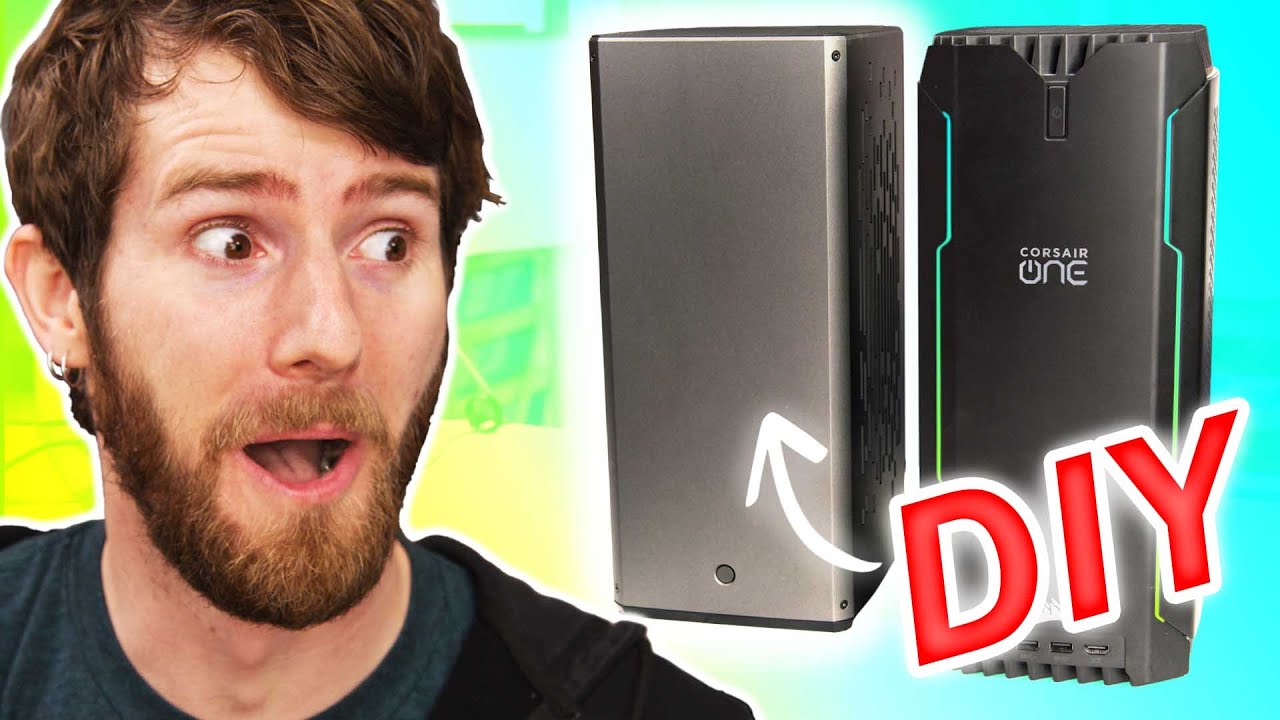
My EASIEST PC Build In Years! - Louqe RAW S1
0 up · 0 down · 0 ratings
Description
Check out iFixit's toolkits at: ifixit.com Is a Corsair ONE-esque PC case worth your money? Let's find out by building a DIY equivalent.
Promos
Check out the Louqe RAW S1 Case at lmg.gg Buy AMD Ryzen 9 5900X CPU (PAID LINK): geni.us Buy Noctua NH-L12S CPU Cooler (PAID LINK): geni.us Buy ASUS ROG Strix X570-I Gaming (PAID LINK): geni.us Buy Corsair Vengeance LPX 32 GB (2x16GB) RAM (PAID LINK): geni.us Buy Sabrent Rocket 4 Plus 1 TB M.2 NVMe SSD (PAID LINK): geni.us Purchases made through some store links may provide some compensation to Linus Media Group. Discuss on the forum: linustechtips.com ► GET MERCH: lttstore.com ► AFFILIATES, SPONSORS & REFERRALS: lmg.gg ► PODCAST GEAR: lmg.gg ► SUPPORT US ON FLOATPLANE: floatplane.com FOLLOW US ELSEWHERE --------------------------------------------------- Twitter: twitter.com Facebook: @LinusTech Instagram: @linustech TikTok: @linustech Twitch: twitch.tv MUSIC CREDIT --------------------------------------------------- Intro: Laszlo - Supernova Video Link: youtube.com iTunes Download Link: itunes.apple.com Artist Link: soundcloud.com Outro: Approaching Nirvana - Sugar High Video Link: youtube.com Listen on Spotify: spoti.fi Artist Link: youtube.com Intro animation by MBarek Abdelwassaa @mbarek_abdel Monitor And Keyboard by vadimmihalkevich / CC BY 4.0 geni.us Mechanical RGB Keyboard by BigBrotherECE / CC BY 4.0 geni.us Mouse Gamer free Model By Oscar Creativo / CC BY 4.0 geni.us
The video presents Linus and the team attempting to recreate a Corsair One like experience using the Louqe RAW S1 small form factor case. They explain that the RAW S1 uses air cooling instead of a traditional AIO loop, and discuss how the form factor compares to the Corsair One in terms of size, ease of assembly, IO layout, and upgradeability. The host explains the choice of components, including a Ryzen 9 5900X, an RTX 3080, ASUS ROG Strix X570-I Gaming motherboard, Corsair LPX memory, and a Sabrent Rocket 4 Plus SSD, all chosen to maximize performance while fitting inside the compact enclosure. Throughout the segment, they highlight the case’s modular IO, tool-free concepts, and potential usability trade-offs, such as a more challenging front panel access due to how the PSU is mounted. The duo also covers practical challenges like mounting the PSU, routing cables, and the quirky yet functional PCIe retention mechanism, while joking about the build process and the differing design philosophies between Corsair and Louqe. They conclude with thermals and real-world performance notes, showing CPU temperatures around 80C under load and a GPU hotspot near 87C, which Linus frames as respectable given the high FPS targets on modern games like DOOM Eternal. The video finishes with a quick sponsor segment for iFixit and a nod to other notable builds, emphasizing the ease of assembling a compact system when the design and layout are thoughtfully executed.
Topics · technology · hardware · build-guide · small_form_factor · gaming_pc · air_cooling · pcie_gen4 · thermals
Questions answered
- What makes the Louqe RAW S1 suitable for a Corsair One style build?
- The RAW S1 adopts a compact, high-efficiency form factor with a modular IO system and deliberate component choices to maximize performance in a small space, closely matching the Corsair One’s footprint while using air cooling and a slim cooler to fit the system.
- Which hardware combination did the hosts use to achieve high gaming performance in the tiny case?
- They paired a Ryzen 9 5900X, an RTX 3080, a compact ASUS ROG Strix X570-I Gaming motherboard, Corsair LPX memory, and a Sabrent Rocket 4 Plus NVMe SSD to balance CPU power, GPU bandwidth, and fast storage in a small enclosure.
- What cooling considerations are highlighted for the RAW S1 build?
- The build uses an NH-L12S slim CPU cooler configured as an intake and a single Noctua fan exhausting the back, with attention to airflow paths that bring in fresh air for the GPU while exhausting heat efficiently through the rear.