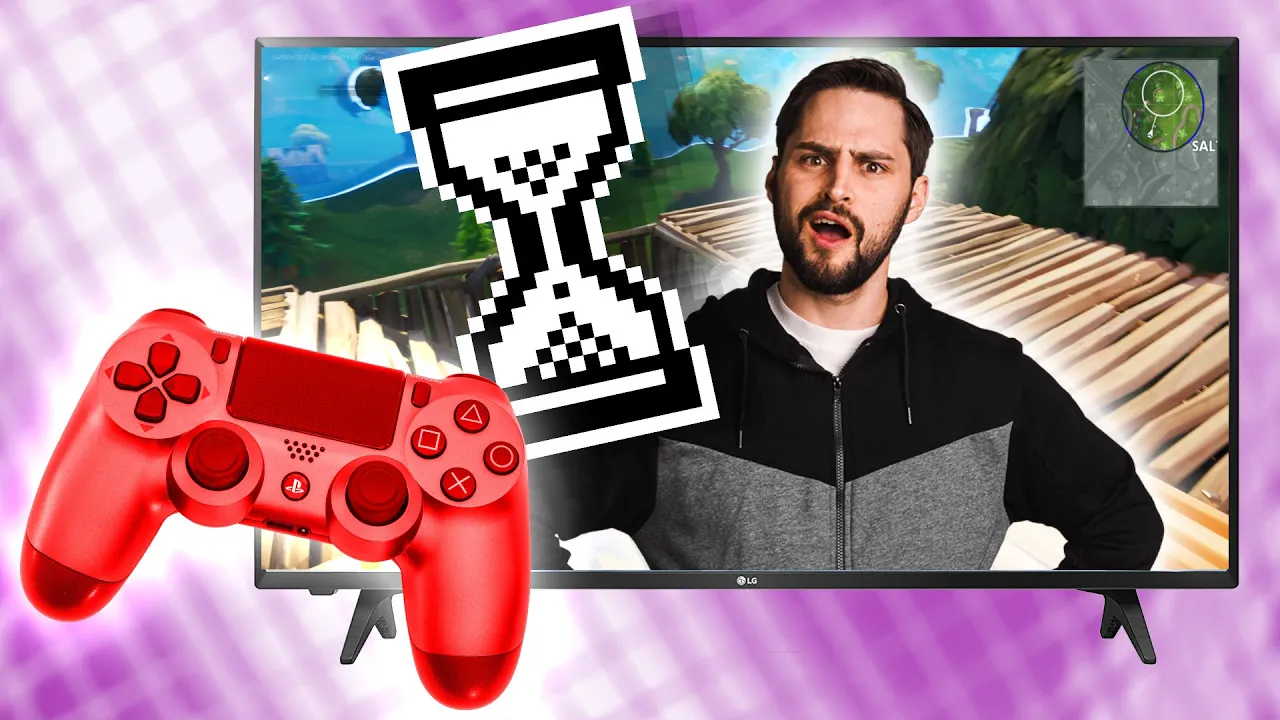
The SNEAKY Thing That Can Slow Down Your Games - Upscaling Lag Explained
0 up · 0 down · 0 ratings
Description
Go to privacy.com to get $5 off your first purchase! What happens to an image after it gets rendered from the video card and why does it lag? Thanks to Amine Chabane from Marseilleinc for helping us with today's video!
Promos
Check out marseilleinc.com for your cable needs! Techquickie Merch Store: lttstore.com Follow: twitter.com Leave a reply with your requests for future episodes, or tweet them here: twitter.com
The video explains a common trade-off in gaming where upscaling a rendered frame to a higher or non-native resolution introduces input lag. It clarifies that the lag is not caused by the GPU rendering frames from scratch, but by post-processing steps after a frame is finished and either the GPU or display resizes the image. The host discusses how upscaling is used to improve visuals or accommodate displays with different native resolutions, and notes that various upscaling methods exist, each with its own balance of visual quality and latency. The segment emphasizes that upscaling relies on analyzing frames in the frame buffer, which can be computationally intensive and slow down the time from a user input to an on-screen action. It also covers alternative approaches that reduce lag by focusing on key visual elements instead of multiple frames, such as leveraging edges and textures that our brains are highly sensitive to, which can preserve perceived sharpness while cutting processing time. The discussion transitions to future improvements powered by artificial intelligence, describing how AI can learn to recognize complex objects and scenes to produce higher quality results with potentially lower latency. It explains that AI-driven upscaling, like deep learning super sampling, uses extensive training on many frames to generalize what a near-ideal image should look like, with updates delivered via software, and it ends by touching on practicalities and a light sponsor integration. Overall, the video frames a practical reality: better-looking games can come with manageable lag if the upscaling pipeline is optimized, and ongoing AI advancements promise to reduce this lag further while maintaining or improving image quality.
Topics · technology · gaming · display technology · ai
Questions answered
- What causes input lag when upscaling a game frame?
- Input lag during upscaling comes from post-processing time as the currently rendered frame is analyzed, rescaled, and converted before displaying, which introduces a delay between input and on-screen action.
- What are some methods to reduce lag while upscaling?
- One approach is to focus on single-frame analysis of key elements like edges and textures to cut processing time, while advanced AI-based upscaling aims to learn and reproduce high-quality results with potentially lower latency.