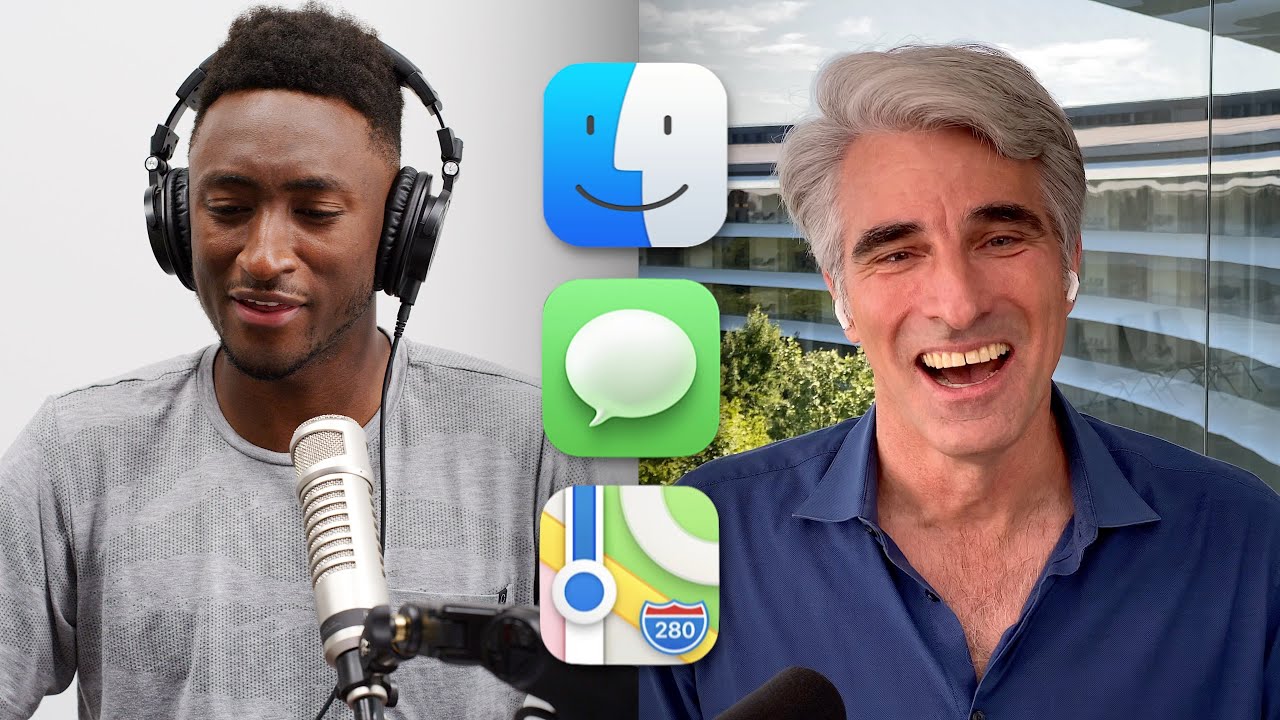
Apple Responds to Your Comments!
0 up · 0 down · 0 ratings
Promos
Some insight with Craig Federighi about the iOS 14 and the more controversial 2020 announcements! Full WVFRM episode: bit.ly Thanks for ExpressVPN for sponsoring: expressvpn.com WWDC 2020 Impressions: youtu.be iOS 14 Hands-On: youtu.be Timestamps: 0:00 Intro 1:32 Default Apps 5:08 Siri 8:34 MacOS Big Sur Design/Icons 14:30 iPad Weather and Calculator 16:06 Apple Watch on iPad 17:38 Sponsor MKBHD Merch: shop.mkbhd.com Video Gear I use: kit.co Tech I'm using right now: amazon.com Intro Track: Jordyn Edmonds smarturl.it Playlist of MKBHD Intro music: goo.gl ~ twitter.com @MKBHD @MKBHD
Apple Responds to Your Comments delivers an extended conversation between Marques Brownlee (MKBHD) and Apple executive Craig Federighi, focusing on the themes and reactions surrounding WWDC 2020 announcements. The video frames the online discourse that typically follows Apple’s keynote, highlighting the company’s decision to engage publicly this year and address questions about iOS 14, default apps, privacy, and design choices. Early in the segment, the discussion centers on how Apple balances introducing new features with the risk of creating user confusion, especially around default app settings and potential browser and mail app behaviors. Federighi explains the criteria Apple uses when enabling defaults, emphasizing the importance of keeping a consistent, privacy-respecting experience and avoiding scenarios where apps could undermine user trust or create chaotic configurations. The dialogue moves through several product areas, including Siri improvements and the compact UI changes, with honest reflections on usability trade-offs and the beta feedback loop that informs iteration. In a detailed midsection, the conversation returns to the controversial design shifts and the Big Sur visual refresh. Federighi defends the new iconography, rounded corners, and transparent layers as part of a broader renewal that aligns with Apple’s silicon transition. He notes that while aesthetics can be polarizing, the aim is to create a cohesive, natural feel across devices, reinforcing the idea that familiarity across iPhone, iPad, and Mac reduces cognitive load. The discussion also touches on practical considerations, such as the absence of a default weather or calculator app on iPad at this stage, which Apple plans to address when a solution meets a high bar for quality and user experience. Throughout the talk, Marques offers real-time reactions, questions, and extensions to the topics, creating a sense of a live dialogue rather than a one-sided briefing. The final portions of the dialogue explore user experience nuances across platforms, including Siri’s responsiveness, the interaction balance between quick answers and subsequent navigation, and the cross-device feel of macOS Big Sur. Federighi explains design decisions behind the compact Siri UI and the design language that ties together iOS, iPadOS, and macOS. The conversation closes with a nod to the broader ecosystem, acknowledging that some features may evolve during the beta phase and encouraging viewers to listen to the fuller Waveform interview and follow-up content for more depth. Overall, the video blends promotional context with candid technical explanations, offering viewers a transparent window into Apple’s thinking while acknowledging the ongoing nature of product refinement and consumer feedback.
Topics · technology · consumer-electronics · apps · privacy
Questions answered
- Why did Apple allow only certain apps to set default browsers or mail apps in iOS 14?
- Apple set criteria to ensure any default app remains a general purpose, privacy-respecting experience and to prevent chaos where an app could act like a browser or tracking-heavy service without consistent policies.
- What was the rationale behind the macOS Big Sur icon and UI redesign?
- The redesign marks a renewal aligned with Apple Silicon, aiming for a cohesive look across devices with new rounded corners and icons while honoring Mac heritage and ensuring familiarity across iPhone, iPad, and Mac.
- Why is there no iPad weather or calculator app by default?
- Apple wants to deliver a high-quality, well-designed app experience and will introduce a first-class iPad weather app when they can achieve a compelling implementation rather than a quick, basic calculator solution.
- Will Siri interactions change in future beta updates?
- Yes, Apple plans to listen to beta feedback and may adjust how Siri overlays, dismissals, and interactions feel to balance speed, clarity, and depth of information.