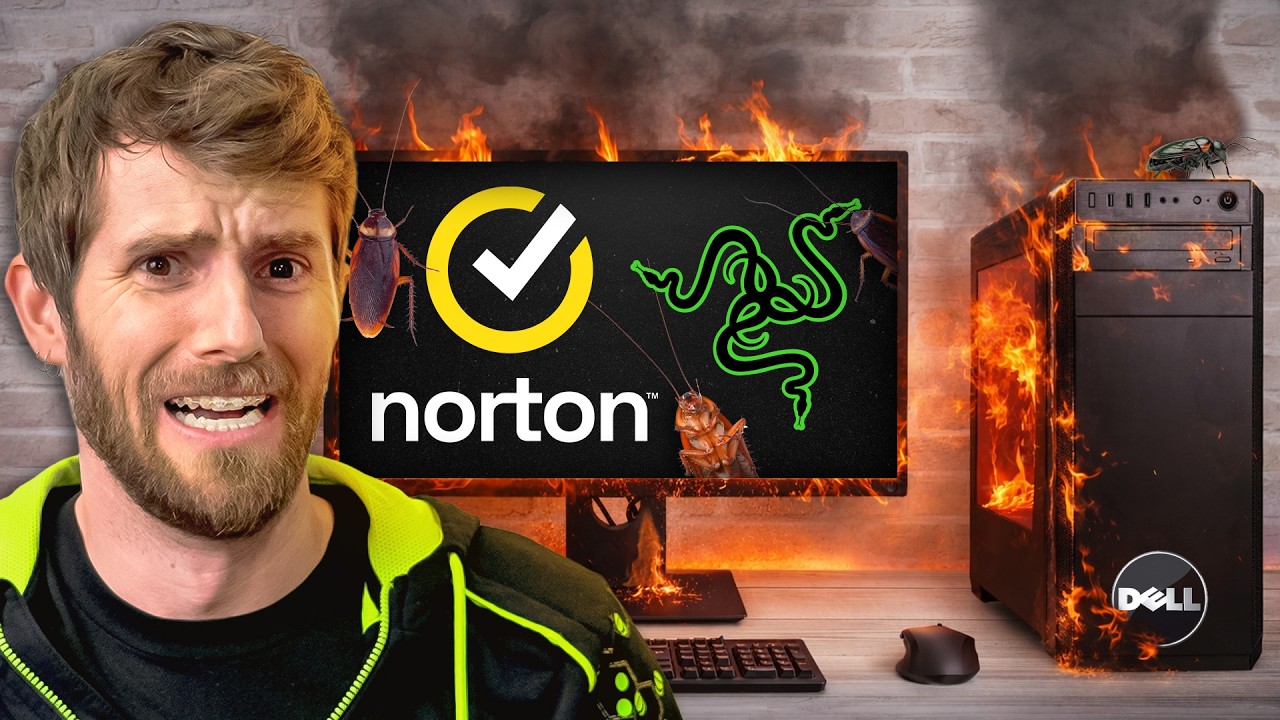
I said YES to every Bloatware Pop-up
0 up · 0 down · 0 ratings
Description
Thanks to ThreatLocker for sponsoring this video! Check them out using our link: threatlocker.com Your RAM is cheating on you. You might think it’s working hard, but the truth is it’s probably going behind your back with bloatware you didn’t even install. In a time where every bit of performance counts, Linus finds out exactly how much those pre-installed “value-adding” apps are actually impacting your system. Discuss on the forum: linustechtips.com
Channels and socials
Check out our Channel Partners: Secretlab - Grab a TITAN Evo ergonomic gaming chair: lmg.gg PIA - Get the VPN of our choice: piavpn.com dbrand - Buy a "Circuit" series skin for your device: dbrand.com ► SHOP LTT PRODUCTS: lttstore.com ► GET EXCLUSIVE CONTENT ON FLOATPLANE: lmg.gg ► DIVE DEEPER ON THE LTT LABS WEBSITE: lmg.gg ► SPONSORS, AFFILIATES, AND PARTNERS: lmg.gg Purchases made through some store links may provide some compensation to Linus Media Group. Affiliate links powered in part by affilimate.com Linus Sebastian is an investor in Framework Computer, Inc and HexOS by Eshtek. CHAPTERS --------------------------------------------------- 0:00 Intro 0:56 The Baseline 2:05 Why do companies add bloatware? 4:00 Starting the installs 4:55 Bring on the bloat! 7:05 Performance check-in #1 8:00 Good luck gamers 10:20 Performance check-in #2 11:50 Final Test 13:20 Conclusion 14:00 Outro
I said YES to every Bloatware Pop-up follows Linus and the LTT crew as they deliberately flood a Dell Tower Plus with preinstalled bloatware and then with clean software, while purposely saying yes to every promotion and offer that appears during the installations. The video starts by establishing a baseline: the factory bloatware configuration shows a slight, but consistent, performance dip across synthetic and productivity benchmarks, with gaming showing no obvious FPS changes but idle power creeping up by a few watts. The middle section intensifies the test as dozens of extra programs, drivers, and trialware are installed in an hour, creating a cluttered system tray and slower boot times, plus higher idle and active power draw. Throughout, the host questions the rationale behind making the customer experience worse for the sake of vendor margins, substituting cautionary commentary with concrete data points on boot times, power usage, and frame pacing. The latter part pivots to remediation, where they reinstall a clean, minimal setup and then evaluate ThreatLocker as a containment solution, comparing its negligible impact on performance to its effectiveness in preventing unwanted software installs, and highlighting how such tools could help IT admins keep systems clean and secure without sacrificing user productivity. In conclusion, the video argues that while bloatware once served as a differentiator, modern practice should prioritize user experience and performance, with ThreatLocker presented as a practical safeguard for organizations and a cautionary tale for individual users to resist unnecessary add-ons. The overall takeaway is that minimal bloat leads to better efficiency, cooler operation, and a smoother daily workflow, whereas indifference to installed software can significantly degrade both productivity and gaming experiences over time.
Topics · technology · hardware · performance · consumer-tech
Questions answered
- What is the main takeaway about bloatware from this test?
- Bloatware can measurably degrade system performance and power efficiency, and reducing it can improve responsiveness and energy usage while maintaining functionality.
- Does ThreatLocker affect performance when installed?
- ThreatLocker shows negligible impact on productivity and gaming performance in the test, while providing protection against unwanted software installations.
- What is suggested for admins managing systems?
- Use threat-lencing tools like ThreatLocker with learning mode to automate allowlisting of approved software and enable time-based elevation to minimize disruption.