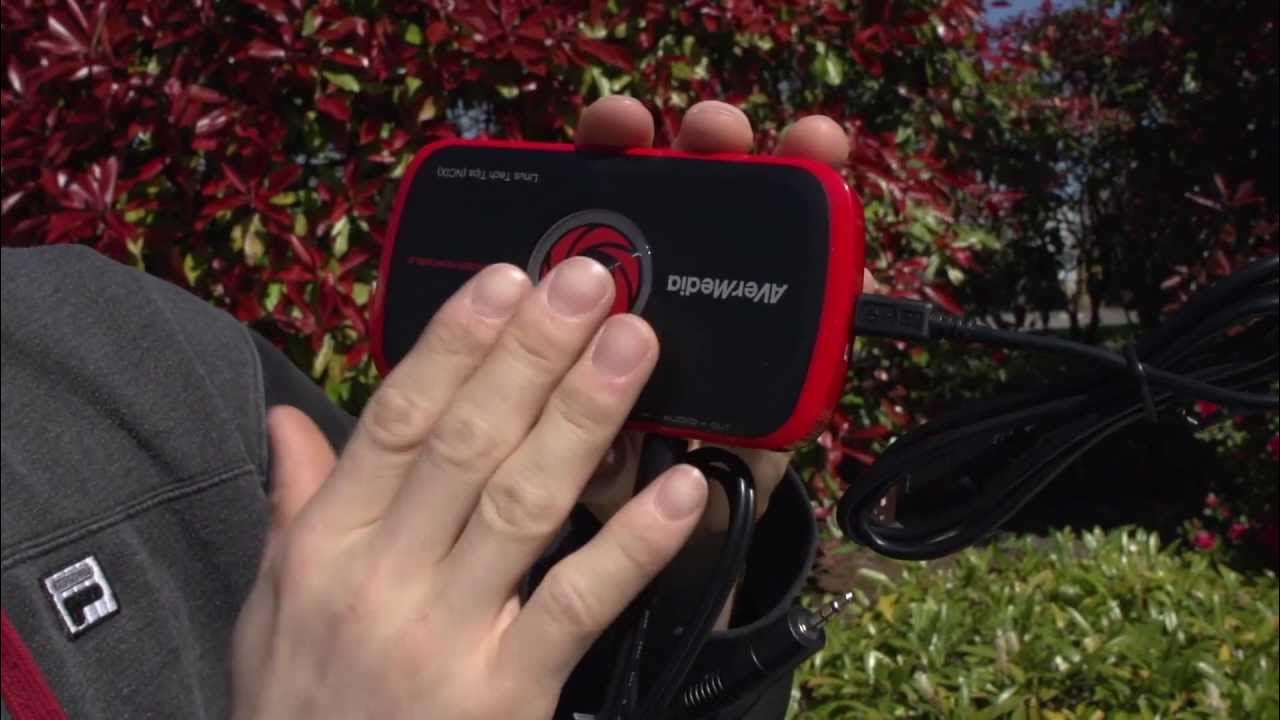
Avermedia Live Gamer Portable Unboxing & Overview
0 up · 0 down · 0 ratings
Promos
So far we've used the Live Gamer Portable once since we unboxed it, and it was actually kinda awesome. Avermedia's software continues to impress (we also have a Live Gamer HD) and the flexibility of being able to use this device on a laptop or even without a PC is really cool. Sponsor link: linustechtips.com Join our community forum: bit.ly twitter.com @LinusTech Pricing & availability: ncix.com
The video provides an in-depth unboxing and initial hands-on look at the Avermedia Live Gamer Portable, emphasizing its core value proposition as a portable, USB-powered capture device that can operate in PC-free mode. The host contrasts it with the Live Gamer HD, highlighting how the Portable eliminates the need for a nearby PC by offering onboard encoding and SD card recording for certain resolutions, alongside flexible USB 2.0 connectivity for PC or console use. Attention is given to the device's hardware encoder, 422 color depth capability, and the fact that 1080p60 pass-through is supported primarily in PC mode while 720p recording on SD cards is feasible without a PC. The presenter notes the integrated software ecosystem, including three months of XSplit Premium, and praises Rec Central’s ease of use, which distinguishes the Portable from other external capture options. Finally, practical setup details are walked through, including the assortment of supplied adapters, cables, and the usefulness of a hardware record button for quick, worry-free recording, as well as a discussion of latency considerations when using HDMI pass-through.
Topics · technology · consumer-electronics · gaming-peripherals · video-capture
Questions answered
- What makes the Avermedia Live Gamer Portable different from the PCI Express version?
- The Portable can operate in PC-free mode using onboard encoding and SD card recording for certain resolutions, whereas the PCI Express version relies on a PC and offloads encoding to hardware, offering more features but requiring a nearby computer.
- Can the device record 1080p footage without a PC?
- Recording 1080p without a PC is not supported; 1080p is available for pass-through, while 720p recording is possible via the SD card in PC-free mode.
- What is the purpose of the hardware record button on the device?
- The hardware record button allows quick, one-touch starting of recording while the software remains ready, making it easier to capture gameplay without navigating menus.