Personal Project - Trying to Set Up PFSense Part 1 Linus Tech Tips
0 up · 0 down · 0 ratings
Description
Setting it up as a wired router/firewall was quite simple, but the functionality of the web interface is actually quite overwhelming and I didn't have much success setting it up as a wireless access point... More to come. Maybe.
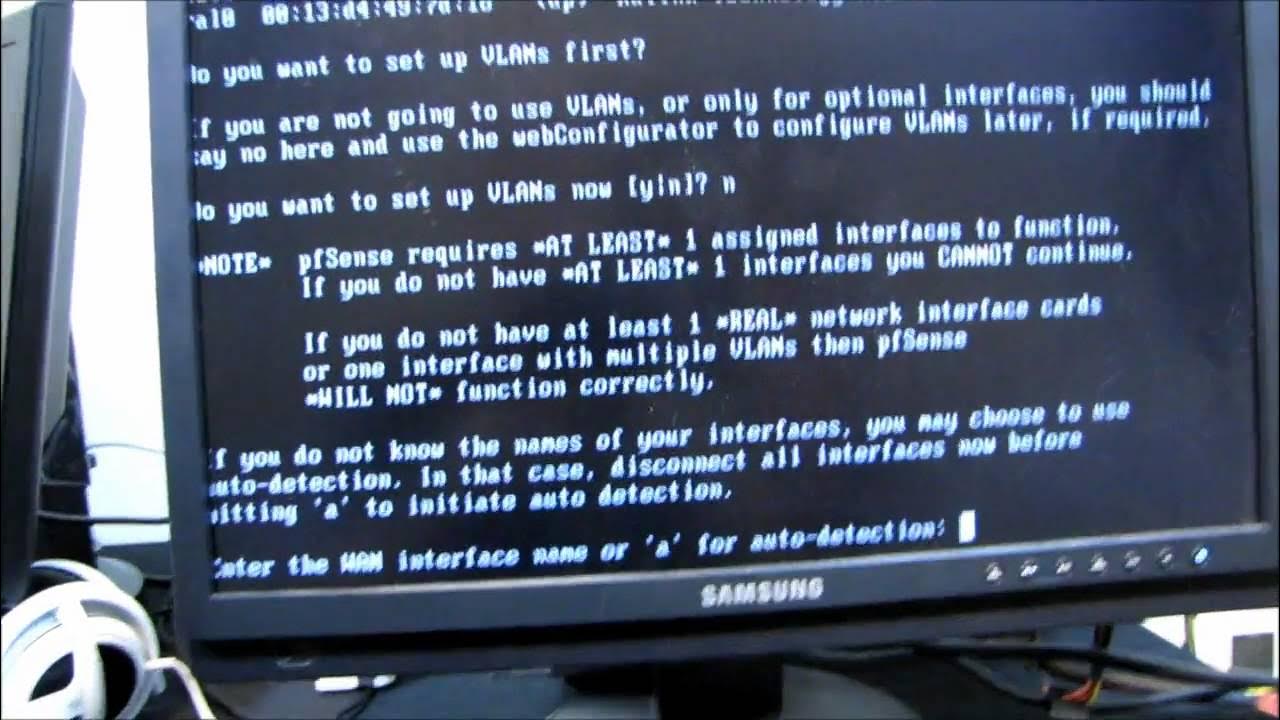
In this first installment of Linus Tech Tips' personal project series, the video chronicles attempting to set up pfSense on an old PC hardware to act as a wired router and firewall. The creator details the hardware choices, including an Intel 965 desktop board, a Pentium 4 processor, and various NIC options, highlighting the challenges of driver compatibility and boot methods for pfSense. The setup begins with discovering available network interfaces in the pfSense installer, followed by enabling auto-detection and connecting a modem to establish an internet connection. Once the interfaces are configured and physical cabling arranged, the video shows the pfSense web interface being accessed from a connected notebook, confirming basic internet connectivity and the initial login using the default admin credentials. The host reflects on pfSense’s complexity for beginners and teases further exploration of its features, while acknowledging that this first episode is mainly an exploratory build rather than a full tutorial. Overall, the video provides a hands-on look at assembling a DIY router/firewall and evaluating pfSense’s web-based configuration experience, setting expectations for future updates. The creator invites viewers to subscribe for more updates, unboxings, and computer-centric content, signaling continued coverage of the project.
Topics · technology · networking · do_it_yourself · home_networking
Questions answered
- What hardware is used to run pfSense in this setup, and why was it chosen?
- An older Intel 965 motherboard with a Pentium 4 processor, 1 GB NICs, and a small SSD are used, chosen to create a low-cost, DIY router/firewall platform and to test pfSense on off-the-shelf hardware.
- What is the initial pfSense installation process shown in the video?
- The installer is booted from an optical disc due to USB boot limitations, the disk is initialized, and the first boot prompts for a login at 192.168.1.1 with admin credentials; auto detection is enabled to identify network interfaces before finalizing the interface assignments.
- What are the early outcomes demonstrated after the initial setup?
- The notebook connected to the network can reach the internet and log into the pfSense web interface, indicating basic network connectivity and successful initial configuration, though deeper usage and features are not explored in this episode.