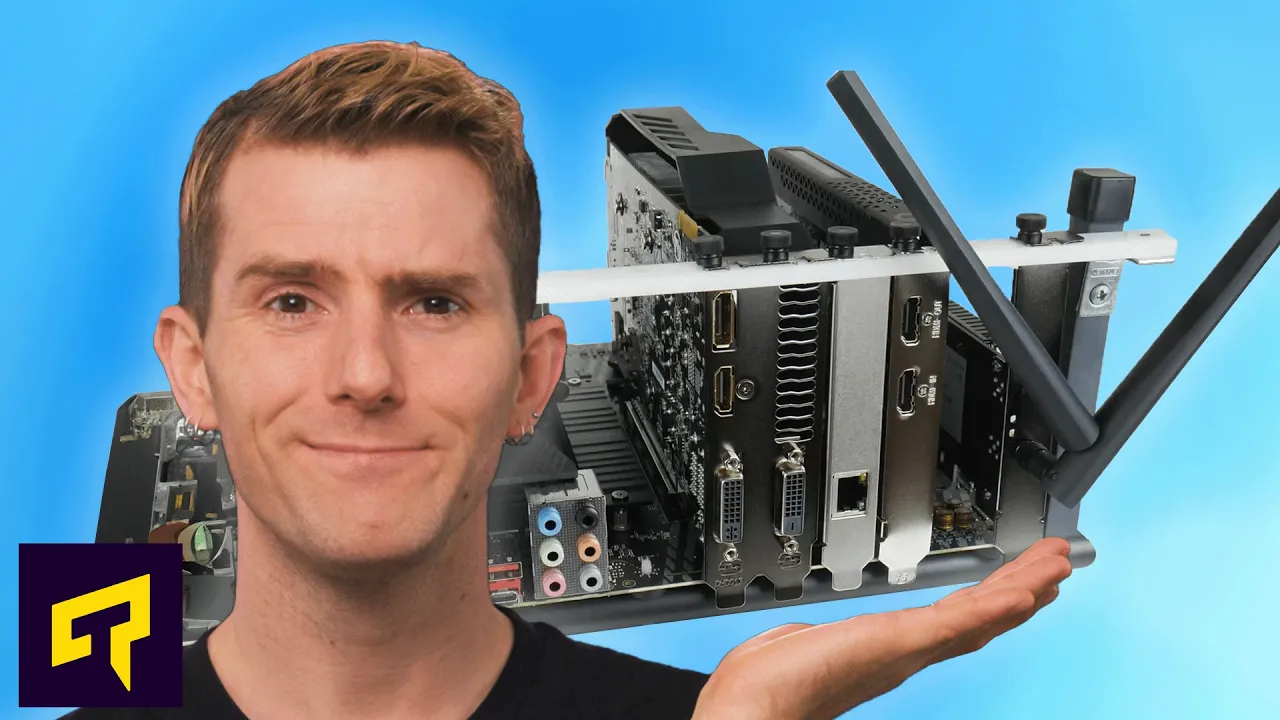
What Happens If You Fill EVERY PCI Express Slot?
0 up · 0 down · 0 ratings
Promos
Check out Shopify for all your commerce platform needs today at shopify.com Many people don't use all of the PCIe slots on their motherboard...but what if you did? Would everything just run as usual, or would your computer suffer some kind of performance hit? Leave a reply with your requests for future episodes. ► GET MERCH: lttstore.com ► GET A VPN: piavpn.com ► GET EXCLUSIVE CONTENT ON FLOATPLANE: lmg.gg ► SPONSORS, AFFILIATES, AND PARTNERS: lmg.gg
The video begins by addressing a common assumption among PC builders: that you only need a single PCI Express slot, typically for a graphics card. The host then asks what would happen if you actually filled every PCIe slot on a motherboard, including wireless cards, USB expansion, capture devices, and extra NVMe/storage adapters. He explains that PCIe slots can be wired directly to the CPU or routed through the motherboard chipset, and these two paths have very different implications for performance. The discussion emphasizes that the CPU-direct lanes generally offer the smoothest, lowest-latency experience because they are not shared with other devices, while chipset lanes are a limited resource that can become a bottleneck when heavily utilized. A key point is that modern CPUs and chipsets provide a limited total number of PCIe lanes, and expanding the number of devices often means multiplexing or sharing those lanes, which can reduce throughput for one or more devices depending on layout and needs. The host uses a restaurant analogy to illustrate how lanes are allocated: the CPU is the kitchen, a primary GPU sits at a VIP table with its own dedicated lanes, while other devices share the remaining lanes, potentially causing contention. He notes that while many devices such as Wi-Fi cards, USB expanders, and capture cards are relatively light on bandwidth, high-speed components like fiber or Thunderbolt-connected drives can saturate chipset lanes and slow down other devices. The video also highlights the common practice of splitting a 16-lane GPU slot into two x8 slots, which can enable dual GPUs or additional accelerators but may halve the bandwidth available to the main GPU, depending on motherboard and CPU support. In addition to explaining these constraints, the host reassures viewers that for typical setups, filling all slots might not cause noticeable slowdowns, but performance can degrade in more demanding workflows such as high-resolution video editing or bulk data transfers. The segment closes by suggesting that workstation and enterprise platforms offer higher PCIe lane counts, albeit at a significant cost, underscoring that the choice to fill every slot hinges on the specific hardware and use case. Finally, the video teases a follow-up by pointing to a related PCIe Gen 7 video, inviting viewers to explore more about advanced PCIe configurations.
Topics · technology · computer_hardware · pci_express · motherboard
Questions answered
- What happens to GPU bandwidth if the CPU provides 16 PCIe lanes but the motherboard splits them into two x8 slots for multi-GPU setups?
- If the 16 lanes are split into two x8 slots, each slot gets eight lanes, which halves the bandwidth available to the primary GPU relative to a single x16 configuration. This can reduce peak performance for the main GPU in bandwidth-intensive tasks, though real-world gaming impact may vary and is often modest unless the workload is bandwidth-bound.
- Why can a busy chipset lane environment slow down devices like capture cards or high-speed USB drives?
- Because chipset lanes are shared among multiple devices, heavy use by one fast device can saturate the path to the CPU, leaving less bandwidth for others. High-speed storage or external drives routed through the chipset can compete for the same lanes, causing slower transfer rates or frame drops in capture workflows.
- Are there scenarios where filling all PCIe slots is actually beneficial or necessary?
- Yes, for users who rely on many add-in cards like multiple USB extensions, network adapters, capture devices, or NVMe drives, and who use workstation-grade CPUs and motherboards with ample direct CPU lanes, filling slots can be practical. The key is selecting hardware with sufficient total PCIe lanes and well-understood lane distribution to avoid bottlenecks.