Paying for Cloud Storage is Stupid
0 up · 0 down · 0 ratings
Promos
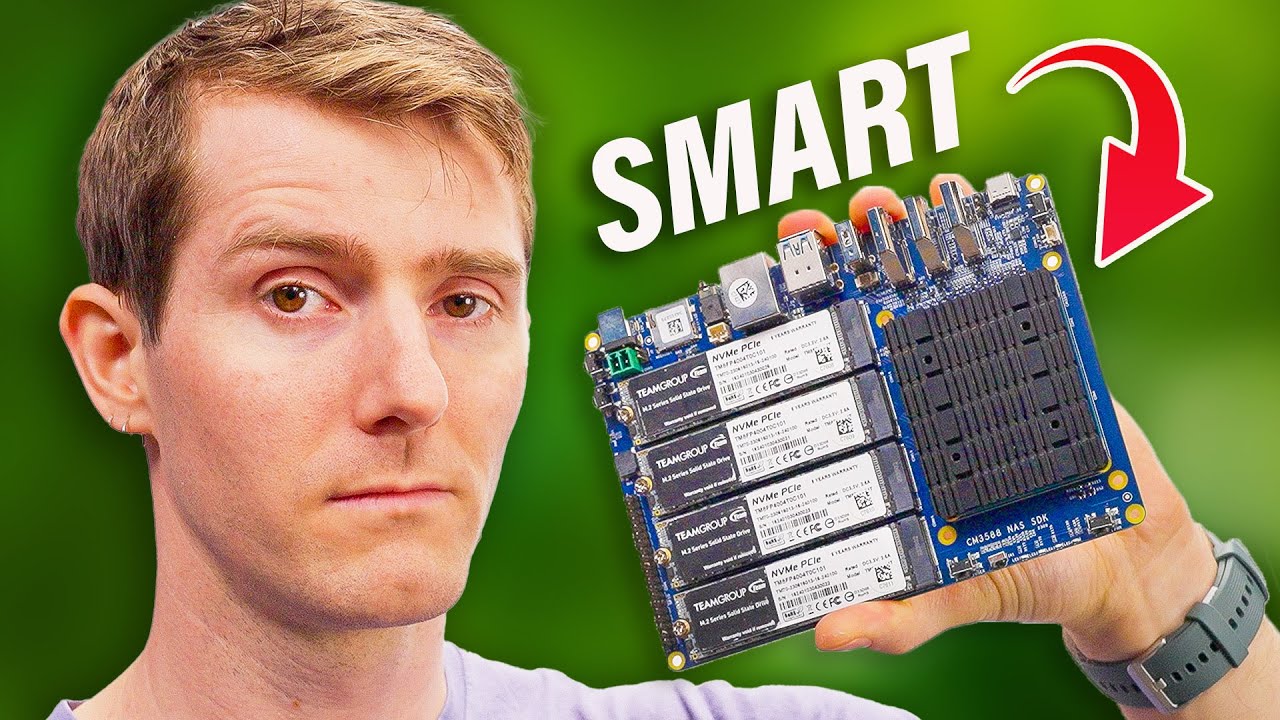
If you are tired for paying for Cloud Storage like Google Drive or iCloud? Then we found the NAS Device for you! This tiny computer is so small it can fit in your pocket and have over 30TB of SSD Storage. For under $100 you can have a powerful ARM based board to call your own! Buy TeamGroup MP34 4TB SSD: bit.ly Buy FriendlyELEC CM3588 NAS: lmg.gg Purchases made through some store links may provide some compensation to Linus Media Group. Discuss on the forum: linustechtips.com ► GET MERCH: lttstore.com ► GET EXCLUSIVE CONTENT ON FLOATPLANE: lmg.gg ► SPONSORS, AFFILIATES, AND PARTNERS: lmg.gg ► EQUIPMENT WE USE TO FILM LTT: lmg.gg ► OUR WAN PODCAST GEAR: lmg.gg FOLLOW US --------------------------------------------------- Twitter: twitter.com Facebook: @LinusTech Instagram: @linustech TikTok: @linustech Twitch: twitch.tv MUSIC CREDIT --------------------------------------------------- Intro: Laszlo - Supernova Video Link: youtube.com iTunes Download Link: itunes.apple.com Artist Link: soundcloud.com Outro: Approaching Nirvana - Sugar High Video Link: youtube.com Listen on Spotify: spoti.fi Artist Link: youtube.com Intro animation by MBarek Abdelwassaa @mbarek_abdel Monitor And Keyboard by vadimmihalkevich / CC BY 4.0 geni.us Mechanical RGB Keyboard by BigBrotherECE / CC BY 4.0 geni.us Mouse Gamer free Model By Oscar Creativo / CC BY 4.0 geni.us CHAPTERS --------------------------------------------------- 0:00 Intro 1:57 CM3588 NAS Kit Introduction 3:39 SSD Options 5:19 Why Bother with a NAS? 6:06 OpenMediaVault Setup 6:59 Speed Test 7:40 Backup Phone Data 8:29 Extra Tricks for the CM3588 9:10 Video Editing Test 9:53 Conclusion 11:41 Outro
The video argues that paying for cloud storage is unnecessary by demonstrating a compact, self-hosted NAS solution. It begins with a playful setup that contrasts a flashy cloud subscription with a tiny, energy-efficient board that can run a full NAS stack. The host walks through the FriendlyElec CM3588 NAS kit, discussing its price, modular design, and upgrade path, highlighting how it can deliver substantial storage in a single, affordable package. The narrative transitions into practical setup steps using OpenMedia Vault, including SD-to-eMMC installation, RAID configuration, and enabling SMB to make the NAS accessible to Windows machines. The segment then shifts to performance and use cases, such as fast local backups, multi-device sync via PhotoPrism and PhotoSync, and light media serving via Plex, while noting the limitations of the hardware for heavier 4K editing or transcoding. Finally, the host compares cost to cloud options like Google Drive, arguing that a properly configured local NAS can pay for itself relatively quickly, and concludes with a strong endorsement of the solution while acknowledging trade-offs and future upgrade possibilities.
Topics · technology · storage · hardware · cloud-computing · data-management · home-lab · networking · video-editing
Questions answered
- What is the key benefit of using a CM3588 NAS kit over paying cloud storage?
- The CM3588 NAS kit provides local storage with full control over data, enables private backups and media sharing across devices, and can be more cost-effective over time compared to ongoing cloud subscription fees.
- How is data protected on the local NAS according to the video?
- Data protection is addressed with RAID 5 for a balance of protection and capacity, and the 3-2-1 rule is recommended to ensure off-site or separate media copies.
- Can the NAS handle 4K video editing or playback reliably?
- The NAS can handle 1080p playback for multiple clients in a Plex setup, but 4K playback may require a more powerful machine or offload to a more capable server.