One of the best TVs (depending on who you ask) - Sony BRAVIA 8 II
0 up · 0 down · 0 ratings
Description
Get your overpriced stickers, cases, and free cards at shortlinus.com James loves his Sony TV and it looks real good in his home theatre, but did Sony do TOO well? Well, James is here to
Promos
check out the Sony BRAVIA 8 II to see if it's worth the work needed to make it look GREAT, or if he should just stick to his current one. Buy a Sony BRAVIA 8 II QD-OLED 4K HDR Google TV: prsm2.com Want us to unbox something? Make a suggestion at lmg.gg ► GET MERCH: lttstore.com ► GET A VPN: piavpn.com ► GET EXCLUSIVE CONTENT ON FLOATPLANE: lmg.gg ► SPONSORS, AFFILIATES, AND PARTNERS: lmg.gg Purchases made through some store links may provide some compensation to Linus Media Group. Affiliate links powered in part by affilimate.com Linus Sebastian is an investor in Framework Computer, Inc CHAPTERS --------------------------------------------------- 0:00 Snatching defeat from the jaws of victory 0:34 Unboxing 1:41 Legs and ports 3:05 Sponsor 3:27 Setup 5:22 Initial impressions, LABS luminance test results, display modes 7:46 Luke explains how LABS tested this TV 11:11 LABS colour test results and vivid mode 14:31 Speaker impressions and parental modes 15:17 LABS tested latency results and auto mode switching 16:44 Gaming features 17:59 Pricing and overall thoughts 18:49 Outro
The video opens with an in-depth look at the Sony BRAVIA 8 II, starting with high praise for the hardware and design while noting some setup quirks that dampen an otherwise premium presentation. The host unboxes the TV, highlights that the back panel can clip on to manage cables, and comments on the included stand configurations that let the user adjust height for soundbars. The unboxing also covers small details like the remote’s recycled plastic finish and the onboard mic toggle, foreshadowing how the TV’s calibration and voice features come into play later. As the hardware discussion wraps, the host demonstrates the initial setup process and points out the on-device controls including the unusual bottom-mounted power button and a “boomer knob” style control. The segment also acknowledges the sponsor and transitions into a practical note about how the TV handles wall mounting versus tabletop placement for sound management and overall aesthetics. In parallel, there is a clear emphasis on how the onboard speakers and room calibration features interact with the consumer's home theater goals, setting expectations for what users can achieve after proper tweaking.
Topics · technology · consumer_electronics · home_theater · display_technology
Questions answered
- What are the key hardware features of the Sony BRAVIA 8 II that impact setup and placement?
- Key features include clip-on back panel for cable management, two height-adjustable feet, four HDMI ports with two HDMI 2.1 inputs, a rear power button, a physical microphone toggle, LAN, USB, and IR sensor inputs, and a built-in room calibration workflow that uses the TV and remote microphones.
- How does LABS evaluate the display, and what do the results suggest about color accuracy and mode choices?
- LABS uses CIE 1931 color matching functions to evaluate color accuracy across modes. The tests show excellent accuracy after calibration (delta E < 1), but note that out-of-the-box color accuracy is mixed and can skew toward pinkish whites. The best results come from professional/ calibrated modes rather than the default, with clear differences between vivid and cinema-like settings.
- What gaming features and cross-device capabilities are highlighted for PlayStation users?
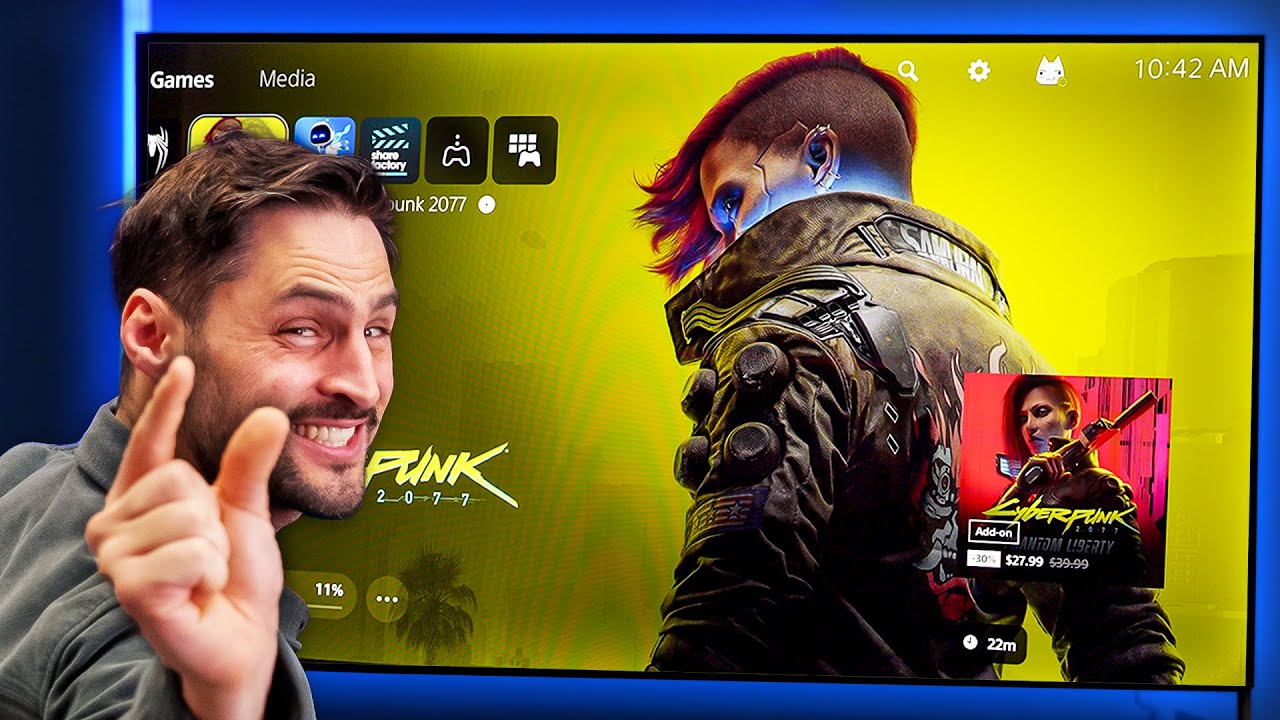
- The TV supports auto HDR tone mapping, is G-Sync compatible (via HDMI VRR but not FreeSync), and offers remote play with compatible devices. It can automatically switch to a game-optimized mode when a PlayStation is connected, and it supports picture-in-picture style multitasking and audio balancing between sources.