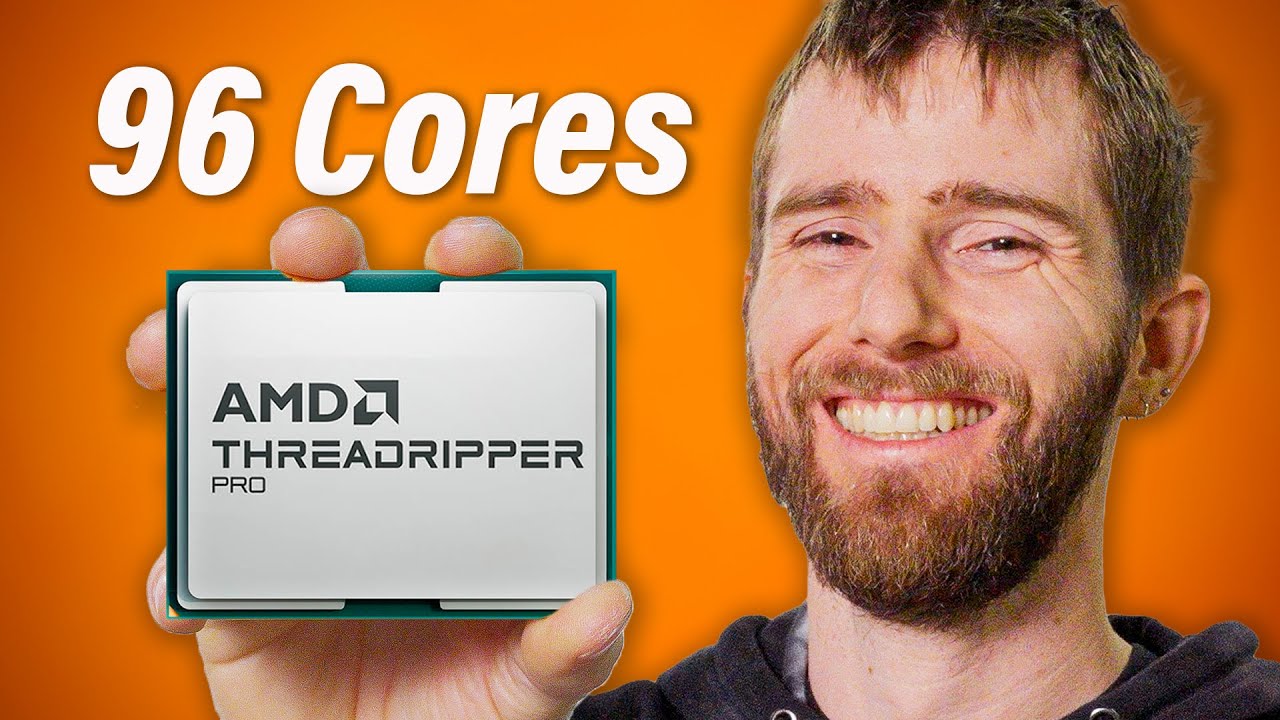
I Don't Care if This Makes Sense - Chilling Threadripper Pro 7000
0 up · 0 down · 0 ratings
Description
Check out the Falcon Northwest Talon PC: lmg.gg
Check out the AMD Ryzen Threadripper PRO 7995WX (You wouldn't actually buy one...right?): geni.us Buy G.SKILL ZETA R5 NEO 6400 MT/S CL32 4x32GB DDR5 RAM: geni.us Buy Kingston FURY Beast 6000MT/s CL40 4x16GB DDR5 RAM: geni.us Buy a Crucial T700 Gen 5 (RAID 0) 4TB NVMe M.2 SSD: geni.us
Promos
Visit squarespace.com and use offer code LTT for 10% off Create your build at buildredux.com We could properly review Threadripper Pro 7000, but since none of you will be purchasing one anyway we figured having a bit of fun with it was in order. Discuss on the forum: linustechtips.com
Check out the Micron 65000 ION U.3 30TB SSD: lmg.gg Buy an ASUS TRX50-Sage WiFi Motherboard: geni.us Buy a Silverstone HELA 2050R PSU: geni.us Buy a NVIDIA GeForce RTX 4090 FE Graphics Card: geni.us Purchases made through some store links may provide some compensation to Linus Media Group. ► GET MERCH: lttstore.com ► GET EXCLUSIVE CONTENT ON FLOATPLANE: lmg.gg ► SPONSORS, AFFILIATES, AND PARTNERS: lmg.gg ► EQUIPMENT WE USE TO FILM LTT: lmg.gg ► OUR WAN PODCAST GEAR: lmg.gg FOLLOW US --------------------------------------------------- Twitter: twitter.com Facebook: @LinusTech Instagram: @linustech TikTok: @linustech Twitch: twitch.tv MUSIC CREDIT --------------------------------------------------- Intro: Laszlo - Supernova Video Link: youtube.com iTunes Download Link: itunes.apple.com Artist Link: soundcloud.com Outro: Approaching Nirvana - Sugar High Video Link: youtube.com Listen on Spotify: spoti.fi Artist Link: youtube.com Intro animation by MBarek Abdelwassaa @mbarek_abdel Monitor And Keyboard by vadimmihalkevich / CC BY 4.0 geni.us Mechanical RGB Keyboard by BigBrotherECE / CC BY 4.0 geni.us Mouse Gamer free Model By Oscar Creativo / CC BY 4.0 geni.us CHAPTERS --------------------------------------------------- 0:00 - Intro 1:03 - Build Redux! 1:19 - Our Falcon Northwest Talon 3:00 - Playing around with 96 Cores 6:14 - Modifiying our Industrial Chiller 8:34 - Preparing for Overclocking 13:03 - Overclocking 19:50 - PC Very Frosty 20:40 - Squarespace! 21:26 - Outro
The video opens with Linus and the crew embracing a playful, over-the-top approach to a 96-core Threadripper Pro 7000 system, explicitly steering away from a conservative, straight-faced review. They acknowledge that most viewers will never buy such hardware, so the team chooses to have fun and push the limits instead, including the idea of running world-record worthy Cinebench scores and extreme cooling. The Falcon Northwest Talon PC serves as the chassis, described as a bold design with a high-end spec sheet featuring 64 GB of DDR5 RAM, ECC memory, dual PCIe Gen 5 SSDs in RAID 0, and a 30 TB Micron SSD for content creation workflows. Early on they highlight the expectations and reality of power delivery, noting the need for a 2,050 W power supply and the use of a 240 V circuit to achieve that spec, while also declaring that the system is not intended for mainstream consumers. The team then segues into hands-on exploration, first attempting to run a demanding title such as Cities Skylines 2 to observe how the CPU cores are utilized, and to gauge stability under extreme multi-core loads. They discuss CPU core utilization, memory bandwidth, and disk throughput as drivers of performance, while also setting up a sequence of cooling experiments to manage the 96-core monster. The narrative weaves through BIOS tweaks, RAM upgrades, and a series of audacious modifications to the cooling loop, including a chiller retrofit and experimental fluids, all in pursuit of keeping the system alive under sustained stress tests. By mid-video, Cinebench runs and overclocking attempts shift from the factory tuning toward aggressive manual configurations, with the crew probing limits like a 5.0 GHz all-core target and even higher voltage and slew-rate experimentation. The key takeaway is that while the platform delivers stunning raw performance, the practical cost, risk, and complexity far exceed typical consumer use, underscoring that this is more of a performance curiosity and demonstration than a practical, purchasable build. The video closes with a candid reflection on the practicality of Threadripper Pro 7000 for everyday users, reaffirming that the experience is cool to watch and fun to witness, but not a realistic recommendation for most people. The sponsor segment and channel humor remain integral, including lighthearted product mentions and self-aware banter about “overkill” gear, which maintains the lighthearted, entertaining tone throughout the experimental journey. The closing moments pivot back to the broader entertainment value of pushing hardware to extremes, and the hosts tease a return to more grounded, real-world testing in future episodes while keeping the door open to future subzero or AI-assisted tuning experiments. The overall message is that high-end compute can be mind-bendingly fast and visually impressive, even if it’s not a practical purchase for the average viewer.
Topics · science_and_technology · hardware_performance · extreme_cooling · pc_builds · benchmarking · overclocking · ai_assisted_tuning · product_sponsorships
Questions answered
- What is the main purpose of using the Threadripper Pro 7000 in this video?
- The team uses the 96-core Threadripper Pro 7000 to explore extreme performance and cooling scenarios in a fun, showy build rather than to deliver a conventional, purchase-ready review.
- Why do they upgrade RAM and alter BIOS settings during the testing?
- RAM upgrades and BIOS adjustments are performed to maximize core performance, stabilize high overclocks, and explore how different configurations affect multi-core workloads and Cinebench scores.
- Is this system practical for average consumers?
- No, the video explicitly states that such high-end configurations are not practical for typical users; it is primarily an entertaining demonstration of raw power and engineering curiosity.