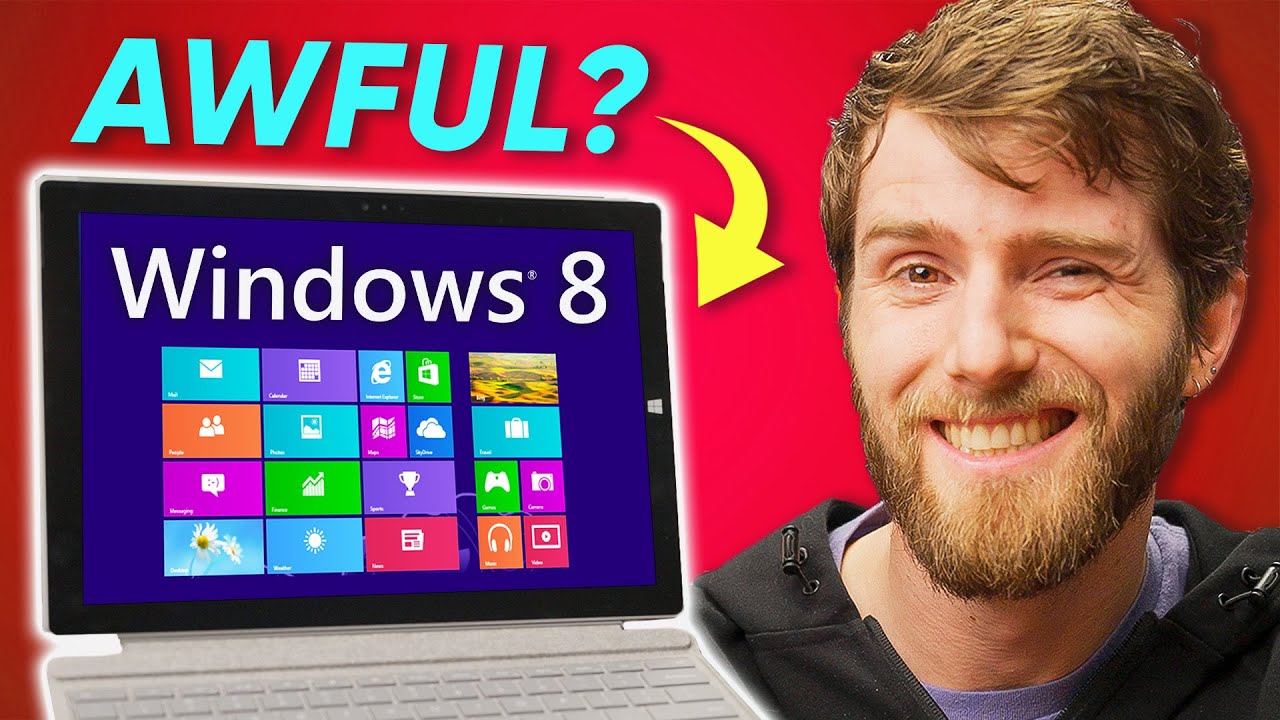
Was Windows 8 THAT bad?
0 up · 0 down · 0 ratings
Promos
Thank you for watching! It can become challenging to communicate online and work from home. With the help of Grammarly, the right tone can move any projects forward! Sign up for an account and get 20% off Grammarly Premium: grammarly.com Save 10% and Free Worldwide Shipping at Ridge by using offer code LINUS at ridge.com Microsoft has officially ended support for Windows 8 and nobody cares. Probably because no one used it, amirite? Was there anything worth remembering in this wildly unpopular version of Windows? Features new to Win 8: en.wikipedia.org Discuss on the forum: linustechtips.com Purchases made through some store links may provide some compensation to Linus Media Group. ► GET MERCH: lttstore.com ► LTX 2023 TICKETS AVAILABLE NOW: lmg.gg ► GET EXCLUSIVE CONTENT ON FLOATPLANE: lmg.gg ► AFFILIATES, SPONSORS & REFERRALS: lmg.gg ► OUR WAN PODCAST GEAR: lmg.gg FOLLOW US --------------------------------------------------- Twitter: twitter.com Facebook: @LinusTech Instagram: @linustech TikTok: @linustech Twitch: twitch.tv MUSIC CREDIT --------------------------------------------------- Intro: Laszlo - Supernova Video Link: youtube.com iTunes Download Link: itunes.apple.com Artist Link: soundcloud.com Outro: Approaching Nirvana - Sugar High Video Link: youtube.com Listen on Spotify: spoti.fi Artist Link: youtube.com Intro animation by MBarek Abdelwassaa @mbarek_abdel Monitor And Keyboard by vadimmihalkevich / CC BY 4.0 geni.us Mechanical RGB Keyboard by BigBrotherECE / CC BY 4.0 geni.us Mouse Gamer free Model By Oscar Creativo / CC BY 4.0 geni.us CHAPTERS --------------------------------------------------- 0:00 Intro 1:32 The NEW Start Screen & Metro Apps 3:14 Gesture Navigation 3:45 Mistakes were Made 4:45 The Good 6:15 what is what like IRL 9:45 the worst part... 10:25 8.1 saves the day 11:50 What I use 14:10 Outro
Windows 8 sparked a heated conversation for and against it, and this video traces both the hype and the backlash while weighing what actually worked and what didn’t. In the opening segment, the host frames Windows 8 as an operating system that was end-of-life already on launch, arguing that the traditional desktop interface was abandoned in favor of a touch-first design that many users found half-baked. He acknowledges that Windows 8 introduced ideas that would later mature into Windows 10, such as a unified design language and app models, yet he emphasizes that the initial rollout created a confusing coexistence of desktop and Metro (start screen) experiences that made everyday tasks harder rather than easier for the average PC user. This setup establishes the central tension: the insistence on a modern, touch-centric vision versus the long-established habits of desktop computing. The middle section dives into the practical consequences of the design choices, explaining how Metro apps were full-screen and lacked traditional window decorations, which created a choppier, more fragmented user experience when mixed with classic desktop programs. The video highlights how the Start screen and charms bar required new navigation patterns that were not intuitive to non-touch users, and it points out how this mismatch could lead to accidental activations and a steeper learning curve. The host then pivots to the improvements introduced in Windows 8.1, noting that Microsoft responded to feedback by reintroducing desktop-centric options, enabling two and even four Metro apps side by side on higher-resolution displays, and expanding the settings experience to reduce dependence on the older control panel. This portion makes the case that Windows 8.1 mitigated many of the original shortcomings while preserving the core innovations that would influence future Windows versions. In the concluding portion, the host assesses market impact and long-term reception, arguing that despite some built-in strengths such as security features, BitLocker, and improved integrations, Windows 8 failed to secure a broad user base and lost momentum to Windows 7 and later Windows 10. The video reflects on how Windows 8’s fate was sealed by a combination of a confusing interface and a lack of compelling reasons to upgrade for most users, but it also acknowledges the lasting influence of its design language, its hybrid app model, and the value found in 8.1’s more desktop-friendly approach. Overall, the video reframes Windows 8 not as a complete misfire but as a transitional step that contained viable ideas that would be refined in later Windows releases, and it ends with a nod to the enduring usefulness of Windows 8.1 for certain users and workflows. The takeaway is that Windows 8 was divisive but not entirely devoid of merit, and understanding its evolution helps explain the direction Windows took in subsequent years.
Topics · technology · operating-systems · history
Questions answered
- Why was Windows 8 controversial when it launched?
- Windows 8 unified a touch-first Metro interface with the traditional desktop in a way that confused many desktop PC users, making navigation and app launching less intuitive without a touchscreen.
- What changes did Windows 8.1 bring to address user feedback?
- Windows 8.1 reintroduced easier access to the desktop, allowed multi-tasking with side-by-side Metro apps, improved the Start screen, expanded settings, and made the Start button and taskbar more accessible to non-touch users.