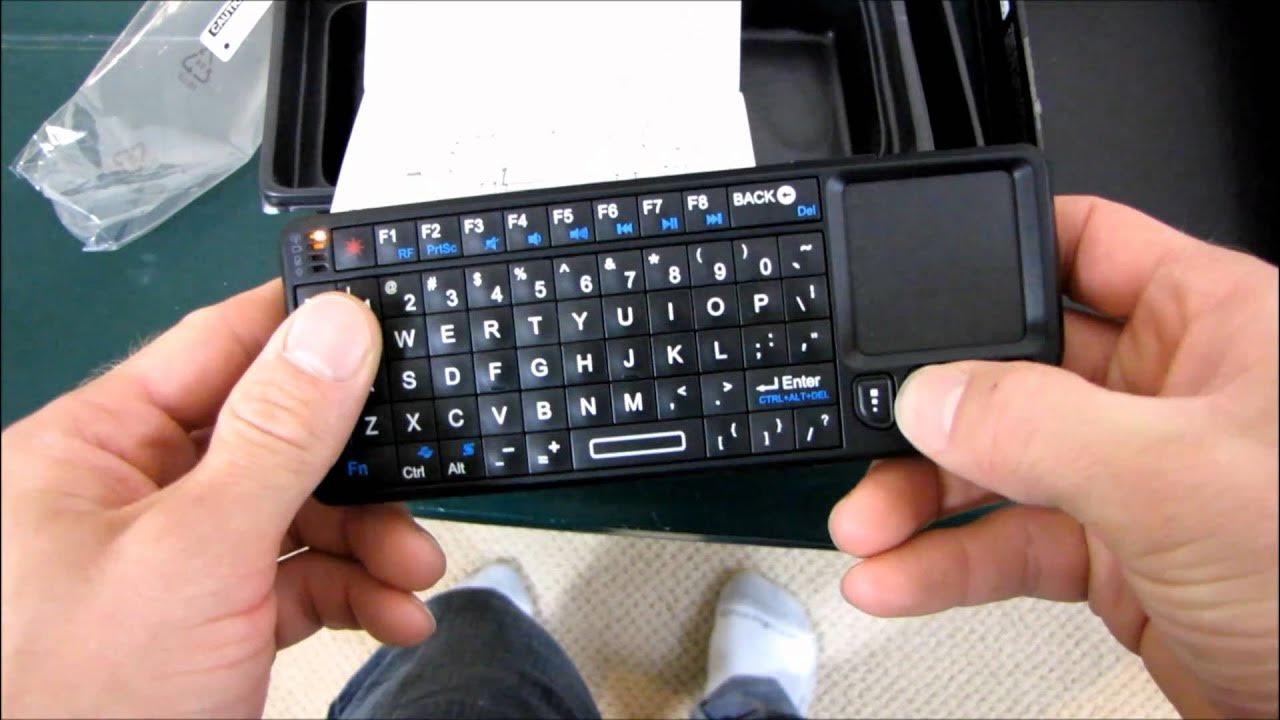
Visiontek Candyboard Mini HTPC Touchpad Keyboard Unboxing & First Look Linus Tech Tips
0 up · 0 down · 0 ratings
Description
ncix.com This is a pretty low-cost innovative little product if you want to control an HTPC from the couch and retain a level of input that you're accustomed to having with a mouse and keyboard.
Visiontek Candyboard Mini HTPC Touchpad Keyboard Unboxing & First Look Linus Tech Tips provides an in-depth look at a compact wireless keyboard with an integrated touchpad designed for HTPC use. The host highlights the device’s key selling points, including its ability to operate in both horizontal and vertical touchpad orientations, a laptop-style touchpad quality, and an included laser pointer feature. The unboxing reveals the package contents: a USB charging cable, a user manual, and a large 2.4 GHz wireless dongle that stores inside the device. The presenter demonstrates the device’s slim profile, palm-sized form factor, and how the touchpad and function keys map to typical PC input tasks, including how the 90-degree flip enables a different control mode. Throughout the segment, practical usage notes are shared, such as the lack of required drivers and multi-OS compatibility (Windows, PS3, Xbox 360, Mac, Linux). The host also reflects on real-world usability, comparing thumb and finger reach for keyboard navigation, and assesses value relative to other remote-sized input devices. By the end of the first look, the Candyboard is positioned as a budget-friendly yet capable option for couch-based control of a media PC, with promising versatility and a reasonable price point. The video closes with a quick recap of its features, including the built-in laser, touchpad flexibility, and the overall impression that the device could significantly simplify HTPC interaction without sacrificing essential keyboard input.
Topics · technology · hardware · unboxing · peripherals · htpc
Questions answered
- What operating systems does the Visiontek Candyboard support?
- It is stated to work with Windows, PS3, Xbox 360, Mac, and Linux, indicating broad OS compatibility.
- What is the primary use case for the Candyboard?
- The device is designed to control an HTPC from the couch, combining a compact keyboard with a built-in touchpad and laser pointer for convenient media PC interaction.