Corsair Carbide 400R Gaming Case Unboxing & First Look Linus Tech Tips
0 up · 0 down · 0 ratings
Description
ncix.com The 400R makes some compromises when compared to its bigger brother the 500R. Given the price point it represents a compelling cooling:value ratio!
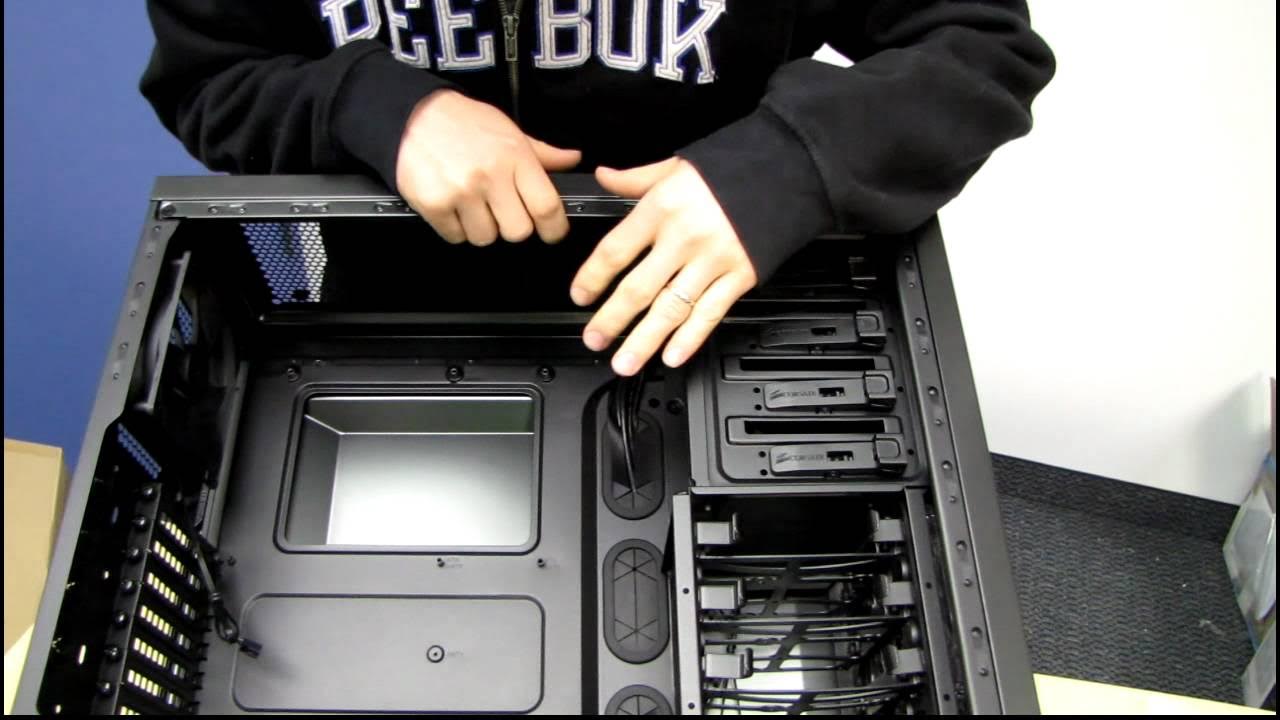
The video begins with Linus presenting the Corsair Carbide 400R as an unboxing, but he quickly pivots to a hands-on reveal of the actual chassis. He describes the packaging, noting the thinner foam and lower-cost presentation compared to higher-end Corsair models, and then proceeds to extract the case from its box. The carrying handle on the top stands out as a practical feature for transport, and Linus highlights the flexible option of mounting fans at multiple positions, including dual 120 mm or dual 140 mm configurations on the top and front, designed to optimize airflow around the CPU and GPU. He also points out the generous number of fan mounting points, six to eight potential mounts depending on orientation, and notes the surprisingly accessible drive bays and internal layout that aims to simplify cable management. Throughout the unboxing, Linus demonstrates the tool-less mounting hardware included in the box, explaining how the case supports standard ATX motherboards while keeping cables organized with rubber grommets and cable-routing loops. He acknowledges the trade-offs of a value-case, yet emphasizes the practical design choices that favor airflow and ease of assembly. In the closing moments, Linus invites viewers to subscribe for more unboxings, reviews, and other computer videos, reinforcing the channel’s focus on accessible hardware insights.
Topics · technology · hardware · pc-building · unboxing · product-review
Questions answered
- What are the standout cooling options on the Corsair Carbide 400R according to the unboxing overview?
- The 400R offers multiple fan mounting positions with dual 120 mm or dual 140 mm options on the top and front, plus additional mounts at the rear, providing broad airflow coverage for CPU and GPU areas.
- What packaging or build quality notes does Linus make about the Corsair 400R?
- Linus notes that the packaging is economical for a value case and highlights the sturdy carrying handle and overall functional design aimed at good airflow and cable management.
- What access is provided for cable management and motherboard installation in the Corsair Carbide 400R?
- The case features a recessed motherboard tray with ample space behind rubber grommets for cable routing, Loops for zip ties, and tool-less mounts for drives and panels to simplify assembly.