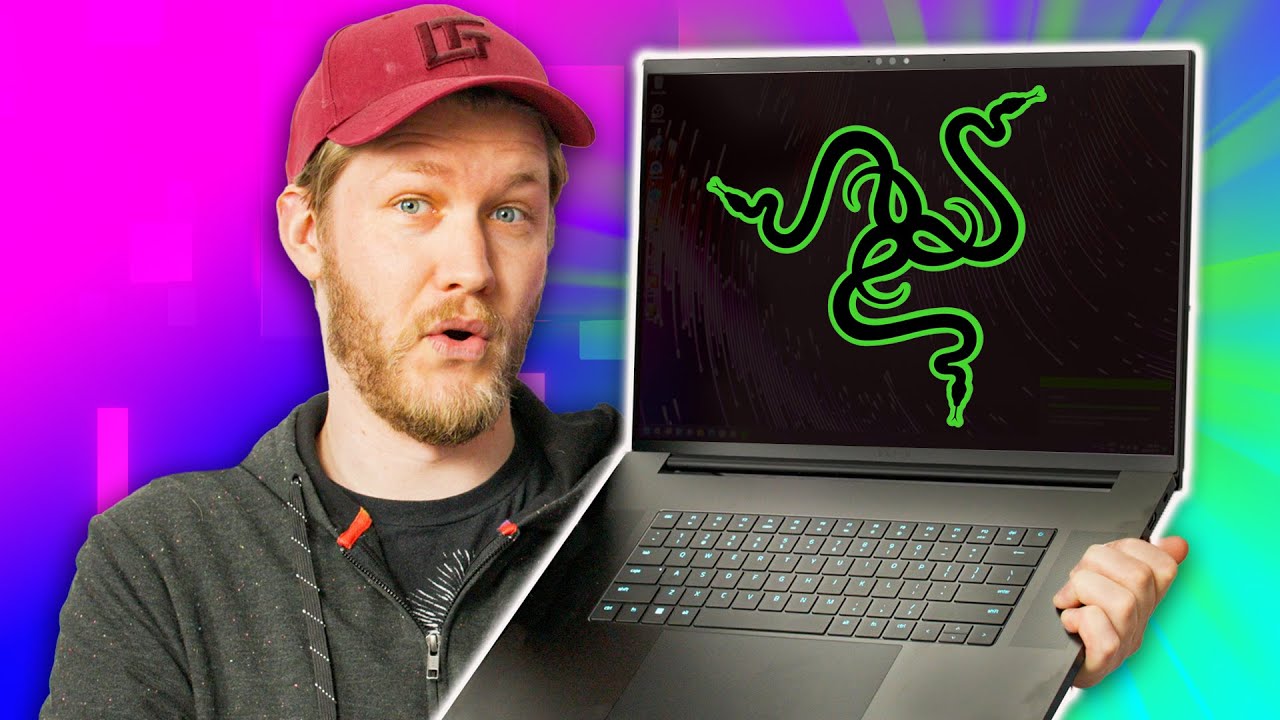
Is Razer BACK?? - Razer Blade 18"
0 up · 0 down · 0 ratings
Promos
Get a dbrand skin or grip case today at shortlinus.com Razer's new 18" Blade gaming laptop is marketed as a replacement for your desktop. Does Alex think that it lives up to this claim? Buy a Razor Blade 18” Laptop: geni.us Buy a HP Dragonfly Elite 14” Laptop: geni.us Checkout the Macbook Pro 2022 16” Laptop: lmg.gg Purchases made through some store links may provide some compensation to Linus Media Group. Want us to unbox something? Make a suggestion at lmg.gg ► GET MERCH: lttstore.com ► LTX 2023 TICKETS AVAILABLE NOW: lmg.gg ► GET EXCLUSIVE CONTENT ON FLOATPLANE: lmg.gg ► SPONSORS, AFFILIATES, AND PARTNERS: lmg.gg ► PRODUCTS WE USE ON THE SHORTCIRCUIT SET: lmg.gg FOLLOW US ELSEWHERE --------------------------------------------------- Twitter: twitter.com Instagram: @shortcircuityt TikTok: @linustech Facebook: @ShortCircuitYT CHAPTERS --------------------------------------------------- 0:00 Intro 0:20 Unboxing 1:30 Exterior impressions and overview 2:36 This is a CHONKY boi 4:29 dbrand! 5:06 Turning on the laptop 6:35 Keyboard and typing impressions 8:48 But what specs do we have? 9:39 Speaker impressions 11:27 Time to GAME 13:15 Webcam impressions 14:40 Inside the Razer Blade 18 17:01 It costs HOW MUCH?! 17:38 Outro
The video centers on unboxing and first impressions of the Razer Blade 18, presented as a desktop replacement laptop. The host opens the box to reveal a very large 18 inch chassis, a 330 watt GaN charger, and a Damascus War Zone skin from dbrand, which instantly signals the product’s premium, aggressive aesthetic. The section that follows focuses on scale and build, highlighting the chassis thickness, weight, and the dense overall package that makes it feel nearly as heavy as a small desktop when considering the included power supply. The host then walks through the I/O options with emphasis on the direct GPU connections via HDMI 2.1 and Thunderbolt 4, noting the two USB-A ports, SD card reader, and a robust network and display setup. The keyboard and trackpad receive mixed feedback: the keyboard offers RGB backlighting and strong typing feel in some respects but suffers from travel and mushy actuation, while the trackpad is unusually large and gains praise for palm rejection. The core hardware is disclosed in depth, including a GeForce RTX 4090, a 13th-gen i9 HX, 32 GB of RAM with two slots usable for expansion, and a dual 1 TB SSD configuration. The display is praised as a standout feature, a 240 Hz 1440p panel that enhances gaming immersion, with the reviewer comparing its gaming persona favorably to a desktop setup. Acoustic performance, THX spatial audio, and speaker layout are evaluated as solid for a laptop but not top-tier, with some distortion at high volumes. The review also delves into thermals and cooling strategy, discussing a three-fan layout and a vapor chamber, as well as graphite cooling as a longevity-focused alternative to liquid metal. The conclusion weighs price against value, acknowledging the Blade 18 as an impressive technical achievement, while questioning the practicality of paying a $5,000 price tag for a portable desktop replacement when desktop alternatives exist, leaving room for potential buyers who prioritize mobility and space savings over a traditional desktop footprint.
Topics · technology · gadget-review · gaming-laptop · hardware · display · sound-audio
Questions answered
- What are the key hardware specifications of the Razer Blade 18 reviewed in the video?
- The laptop features a GeForce RTX 4090 GPU, a 13th gen Intel Core i9 13950HX, 32 GB RAM (two slots usable for upgrading), and two 1 TB SSDs, with a 240 Hz 2560x1600 16:10 display.
- Is the Razer Blade 18 a good desktop replacement based on this review?
- The reviewer calls it a compelling desktop replacement due to its size, power, and display, but notes the high price and the practical trade-offs of mobility versus a true desktop setup.