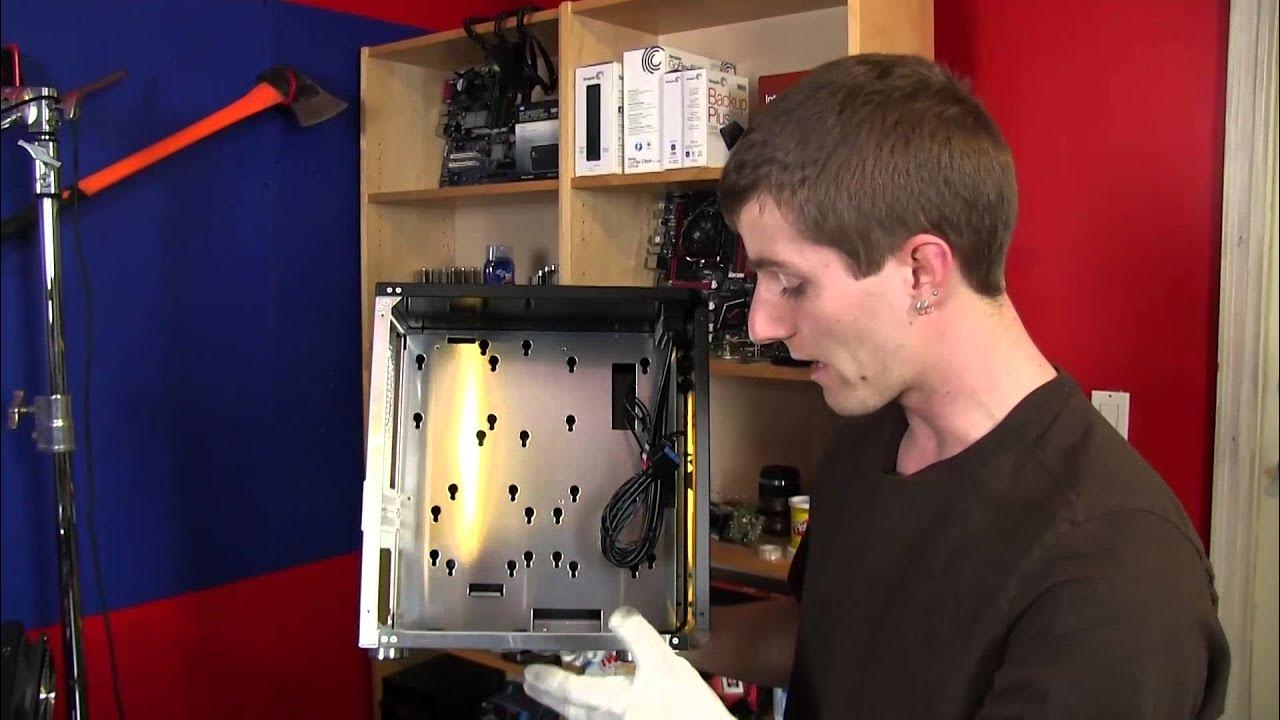
Cubitek Mini Cube ITX Case Unboxing & First Look Linus Tech Tips
0 up · 0 down · 0 ratings
Channels and socials
This Kone Pure unboxing covers the main features of the mouse, but probably doesn't spend enough time on the solid build quality of it overall. Read about this and join our forum: linustechtips.com twitter.com @LinusTech Buy at NCIX: ncix.com
The Cubitek Mini Cube ITX Case is presented as a compact, all aluminum mini ITX enclosure with a claimed feature set focused on efficient space usage and cable management. The host explains that the case can accommodate VGA cards up to 280 mm long and includes a dedicated cable management system behind the motherboard tray, which is highlighted as a standout feature for such a small form factor. Inside the box, you can expect a basic manual and a plain bag of mounting hardware, including motherboard standoffs, screws, rubber grommets, and drive mounting hardware for both 2.5 and 3.5 inch drives. The unboxing emphasizes the quality of brushed aluminum construction and a lightweight, premium feel, with cautions about staining the surface during handling. The exterior showcases a cube-like silhouette with a Cubitek badge, a front panel featuring power and reset indicators, and an I/O cluster on the top edge that includes USB ports, audio jacks, and a headphone/mic jack. The host notes the lack of a tool-free access mechanism and proceeds to open the chassis with a screwdriver to reveal the internal layout, which is described as thoughtful and compact for its size. The discussion then shifts to how the internal drive bays and motherboard tray space translate into practical build considerations, including potential airflow paths and fan placements. The overall tone remains exploratory and anticipatory, with the host expressing eagerness to perform a full build in this miniature chassis and inviting viewers to follow Linus Tech Tips for future unboxings, reviews, and builds. In the latter portion of the video, attention turns to the back panel and expansion options, clarifying that the ITX format supports a single dual-slot graphics card and up to two PCIe expansion slots in this case. The host walks through mounting options for storage drives and explains how the layout can accommodate various cooling strategies, such as front intake or top exhaust configurations, depending on whether the user installs a front fan or relies on the case’s bottom intake with exhaust, all while keeping potential space for a 120 mm fan in the front. There is practical guidance on how the drive sleds align with the front and back of the chassis and how cable management holes and space behind the motherboard tray enable cleaner builds. The video closes with a reminder to subscribe for more content and a note on the case’s light weight, while also reiterating the front panel connectivity and the straightforward, albeit non-toolless, access method. Overall, the unboxing sets expectations for a compact, highly build-able mini ITX system with ample room for careful cable routing and selective cooling options, inviting enthusiasts to explore its customization potential in future videos.
Topics · technology · computer_hardware · unboxing · pc_building