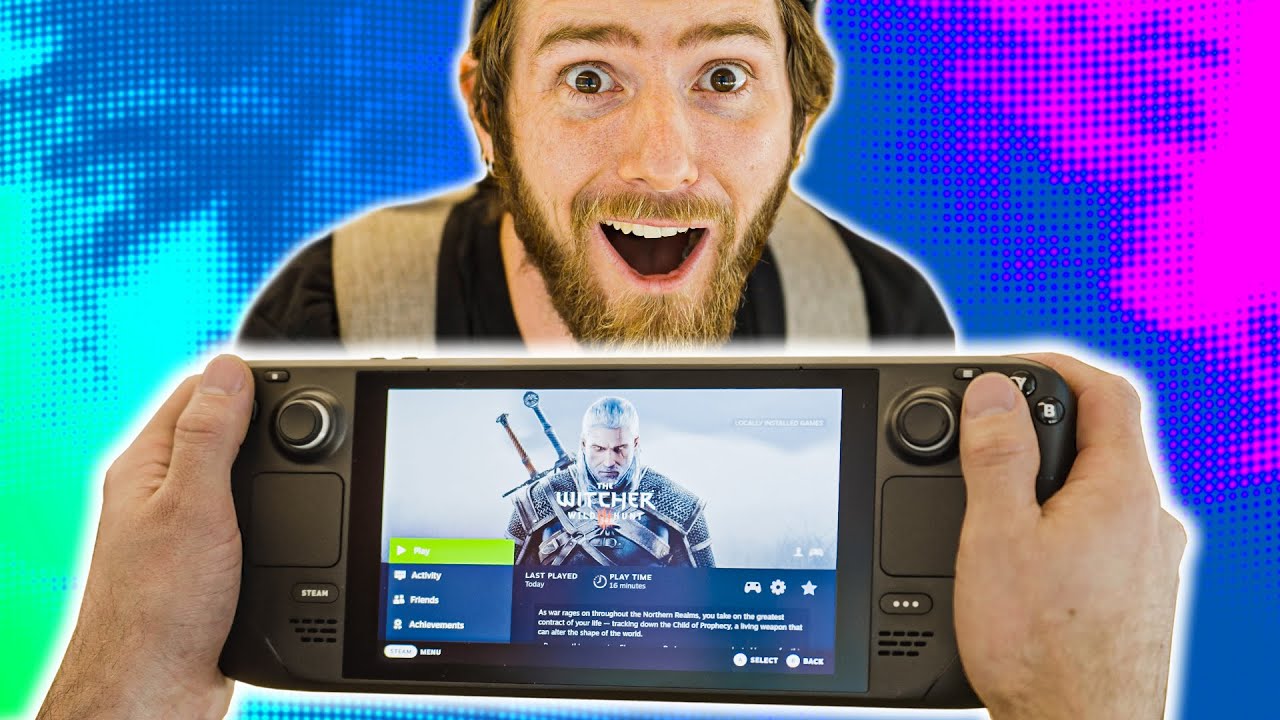
I tried Steam Deck early and it's AWESOME!
0 up · 0 down · 0 ratings
Description
Receive a $25 credit for Ting Mobile today when you sign up at linus.ting.com
Promos
Check out SignalRGB and sync all your RGB peripherals at bit.ly It's my lucky day! Valve let me try the Steam Deck early - And it destroyed my expectations. Just how good is it? Let me explain... Discuss on the forum: linustechtips.com ► GET MERCH: lttstore.com ► AFFILIATES, SPONSORS & REFERRALS: lmg.gg ► PODCAST GEAR: lmg.gg ► SUPPORT US ON FLOATPLANE: floatplane.com FOLLOW US ELSEWHERE --------------------------------------------------- Twitter: twitter.com Facebook: @LinusTech Instagram: @linustech TikTok: @linustech Twitch: twitch.tv MUSIC CREDIT --------------------------------------------------- Intro: Laszlo - Supernova Video Link: youtube.com iTunes Download Link: itunes.apple.com Artist Link: soundcloud.com Outro: Approaching Nirvana - Sugar High Video Link: youtube.com Listen on Spotify: spoti.fi Artist Link: youtube.com Intro animation by MBarek Abdelwassaa @mbarek_abdel Monitor And Keyboard by vadimmihalkevich / CC BY 4.0 geni.us Mechanical RGB Keyboard by BigBrotherECE / CC BY 4.0 geni.us Mouse Gamer free Model By Oscar Creativo / CC BY 4.0 geni.us CHAPTERS --------------------------------------------------- 0:00 Intro
The video opens with Linus casually handling an early Valve Steam Deck unit, eagerly testing its capabilities and planning to plug in a wide range of peripherals. He emphasizes that these are engineering units and that the final experience may differ, but the immediate impression is strong: the device feels like a game changer and demonstrates impressive potential for a handheld PC. Early on he explains the Linux base and Proton compatibility approach, stressing that the Steam Deck is not a locked down console but a portable PC with a flexible software stack. He also notes the constraints of a sandboxed environment and that disassembly or desktop mode may come in a future follow up. Throughout the segment, he highlights ergonomics, build quality, and the ability to use external peripherals like a mouse and a USB hub, setting up the core thesis that this device could redefine handheld gaming. As the hands-on continues, Linus dives into the Steam Deck’s hardware specs, revealing a Zen 2 CPU with 4 cores and 8 threads, an integrated RDNA 2 GPU, and 16 GB of LPDDR5 memory with very high memory bandwidth. He points out the 64 GB eMMC base storage option and the practical need for microSD expansion to grow the game library, arguing that the base storage is a non-starter for many players. Temperature and cooling are discussed with a clinical lens, noting the larger form factor compared to competitors and suggesting that the cooling solution is a key differentiator. He also compares against the AYA NEO, positioning the Deck as a compelling option for performance and endurance in a handheld shell. The dialogue remains practical, focusing on real-world implications rather than hype. The discussion then shifts to input and control methods, with Linus praising the Deck’s multiple navigation options including D-pad, thumbstick, and touchpad, and noting improvements over the earlier Steam Controller. He experiments with gyro controls integrated into the device, describing how fine-tuning can aid precision in shooter titles and strategy games alike. The four physical buttons on each side, the analog triggers, and the touchpad ergonomics are evaluated, with attention to how the control scheme can be mapped to different genres. He demonstrates a few games like Doom Eternal to illustrate how the Deck handles performance settings, frame rates, and screen brightness while balancing audio quality and heat. The segment emphasizes versatility and the value of software-enabled customization. A significant portion is devoted to display, performance, and battery life, with Linus defending Valve’s choice of a 1280 by 800 resolution given the target handheld experience and 60 Hz refresh rate. He discusses dynamic versus native resolution and notes that the hardware’s power envelope predicts strong performance gains over comparable devices, especially when tuned for specific titles. The video also covers speaker arrangement, perceived loudness, and the impact of form factor on comfort during long sessions. Thermal imaging and grip temperatures show Valve making concrete strides in user comfort, with Deck temperatures staying notably cooler than the AYA NEO in hot zones, which he frames as a major usability win. The conclusion of this section reinforces the Deck as a premium, capable PC in a portable design rather than a toy or a toy-like console. The video culminates with practical demonstrations and system-wide capabilities, including external display testing via USB-C and a teaser about a future dock, signaling Valve’s broader ecosystem strategy. Linus shows how the Steam Deck can act as a primary PC for gaming, web browsing, and even lightweight multitasking, including a bookmarks feature for streaming services and Twitch. He remarks on the potential for broader Linux and Proton support to expand the library of compatible games, and he acknowledges the ongoing iteration cycle for drivers and firmware. The closing thoughts are upbeat: the Steam Deck appears to deliver a “full-fat PC in handheld form” that could shift how people think about portable gaming, with excitement for the December shipping window and the competitive landscape ahead.
Topics · technology · handheld gaming · pc hardware · gaming performance · linux gaming
Questions answered
- What makes the Steam Deck stand out as a handheld PC according to Linus?
- Linus highlights the Steam Deck as a full-fat PC in handheld form, with a Zen 2 CPU, RDNA 2 GPU, 16 GB LPDDR5 memory, flexible storage options via microSD, multiple input methods including gyro, and strong Proton/Linux compatibility enabling a broad game library.
- How does the Steam Deck compare to the AYA NEO in terms of thermals and performance?
- Linus notes that the Steam Deck runs cooler in grip areas compared to the AYA NEO, with a more forgiving thermal profile due to its larger chassis, while still offering strong performance that he expects to improve with software updates and driver optimizations.
- Are there any showstoppers or major caveats mentioned for early hardware?
- The main caveats are early units being engineering prototypes, potential variability in final software, base storage limited to 64 GB with reliance on microSD expansion, and the top-mounted USB-C/charging layout which could affect docking and bed-use ergonomics.
- Can the Steam Deck run peripherals like a wired mouse or external display easily?
- Yes, Linus demonstrates using a USB hub and wired mouse via USB-C, and he tests external display via USB-C, showing that peripherals and external screens are supported, reinforcing the Deck’s PC-like versatility.
- What is the anticipated impact on the handheld gaming market?
- Viewers anticipate Valve's Steam Deck redefining handheld gaming, creating a competitive landscape with devices like the AYA NEO and possible RDNA2-based competitors, and expect shipping later in the year with ongoing ecosystem development.
- Do the comments reflect consensus on Valve's openness during the demo?
- Yes, many comments praise Valve for allowing hands-on time with a prototype and for the transparent testing approach, while others note that some tests (like complete controller testing) were constrained by time.