HD Tutorial: Google Chrome Addons
0 up · 0 down · 0 ratings
Description
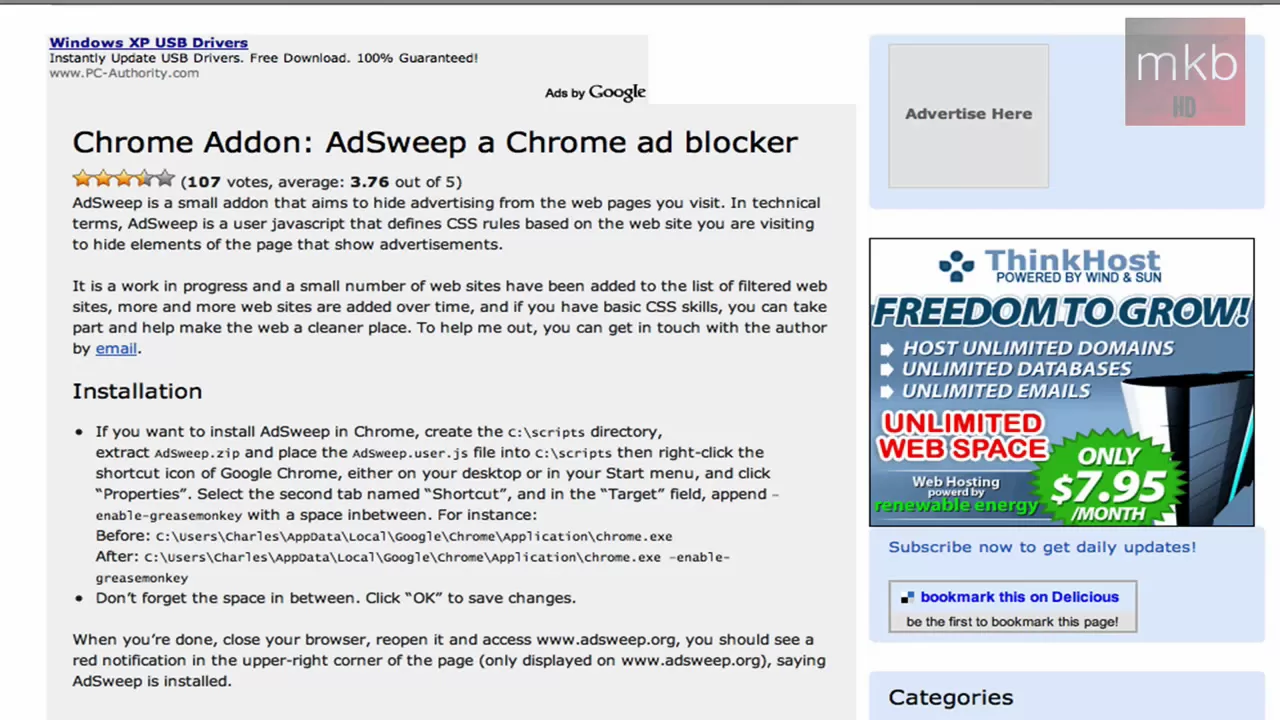
***WATCH IN HD*** Here I'll point you to a site that provides the largest, most complete collection of Google Chrome Addons. This site has themes, plugins, and a ton of features, and is even themed like the browser itself! Here's the link: mychromeaddons.com Explore, install, enjoy! SUBSCRIBE
HD Tutorial: Google Chrome Addons presents a quick tour of a dedicated site for Google Chrome add-ons, themes, and plugins. The creator introduces mychromeaddons.com as a comprehensive resource with a variety of add-ons and a tagging system to facilitate searching, including OS X themes and other Chrome enhancements. Throughout the clip, the host points out that installation instructions are provided on the site, highlighting that different add-ons come with different setup steps. He notes the presence of comments and author details for each item, and mentions that the site is suitable for users looking to expand Chrome similarly to Firefox extensions. The video also teases future content such as a potential tutorial on actually installing add-ons, top five recommendations, and related unboxing and review videos to come, while inviting viewer feedback in the comments. The overall takeaway is that chrome add-ons can significantly extend Chrome’s functionality, and the video serves as an introductory pointer to a central resource for acquiring them and learning installation specifics.
Topics · technology · software · tutorials
Questions answered
- Where can I find Google Chrome addons and themes?
- Visit mychromeaddons.com, which is shown in the video and described as a comprehensive resource for Chrome addons, themes, and plugins.
- How are Chrome addons installed?
- The site provides installation instructions for each addon; the exact steps vary by addon and type.
- Will there be a tutorial on actually installing these addons on my computer?
- The creator mentions the possibility of a future tutorial covering installation, plus potential top five addon recommendations.