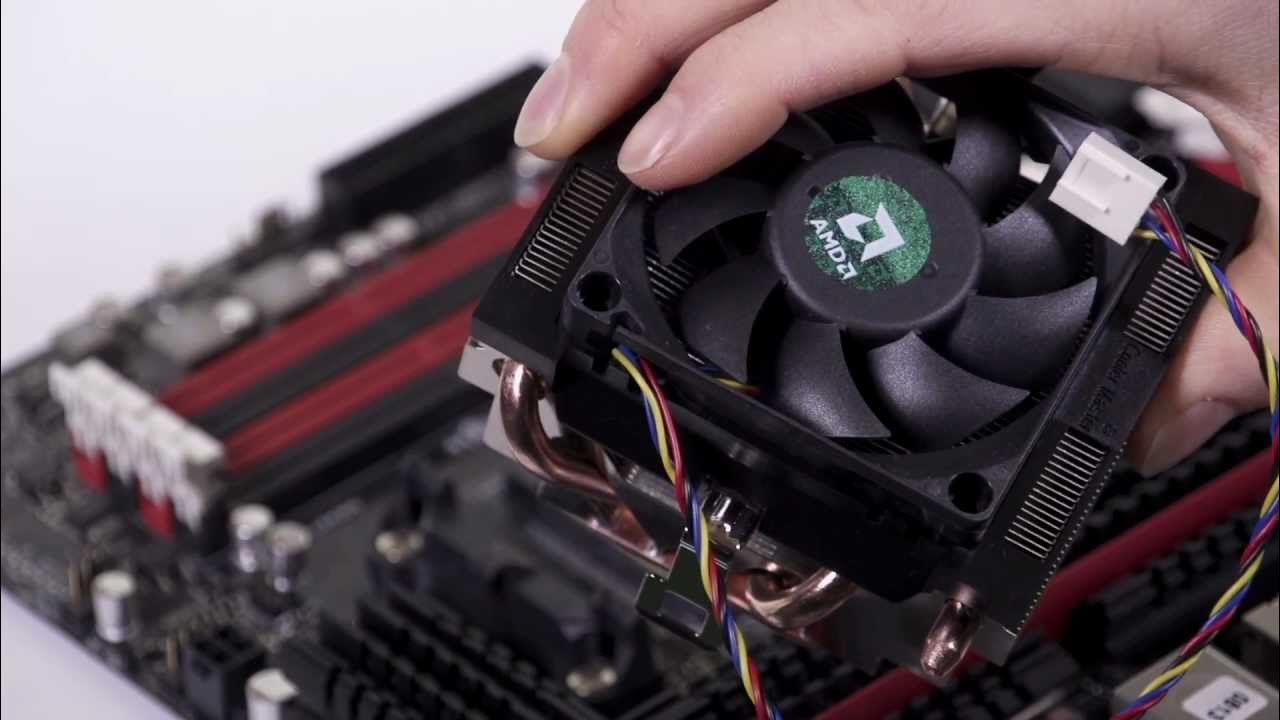
Install an AMD CPU Processor in About 2 Minutes
0 up · 0 down · 0 ratings
Description
Installing an AMD CPU can be simple if you follow the right steps. In this episode Linus demonstrates step-by-step how to get it done right! FORUM LINK: linustechtips.com
This Tech Quickie video provides a concise, step by step guide to installing an AMD CPU in about two minutes. In under the first five minutes, Linus covers crucial prep and alignment actions: lifting the retention arm, aligning the triangle markers on the CPU and motherboard, and carefully setting the CPU into the socket with a small wiggle to ensure proper seating. He then moves to the heat sink included with the processor, noting that it arrives with thermal compound already applied and uses a tool free mounting mechanism that does not require special tools. Cable management tips are given, such as tying a knot in the fan cables to keep them clear of the blades, and guidance on connecting the fan header labeled CPU to optimize cooling. Finally, the mounting latch is locked in place to apply the correct pressure for thermal transfer, and Linus suggests a slight wiggle of the heatsink to help thermal paste settle. The video emphasizes safety and practicality, warning about fan wires getting caught and the importance of not obstructing the blades, while also inviting viewers to subscribe, share, and engage via the video description forum link for future Quickie episodes.
Topics · technology · tutorial · hardware