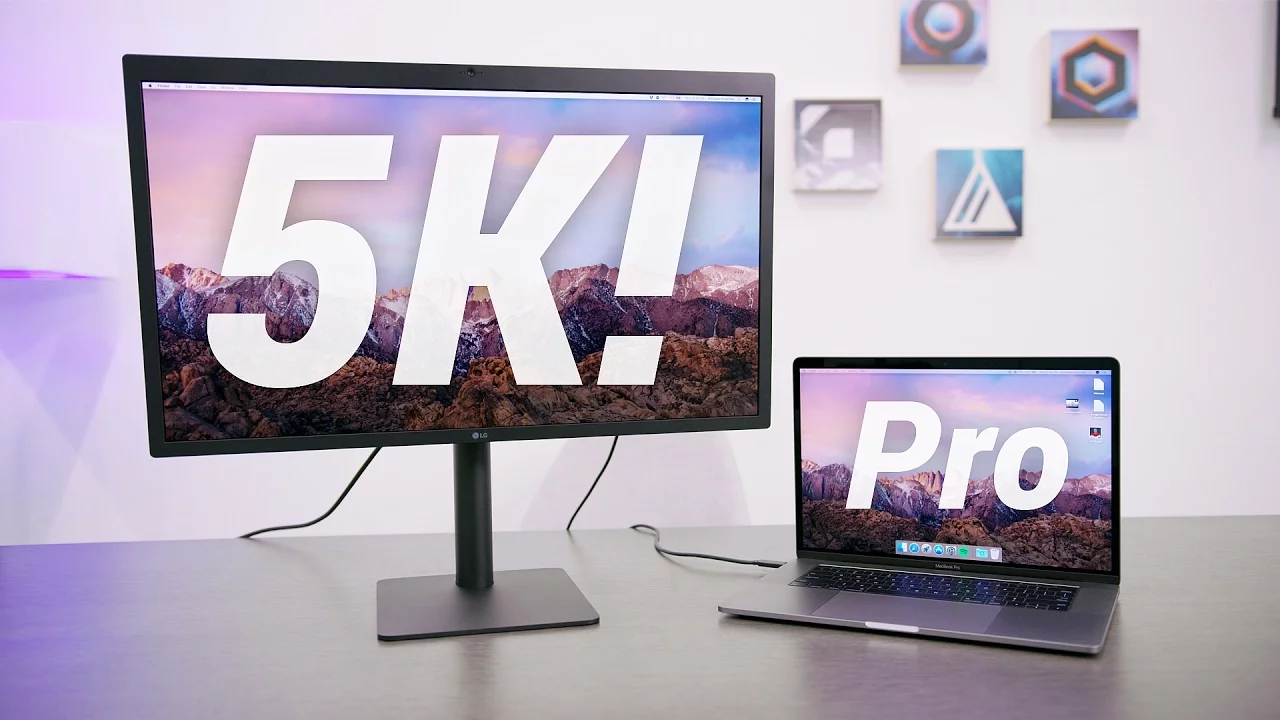
LG Ultrafine 5K Display Unboxing + Setup!
0 up · 0 down · 0 ratings
Channels and socials
LG Ultrafine 5K Display + 2016 MacBook Pro with TouchBar. The ultimate desktop replacement or just a pixel lover's fantasy? 2016 MacBook Pro Unboxing: youtu.be LG Ultrafine 5K Display: apple.com Video Gear I use: kit.com Intro Track: Ongoing Thing by 20syl, Oddisee ~ twitter.com @MKBHD @MKBHD snapchat.com google.com
The video opens with Marques Brownlee introducing the LG Ultrafine 5K 27-inch display in the context of the 2016 MacBook Pro lineup, highlighting two key takeaways: Apple may be stepping back from the standalone display market, while LG collaborates with Apple to produce a high-end 5K option that pairs with the new MacBook Pro. He outlines the plan to unbox the monitor and test its real-world usability with a top-spec 15-inch MacBook Pro, including a note that the unboxing mirrors the experience he had with the non-Touch Bar configuration. Early moments focus on the unboxing flow, the clean packaging, and the accessories box that includes a power cable, a single Thunderbolt cable, a VESA mount, and quick setup notes. He emphasizes the primary advantage of the monitor: it can power and display from a single cable, effectively charging the MacBook Pro while delivering video. The setup discussion pivots to the built-in speakers and brightness controls, with initial impressions suggesting the sound is modest but usable, comparable to the iMac’s built-in speakers. He demonstrates dragging a 4K video into Final Cut Pro to showcase the practical benefits of a native 4K workspace on a larger, high-resolution panel, and he notes the back-panel Thunderbolt ports that expand the available connectivity for daisy-chaining and peripheral use. The video then transitions to real-world testing, including thoughts on workflow implications for a professional editor and considerations about replacing a legacy Mac Pro with the new setup, while signaling that part two will delve into performance under editing workloads and potential portability advantages. In closing, Marques invites viewer input on what they’d like to see in the sequel and teases continued exploration of this laptop-and-display configuration, ending with a call to stay tuned for the next installment and a casual sign-off. The narrative throughout combines practical unboxing details with hands-on evaluation of the display’s integration into a MacBook Pro-centric workflow. Specific observations cover the physical build, the simplicity of the single-cable approach for both power and video, on-device brightness controls, and the quality of the built-in speakers. He also addresses how additional Thunderbolt ports on the monitor could extend a user’s accessory ecosystem, offering a glimpse into multi-device setups. The overall takeaway is that the LG Ultrafine 5K is presented as a capable, Apple-aligned display solution for high-resolution editing and pixel-dense work, while also acknowledging potential caveats such as bezel size and the evolving role of desktop workstations in Apple’s product strategy. The video sets up an ongoing series exploring whether this powerful, portable laptop-plus-monitor approach can supplant a traditional desktop Mac Pro for serious production tasks, with clear expectations and a plan for future testing and decision-making.
Topics · technology · unboxing · setup_guide · video_review
Questions answered
- What is the primary advantage of the LG Ultrafine 5K display in the setup?
- The monitor provides video output and charges the MacBook Pro through a single Thunderbolt cable, powering the laptop while delivering display signal.
- Can the LG Ultrafine 5K display affect a professional editing workflow on a MacBook Pro?
- Yes, it allows native 4K or higher content to be edited on a large high-resolution display, potentially enabling a multi-window Final Cut Pro workspace for more efficient editing.