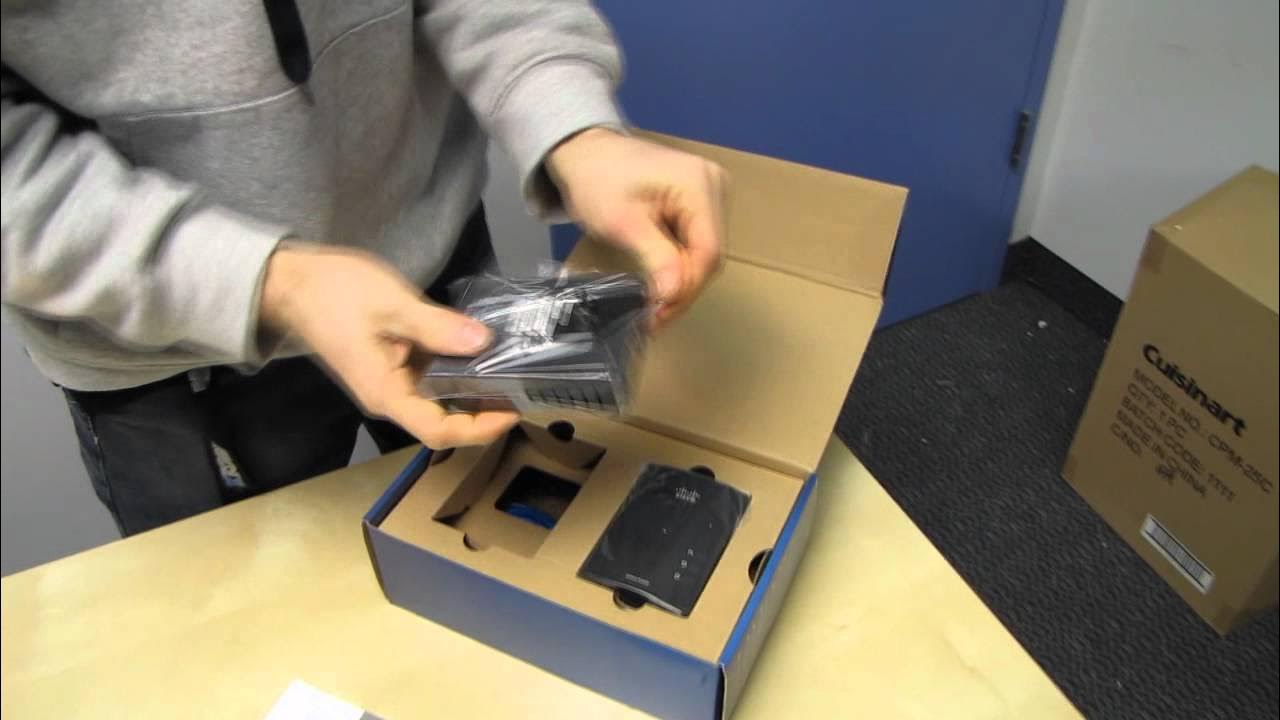
Linksys PLEK400 Powerline Ethernet Adapter Kit Unboxing & First Look Linus Tech Tips
0 up · 0 down · 0 ratings
Description
CA: ncix.com US: us.ncix.com More powerline. I do love it so.
The Linus Tech Tips unboxing and first look at the Linksys PLEK400 Powerline Ethernet Adapter Kit walks viewers through a compact, plug-and-play networking solution designed to use existing in-home electrical wiring for data transmission. The host compares the PLEK400 variants, clarifying that some models include a built-in four-port hub while others are simpler two-adapter kits, and emphasizes that the technology is intended to reach devices in hard-to-cable locations. He discusses performance expectations, noting that many powerline kits do not exceed around 200 Mbps, and defends the model’s claimed speeds as honest and realistic for the format. A quick layout of the hardware shows a gigabit Ethernet port, a security/ encryption button, status indicators, and the two included Ethernet cables for easy setup. The host provides a practical explanation of how powerline works, illustrating the idea with a simple diagram and describing where to place the adapters for best results. Throughout, the emphasis is on straightforward setup, minimal software requirements, and the convenience of plugging devices like smart TVs or computers into the powerline network without running new cables, while acknowledging that actual speeds depend on home electrical infrastructure. The segment ends with a reminder to subscribe for more Linus Tech Tips unboxings, reviews, and other computer-related content, framing powerline as a niche but valuable option for extending a home network.
Topics · technology · unboxing · hardware · networking · consumer electronics
Questions answered
- How does the Linksys PLEK400 use existing electrical wiring to create a network connection?
- The adapters transmit network data through the home’s copper wiring, using one adapter connected to the router and another connected to the target device, withEthernet cables plugged into the adapters for device connectivity.
- Can I secure the powerline network, and is a software setup required?
- Yes, you can enable encryption with the security button on the adapters, and the setup is designed to be plug and play with no mandatory software configuration.