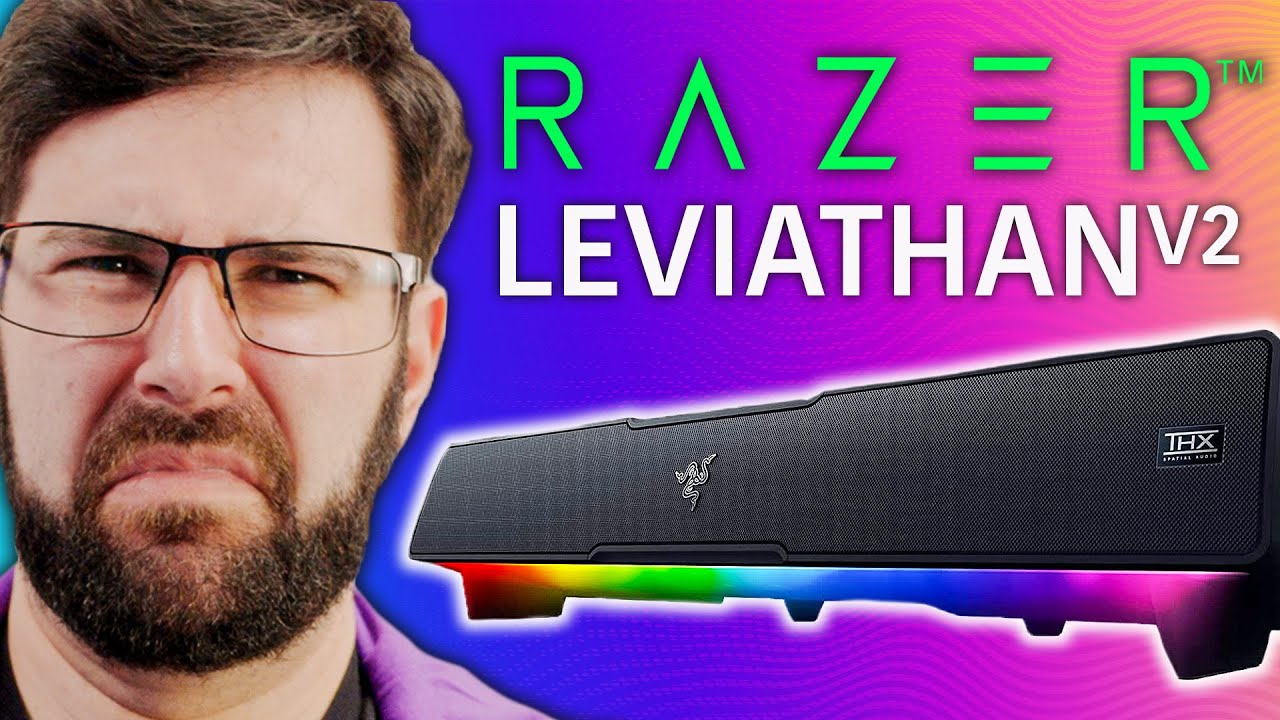
This is... a soundbar - Razer Leviathan Soundbar
0 up · 0 down · 0 ratings
Promos
Get a 30 day trial and 50% off an annual plan with code LINUS50 at share.epidemicsound.com Buy a Razer Leviathan V2 Gaming Soundbar: geni.us Purchases made through some store links may provide some compensation to Linus Media Group. Want us to unbox something specifically for a video? Make a suggestion at lmg.gg ► GET MERCH: lttstore.com ► AFFILIATES, SPONSORS & REFERRALS: lmg.gg ► PODCAST GEAR: lmg.gg ► SUPPORT US ON FLOATPLANE: floatplane.com FOLLOW US ELSEWHERE --------------------------------------------------- Twitter: twitter.com Instagram: @shortcircuityt TikTok: @linustech Facebook: @ShortCircuitYT CHAPTERS --------------------------------------------------- 0:00 Unboxing 3:05 Banana for Scale 4:45 Testing Subwoofer 5:08 Linus 5:58 Windows Test Sound 6:23 Configuration 6:50 Audio Test 8:10 THX 9:15 Signsweep 10:25 First Impressions 11:38 Rhythm Game 12:53 Claims 13:25 Thoughts
This video presents an in-depth look at the Razer Leviathan Soundbar, beginning with the unboxing and physical assessment of both the soundbar and its accompanying subwoofer. The host notes the build materials, the cable quality, and the packaging details, highlighting the USB-C connectivity, the inclusive subwoofer cable, and the option to position the bar with angled feet for desk setups. The visual emphasis on the device’s slim profile and the distinct four front and two rear drivers frames the soundbar as a compact, desk-friendly solution for gamers and PC users who want a simplified, all-in-one audio setup. Throughout the segment, practical concerns such as cable management, room placement, and the potential for using Bluetooth 5.2 are discussed, giving viewers a baseline expectation for install ease and flexibility. The segment also teases the companion software, Razer Synapse, which allegedly controls RGB lighting, equalization options, and THX spatial sound settings. By the end of the unboxing portion, the host frames how the Leviathan could fit into a modern gaming station and what features to evaluate in the subsequent testing rounds.
Topics · hardware · audio · review · gaming · technology · setup
Questions answered
- What is the Razer Leviathan Soundbar primarily praised for in this review?
- The video highlights its compact desk-friendly design, the inclusion of a subwoofer, USB-C connectivity, Bluetooth 5.2, and the promise of THX spatial sound, while also testing its real-world performance in gaming and media playback.
- Does the reviewer find the Leviathan to be a good value for gamers?
- No, the reviewer expresses strong reservations about value and performance for gaming, noting issues with true 7.1 surround handling, latency, and questionable sound stage, ultimately suggesting it may not be a good buy at the tested price.
- What software features are explored for the Leviathan?
- The reviewer demonstrates the Razer Synapse software, including RGB customization and audio equalization options, and discusses the impact of THX spatial sound settings on the listening experience.