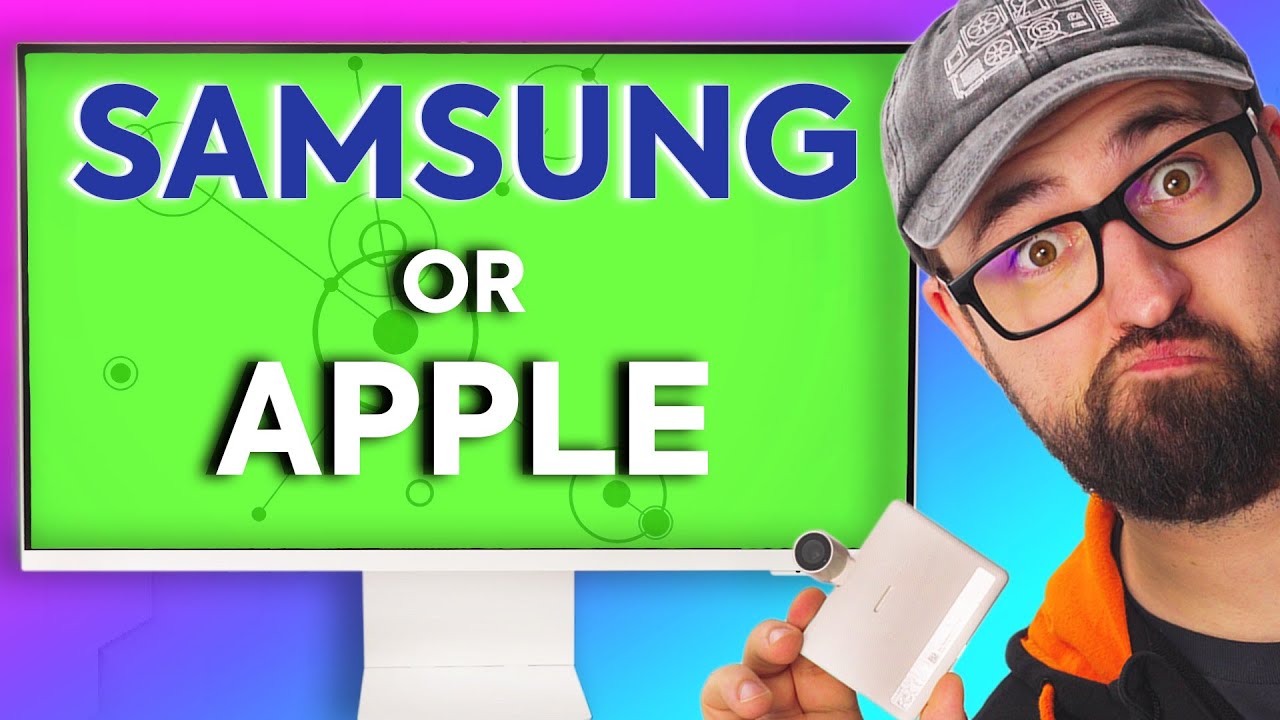
Apple wishes they made THIS! - Samsung Smart Monitor M8
0 up · 0 down · 0 ratings
Description
Thanks to Samsung for sponsoring today's video!
Promos
Check out the Samsung Smart Monitor M8 at lmg.gg Samsung's smart monitor line-up has always been pretty interesting, and it's even more interesting, especially after a particular company's monitor was released that feels a bit lackluster... The Samsung Smart Monitor M8 might be something you should look at if you need something that fits in a small space and does almost everything you need. Buy the Samsung Smart Monitor M8: geni.us Purchases made through some store links may provide some compensation to Linus Media Group. Like the footage we used? Check it out at youtu.be ► GET MERCH: lttstore.com ► AFFILIATES, SPONSORS & REFERRALS: lmg.gg ► PODCAST GEAR: lmg.gg ► SUPPORT US ON FLOATPLANE: floatplane.com FOLLOW US ELSEWHERE --------------------------------------------------- Twitter: twitter.com Instagram: @shortcircuityt TikTok: @linustech Facebook: @ShortCircuitYT CHAPTERS --------------------------------------------------- 0:00 - You don't have to choose anymore 0:10 - Overview 0:39 - Unboxing 1:14 - Assembly 2:08 - Height adjustment 2:31 - Slimfit Camera 3:30 - Remote 3:55 - Color options 4:11 - I/O ports and navigation button 5:13 - TechLink is great, subscribe! 5:48 - Pricing 5:59 - Mac Address approved design 6:41 - Linus design approved 7:01 - Setup 8:55 - Look at all those available apps 9:12 - Webcam impressions 9:25 - Speaker impressions 10:05 - Display impressions 10:38 - Settings impressions 11:43 - Multiview feature 12:05 - Can you use it as a computer? 13:35 - Final thoughts
The video opens by positioning the Samsung Smart Monitor M8 as a versatile alternative to traditional monitors and even a case where you might want both a monitor and a TV. The host unboxes the device, highlighting its ultra slim profile and the magnetic slim‑fit webcam that snaps onto the display, noting how the webcam can slide and track the user for presentations. They discuss the external power brick and the stand design, with playful commentary about the 32 inch 4K panel and the overall premium look. The review then moves to setup, where the remote, input options, and built‑in apps are explored, including streaming services like Netflix and YouTube, plus Office 365 for light productivity tasks. The host contrasts the M8’s smart TV‑style feature set with a traditional computer monitor, emphasizing the multiview feature, app ecosystem, and the ability to connect peripherals directly to the monitor. They also touch on input/output options such as USB‑C, micro HDMI, and the built‑in speakers, and conclude with practical use cases like kitchen, bedroom, or small office setups, including basic gaming when tied to a PC. The verdict is that the M8 offers a compelling blend of display quality, smart features, and space efficiency at a competitive price, making it appealing for users who want a compact all‑in‑one solution rather than a dedicated PC monitor, while noting that true high‑end gaming performance is not its strength. The host closes by acknowledging the device's strengths in everyday tasks, media consumption, and productivity, and suggests it as a strong option for smaller living spaces or as a hub device in a living room or kitchen, with an acknowledgment of sponsorship and a nod to exploring more monitors in future videos.
Topics · technology · consumer_electronics · hardware · monitors · smart_home · video_reviews
Questions answered
- What is the Samsung Smart Monitor M8 primarily designed to replace or complement?
- It is designed as a compact all‑in‑one solution that combines a 32‑inch 4K display with built‑in smart TV features, enabling both productivity and media consumption without needing a separate computer for basic tasks.
- Can the M8 run typical computer tasks without a connected PC?
- Yes, it can run basic productivity apps and web browsing through its built‑in OS and Office 365, but for heavier computing tasks you would typically connect a computer via USB‑C or HDMI.