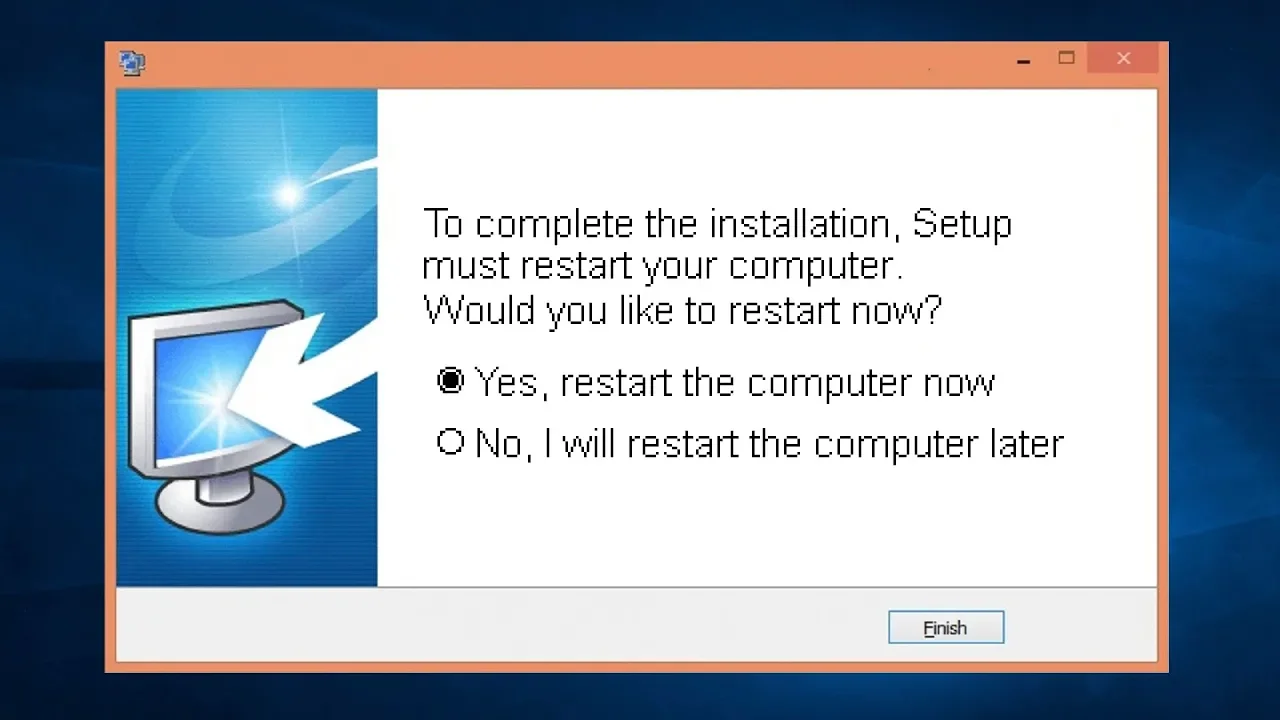
Why Do You Often Have to Reboot After Installing a Program?
0 up · 0 down · 0 ratings
Promos
Visit squarespace.com and use offer code TECHQUICKIE to save 10% off your first order. Why do many programs insist on a reboot after you install them? Techquickie Merch Store: designbyhumans.com Techquickie Movie Poster: shop.crowdmade.com Follow: twitter.com Leave a reply with your requests for future episodes, or tweet them here: twitter.com Join the community: linustechtips.com Intro Theme: Showdown by F.O.O.L from Monstercat - Best of 2016 Video Link: youtube.com iTunes Download Link: itunes.apple.com Listen on Spotify: open.spotify.com
The video explains why many programs require a reboot after installation, focusing on how modern software interacts with the operating system. It notes that large, complex applications often integrate directly with system functions and may install new drivers or APIs that other components rely on. Because the operating system and currently loaded files may be in use, changes to those files cannot be safely applied until a restart, which gives the installer a chance to modify system-level resources without conflicts. A key mechanism discussed is the use of DLLs, shared pieces of code that many programs depend on; updating these while they are in use could lead to instability, so a reboot ensures the new DLLs are loaded cleanly. The video also covers the Windows registry, describing it as a central store for crucial settings, and explains that rebooting helps ensure newly installed software reads and uses updated registry values correctly. It clarifies that while some updates may not require a full reboot, they often necessitate restarting the affected programs or the system to properly patch dependencies and load new configurations. Finally, the host notes that uninstalling software can also require a reboot to fully remove changes, and while modern OS design has reduced the need for full reboots, the practice remains common to guarantee stability and correct integration with the operating system.
Topics · operating systems · software installation · computer hardware and drivers · troubleshooting · computer software · technology overview