Building the $100,000 PC Pt. 2 - SO MANY PCIe CARDS
0 up · 0 down · 0 ratings
Description
Check out Videoblocks at videoblocks.com Buy Titan X on Amazon: geni.us
Promos
Check out One Stop Systems' server gear: geni.us Discuss on the forum: linustechtips.com Our Affiliates, Referral Programs, and Sponsors: linustechtips.com Linus Tech Tips merchandise at designbyhumans.com Linus Tech Tips posters at crowdmade.com Our Test Benches on Amazon: amazon.com Our production gear: geni.us Twitter - twitter.com Facebook - @LinusTech Instagram - @linustech Twitch - twitch.tv Intro Screen Music Credit: Title: Laszlo - Supernova Video Link: youtube.com iTunes Download Link: itunes.apple.com Artist Link: soundcloud.com Outro Screen Music Credit: Approaching Nirvana - Sugar High youtube.com Sound effects provided by freesfx.co.uk
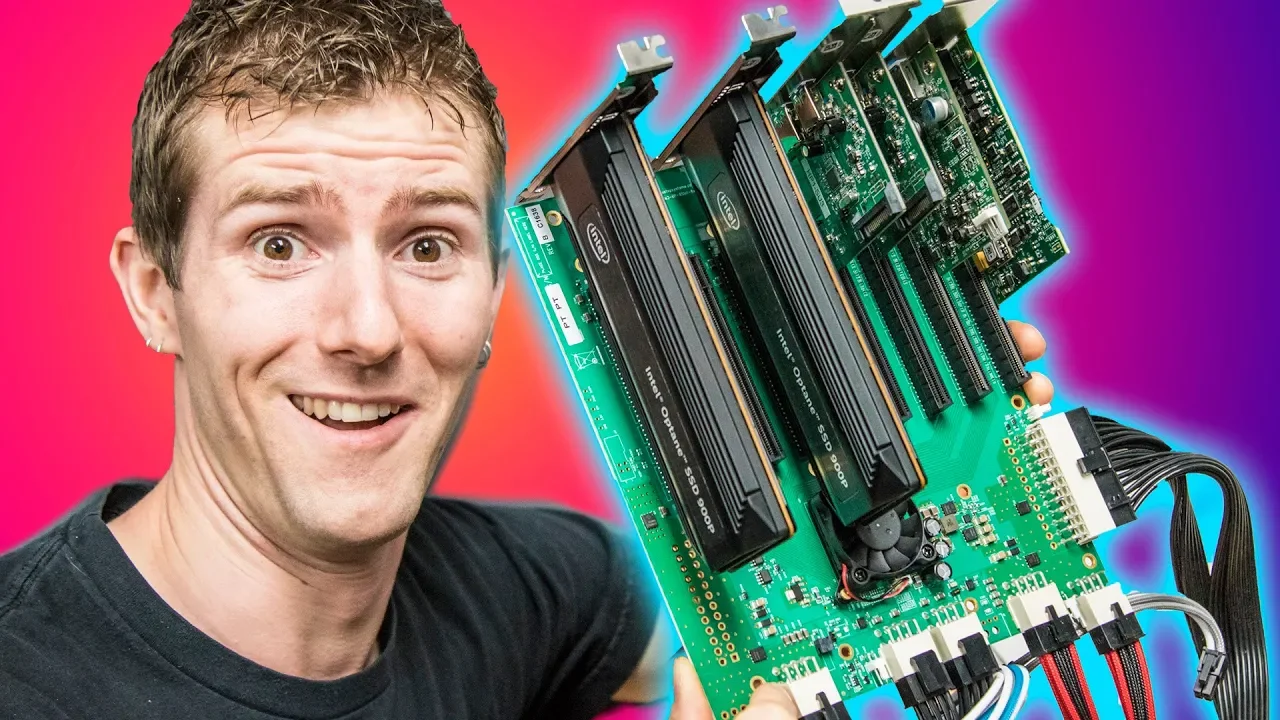
Building the $100,000 PC Pt. 2 continues Linus Tech Tips exploration of a massively ambitious workstation build, aiming to scale up to a multi-editor, 8K capable rig. The video opens by acknowledging the core problem: the motherboard can only support seven PCIe 16x devices, which is far from sufficient for six editors editing 8K footage simultaneously. To address this, the team introduces PCIe expansion solutions from Thermaltake and One Stop Systems, including PCIe extenders and a PCIe over cable strategy that can fan out a single slot into multiple lanes. The discussion then dives into the underlying tech, explaining how PLX switches act like network switches for PCIe, enabling numerous devices to share a single interface. The plan is to use these expansions for USB 3.x devices and potential GPUs in a way that balances bandwidth across all connected devices, with the caveat that full 16x performance on every card is not realistic due to lane sharing. The segment ends with a preview of how these components will be tested in practice, setting expectations for a complex, experimental setup rather than a plug-and-play workstation.
Topics · hardware · technology · computer_build · server_and_data_center