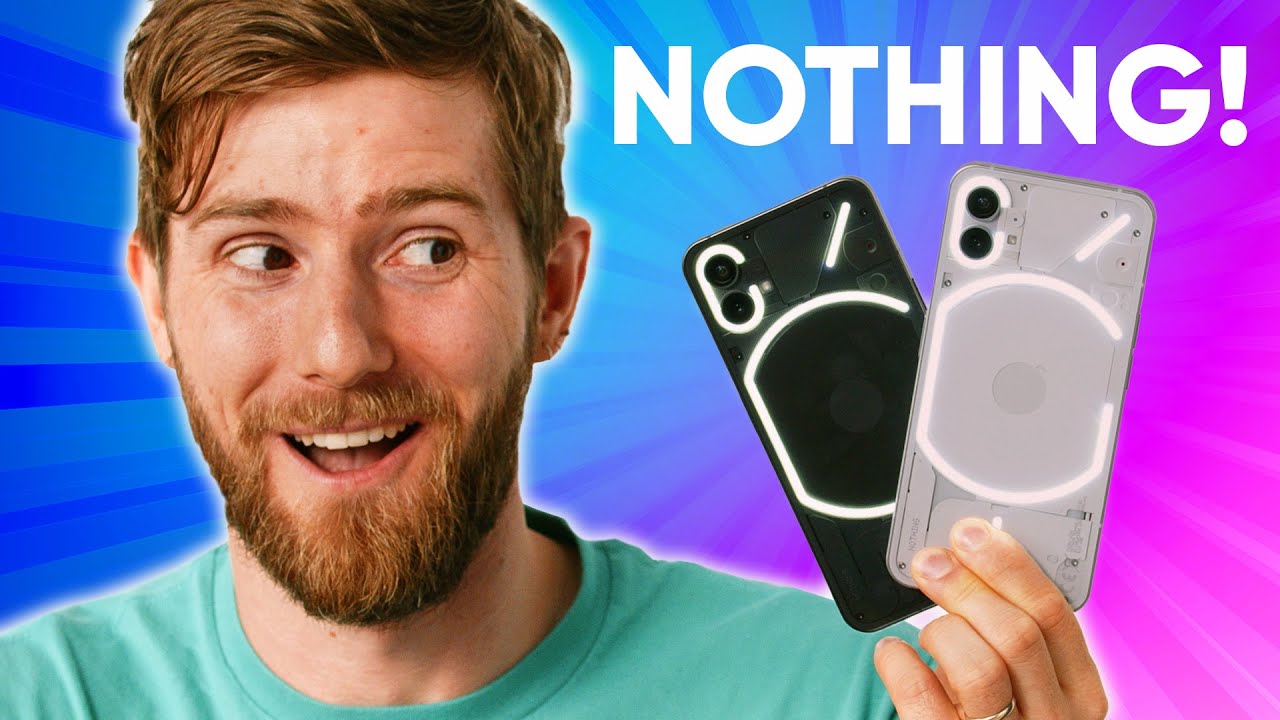
I like these! - Nothing Phone (1)
0 up · 0 down · 0 ratings
Promos
Head to dbrand.com It’s better than nothing. Nothing has finally released their long-awaited (and hyped up) Phone (1). Is it all flash, or did Carl Pei launch the next big thing? Want us to unbox something specifically for a video? Make a suggestion at lmg.gg ► GET MERCH: lttstore.com ► AFFILIATES, SPONSORS & REFERRALS: lmg.gg ► PODCAST GEAR: lmg.gg ► SUPPORT US ON FLOATPLANE: floatplane.com FOLLOW US ELSEWHERE --------------------------------------------------- Twitter: twitter.com Instagram: @shortcircuityt TikTok: @linustech Facebook: @ShortCircuitYT CHAPTERS --------------------------------------------------- 0:00 The obvious joke 0:13 Unboxing 0:47 Comparing black and white 1:19 Thoughts on the Glyphs 1:55 Exterior impressions 2:36 Speaker impressions 2:57 It fits an iPhone 13 max case! 3:58 NothingOS complaints 6:21 Phone specs and impressions 7:57 Who is Nothing? 8:21 The most important feature to Linus 9:07 Phone haptics 9:43 Camera impressions 11:08 Glitches, quirks, and problems experienced 12:18 Yes, Linus dropped the phone 12:35 NothingOS thoughts continued 13:17 Battery life impressions 14:04 Trying AirPod integration 14:37 Overall thoughts 15:03 Sponsor - dbrand 16:15 Outro
The video opens with a lighthearted tease, then jumps into unboxing and first impressions of the Nothing Phone (1). The host contrasts the device with typical black and white packaging, noting the minimalist approach including a USB-C cable and no charging brick, while highlighting the distinctive glyph back that lights up for notifications. Aesthetic choices are debated, with the white variant catching more initial attention but the black variant proving appealing due to its subtler, premium vibe. The host then compares the phone’s dimensions and ergonomics to the iPhone 13 Pro Max, showing how closely Nothing designed the two devices, and discusses how the phone fits different cases. The software experience, Nothing OS, is analyzed in depth: fingerprint and face unlock work well, but the notification interaction flow on locked screens is awkward, and the quick controls feel crowded for the host's taste. The host emphasizes Nothing’s approach to a clean Android experience with minimal bloat, balanced against a lighter feature set compared to heavier skin manufacturers, and demonstrates practical examples like screenshot editing and sharing to illustrate the workflow. Hardware is covered next, including the Snapdragon 778G Plus, a 120 Hz display, and 4500 mAh battery life, with notes on 15 W wireless charging and 5 W reverse charging, while addressing camera performance and haptics as standout elements. Throughout, comparisons to established brands, reflections on Nothing’s origins with Carl Pei, and opinions about potential future developments pepper the review. The host closes with thoughts on durability, potential updates, and a speculative future for Nothing, supported by a sponsor segment and a nod to accessory maker dbrand, before signing off with final considerations for prospective buyers. The overall verdict remains positive about the value proposition, while acknowledging quirks and room for software refinements that could elevate the Nothing Phone (1) in future iterations.
Topics · Technology · Smartphones · Android · Reviews · Hardware · Software · Electronics · ConsumerTech
Questions answered
- What processor powers the Nothing Phone (1) and how does it impact performance?
- The Nothing Phone (1) uses the Snapdragon 778G Plus, which provides enough power for everyday multitasking and gaming, delivering a smooth experience without the flagship-class performance is not required for most users.
- Is a charging brick included in the box for the Nothing Phone (1)?
- No, the package includes a USB-C cable but no charging brick, following the industry trend of removing the brick from the box.
- How does Nothing OS affect user experience and customization?
- Nothing OS offers a clean, mostly stock Android experience with minimal bloat, fast unlocks, and efficient gesture navigation, but some interface choices and notification interactions can feel sparse or less convenient compared to other skins.