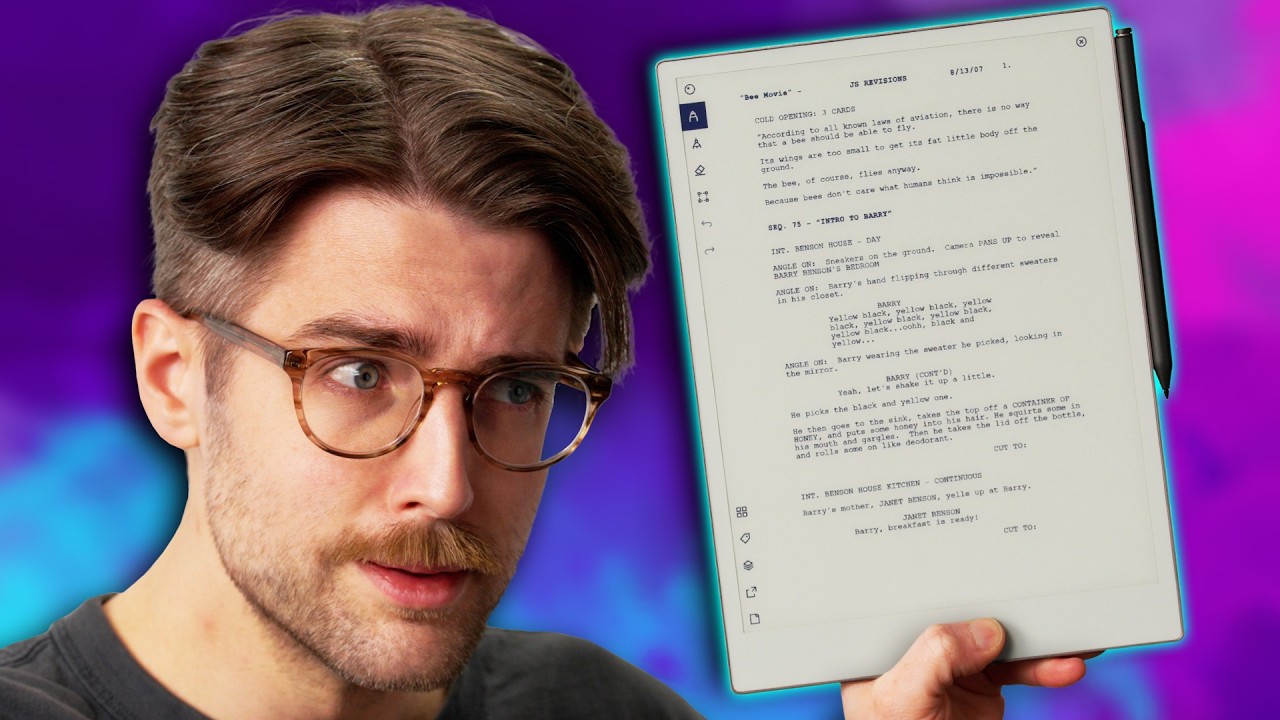
Finally. Professional Paper. - reMarkable Paper Pro
0 up · 0 down · 0 ratings
Promos
Check out the Secretlab Titan Evo ergonomic gaming chair at lmg.gg and give your back the support it deserves! Riley is becoming an eInk tablet expert, so when we finally got our hands on the reMarkable Paper Pro tablet that focuses on... well, focusing on your work, he was intrigued to see if something dedicated to note-taking would actually be worth the money. Buy a reMarkable Paper Pro: geni.us Buy a reMarkable Paper Pro + Book Folio Bundle: geni.us Buy a reMarkable 2 Bundle: geni.us Purchases made through some store links may provide some compensation to Linus Media Group. Want us to unbox something? Make a suggestion at lmg.gg ► GET MERCH: lttstore.com ► GET A VPN: piavpn.com ► GET EXCLUSIVE CONTENT ON FLOATPLANE: lmg.gg ► SPONSORS, AFFILIATES, AND PARTNERS: lmg.gg CHAPTERS --------------------------------------------------- 0:00 It's been a while... 0:36 Unboxing 1:57 Design and build quality impressions 3:43 Looking at the Marker Plus 5:00 Sponsor - Secretlab 5:32 Pen shake test and thoughts on the e-reader space 7:25 OS and learning features with the tutorial 12:33 Sharing documents, opening PDFs, and reading eBooks 16:43 Battery life and specs, checking out the leather Book Folio 17:51 Using the Type Folio 20:06 Overall thoughts and pricing 21:34 Outro
The video opens with the host reflecting on the evolution of e ink tablets, noting that the reMarkable Paper Pro represents a notable step forward in the category. The unboxing sequence reveals the box contents, including the tablet, a USB-C cable, and the Marker Plus with its eraser on the back, accompanied by extra nib tips stored in a dedicated plastic box. The host comments on the premium build quality, the ridged edges, and the subtle, refined design that aims to distinguish the product from typical tablets, emphasizing the material and tactile feel. He then transitions into the setup process, mentioning the Linux-based Codex OS and the new software updates, while comparing the experience to his past encounters with comparable devices like the Boooks line and Android skins. The discussion shifts to the Marker Plus specifics, such as weight, erasing functionality, and the tactile feedback, highlighting how these features influence the note taking and drawing experience. The host explores the device’s software ecosystem, including document sharing, PDF handling, and the e reading workflow, while noting the DRM limitations for eBooks and the workflow for importing content from Google Drive and the Remarkable apps. Battery life, storage, and RAM are assessed, with practical estimates of two weeks on modest use and 64 GB of storage paired with 2 GB of RAM. The video then delves into accessory options, featuring the Leather Book Folio and the Type Folio, and evaluates the typing experience on the optional keyboard, describing the soft, tactile feedback and the learning curve of navigating the OS. In closing, the host positions the Paper Pro as a highly focused, paperlike experience that excels for ideation and note taking, while acknowledging it is a premium device with a pricing point that invites debate about its practicality for different users, and he ponders the device’s future relevance as younger generations may have less paper experience. The video ends with a call to action for subscribing and invites viewers to explore more eink content on the channel, framing the Paper Pro as a unique tool for serious note taking and creative work.
Topics · technology reviews · hardware unboxing · e-ink devices · digital note-taking
Questions answered
- What is the core value proposition of the reMarkable Paper Pro according to the video?
- The Paper Pro is presented as a focused, paperlike tablet designed for serious note taking, ideation, and document handling, offering a premium writing experience with features like a backlit color e ink display, a dedicated Marker Plus with eraser, and a Linux based OS for a distraction free workflow.
- Can the Paper Pro replace traditional notebooks for students or academics?
- It can replace some aspects of notebooks for academics by providing easy annotation, sharing, and organized note storage, but DRM limitations for ebooks and the price tag are practical considerations that may limit broad adoption.
- What are some notable limitations mentioned in the video?
- Notable limitations include DRM restrictions for ebooks, a learning curve with the OS, potential lag in color mode, and a premium price without many extra features compared to standard tablets.