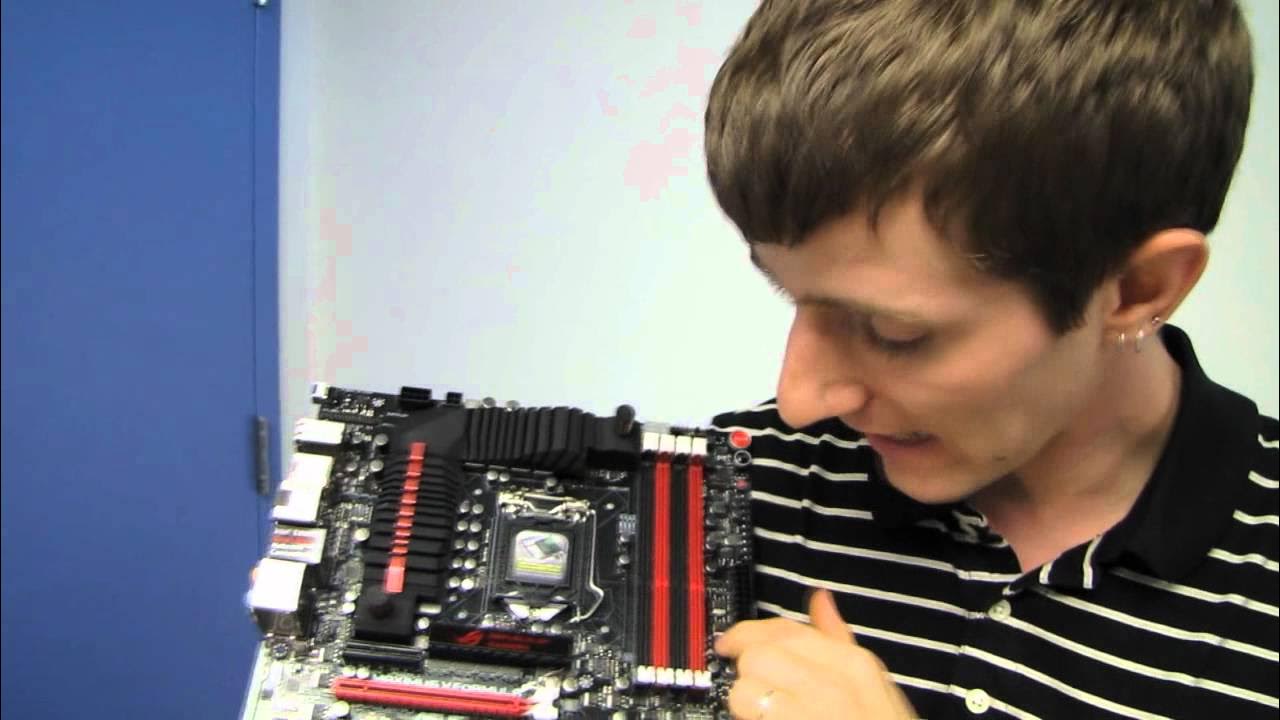
ASUS Maximus V Formula ThunderFX Gaming RoG Motherboard Unboxing & First Look Linus Tech Tips
0 up · 0 down · 0 ratings
Description
Republic of Gamers branding is reserved for the best of the best ASUS motherboards. The Maximus V Formula definitely falls under that category. CA:ncix.com US: us.ncix.com
The video provides a thorough unboxing and first look at the ASUS Republic of Gamers Maximus V Formula ThunderFX motherboard. Linus Tech Tips walks through the package contents, highlighting the ThunderFX audio solution that ships with the ThunderFX edition, and describing how the included Diablo 3 mouse pad adds value for gamers. He emphasizes the board’s feature set, including the Z77 chipset, SRT for SSD caching, Virtu MVP for GPU acceleration, and multi-GPU support with 8x PCIe slots designed to accommodate both 3-way Crossfire and 2-way SLI configurations. The ThunderFX audio subsystem is explained in detail, with notes on the 6631 audio processor, USB and analog outputs, and the active noise-cancelling microphone input that works with compatible headsets. Linus compares the onboard audio design to higher-end external options, discusses the red line shielding for interference reduction, and explains why Asus combines premium onboard audio with flexible expansion options for mainstream and enthusiast buyers. The review then surveys networking and software features, including Intel networking with Game First 2 technology for prioritizing gaming traffic, and AI Suite control that extends to Wi-Fi and third-party NICs. He analyzes the PCI Express slot configuration, discusses x16/x8/x8 or x8/x4/x4 modes, and explains how Asus accounted for triple-slot GPUs with spacious spacing to preserve bandwidth for other add-ons. Further, the video covers VRM design choices, using high-quality components and Nikon GT capacitors to balance performance under varying temperature conditions, and how Asus’s power delivery is designed to remain robust whether you overclock aggressively or run a quiet system. He delves into cooling options, including Fusion Thermo with a heat pipe and water cooling compatibility, and notes the use of nickel and copper for corrosion resistance and durability. The unboxing closes with a tour of accessories, BIOS features such as USB BIOS Flashback, and the Rog Connect system for remote monitoring, overclocking, and temperature management, concluding with a summary of the board’s potential for long-term use and upgradability.
Topics · technology · hardware · gadgets · unboxing · pc gaming · motherboard