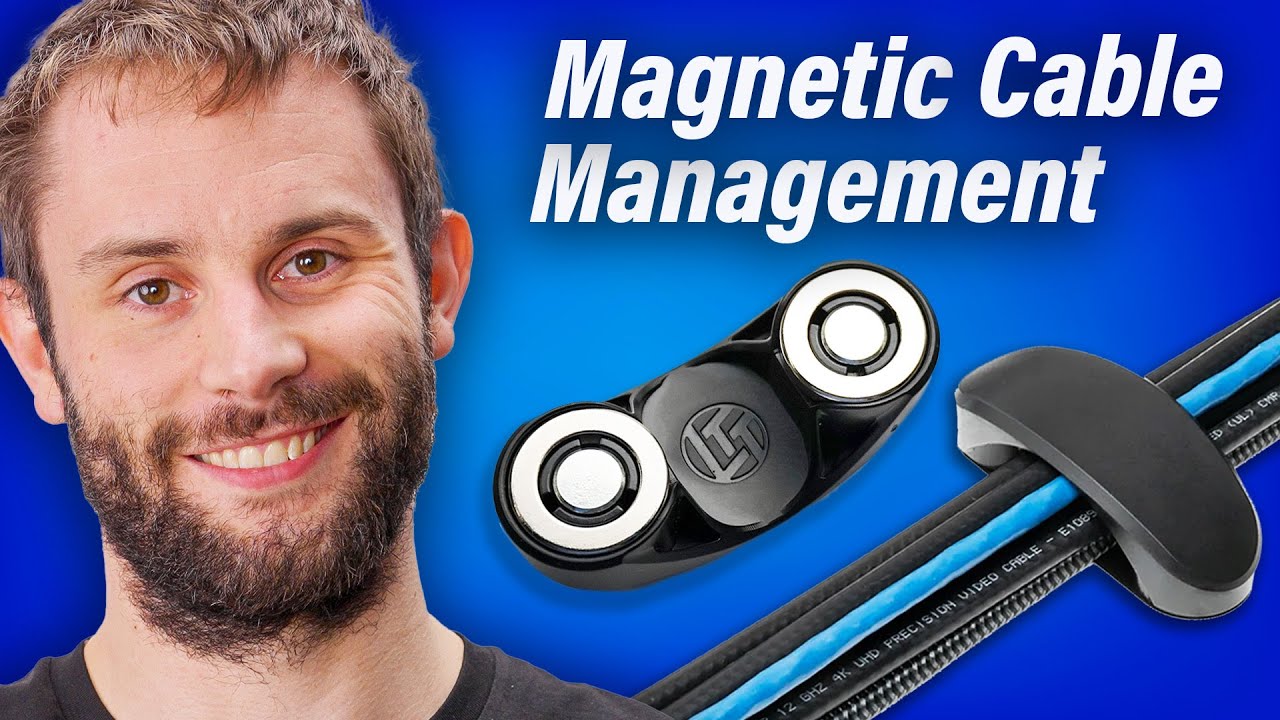
Cable management sucked... UNTIL NOW! - LTT Store Magnetic Cable Management
0 up · 0 down · 0 ratings
Description
jawa.link Sell your old graphics card the easy way and offset the cost of your new card at using the link above! Follow along as Tynan walks you through how to utilize each of our Magnetic Cable Management products to remove clutter and spark joy.
Promos
Check out the MCM products here: lttstore.com Want us to unbox something? Make a suggestion at lmg.gg ► GET MERCH: lttstore.com ► GET EXCLUSIVE CONTENT ON FLOATPLANE: lmg.gg ► SPONSORS, AFFILIATES, AND PARTNERS: lmg.gg ► PRODUCTS WE USE ON THE SHORTCIRCUIT SET: lmg.gg FOLLOW US ELSEWHERE --------------------------------------------------- Twitter: twitter.com Instagram: @shortcircuityt TikTok: @linustech Facebook: @ShortCircuitYT CHAPTERS --------------------------------------------------- 0:00 Intro 0:21 Product overview 1:13 Sponsor 1:50 Plate kit guide 3:02 Power brick holder guide 4:06 Power bar key guide 5:24 Cable tie holder guide 6:20 Outro and pricing 6:57 Credits
Cable management can be a hassle, but this video breaks down the LTT Store Magnetic Cable Management system in a clear, step by step manner. It starts with a high level product overview, explaining that the Arch kits come in small, medium, large, and extra large options, each designed to support different cable loads and configurations. The host then covers how each plate kit is paired with a plate set, screws, and optional upgrade options like VHB or silicone. A sponsor segment introduces Jawa as a quick context for selling old hardware to offset new purchases, followed by practical demonstrations of mounting plates and applying the finishes. The core demos show how to position cable managers under a desk, align 1 to 1.5 feet of facing, and attach the plates securely with backing, screws, and degreasing steps when using the VHB kit. The guide then dives into the less intuitive components, such as the power brick holder, the extra long cable ties, and the power bar key, explaining how each part locks onto power bars and helps prevent rotation. The narrative emphasizes that these components are designed to minimize clutter and improve desk aesthetics, with pricing details for individual kits and upgrade options. The video concludes by guiding viewers to the appropriate LTT Store pages for the MCM products and suggests room and home solutions for more expansive setups, reinforcing the idea that magnetic cable management can dramatically improve a desk or room without sacrificing flexibility. Overall, the segment portrays the Magnetic Cable Management system as a comprehensive, modular solution suitable for a range of setups from single desks to home network cabinets, promising a cleaner, more organized workspace with tangible upgrade paths and clear usage instructions.
Topics · desk-organization · consumer-electronics · tech-products · how-to · product-demonstration
Questions answered
- What comes in the Arch kit family and how are they meant to be used?
- Arch kits come in small, medium, large, and extra large sets, each designed to accommodate different numbers and sizes of cables. Each kit includes arches and a plate set with screws to mount them under a desk or on a magnetic surface, with upgrade options like VHB or silicone for stronger adhesion or easier removal.
- How does the power brick holder and power bar key contribute to cable management?
- The power brick holder stores and secures power bricks with extra long cable ties, while the power bar key provides a gripper that attaches into power bar keyholes to lock the setup in place and prevent rotation, enhancing stability and organization.