The haters were right... I'm wasting my money - LTT Labs Update
0 up · 0 down · 0 ratings
Promos
Check out Secret Lab at lmg.gg SmartDeploy: Claim your FREE IT software (worth $580!) at lmg.gg It's been months since we acquired the new building for our testing lab and it's still in absolute disarray. Today we try to fix some of that by getting the core of the building's networking installed. Discuss on the forum: linustechtips.com Buy a Ubiquiti Switch Enterprise XG 24: geni.us Buy a Ubiquiti Switch Enterprise 48 PoE: geni.us Buy a Ubiquiti Unifi Switch Flex: geni.us Buy a Mikrotik 100GbE Network Switch: geni.us Buy Rackstuds: geni.us Buy Ultra-Thin Cat6a Patch Cables from InfiniteCables: lmg.gg Buy a 24-Port CAT6A Patch Panel from InfiniteCables: lmg.gg Buy Bulk CAT6A Cable from InfiniteCables: lmg.gg Buy an Eaton 9PXM UPS: lmg.gg Purchases made through some store links may provide some compensation to Linus Media Group. ► GET MERCH: lttstore.com ► SUPPORT US ON FLOATPLANE: floatplane.com ► AFFILIATES, SPONSORS & REFERRALS: lmg.gg ► PODCAST GEAR: lmg.gg FOLLOW US --------------------------------------------------- Twitter: twitter.com Facebook: @LinusTech Instagram: @linustech TikTok: @linustech Twitch: twitch.tv MUSIC CREDIT --------------------------------------------------- Intro: Laszlo - Supernova Video Link: youtube.com iTunes Download Link: itunes.apple.com Artist Link: soundcloud.com Outro: Approaching Nirvana - Sugar High Video Link: youtube.com Listen on Spotify: spoti.fi Artist Link: youtube.com Intro animation by MBarek Abdelwassaa @mbarek_abdel Monitor And Keyboard by vadimmihalkevich / CC BY 4.0 geni.us Mechanical RGB Keyboard by BigBrotherECE / CC BY 4.0 geni.us Mouse Gamer free Model By Oscar Creativo / CC BY 4.0 geni.us CHAPTERS --------------------------------------------------- 0:00 Intro 1:25 Unboxing the Rack 1:52 General labs updates from Linus 3:00 Back to the rack 5:09 Linus "helps" 5:22 RACK STUDS ARE AWESOME 6:59 Ubiquiti switches! 8:35 Basically just chaos 18:55 Overview of the setup
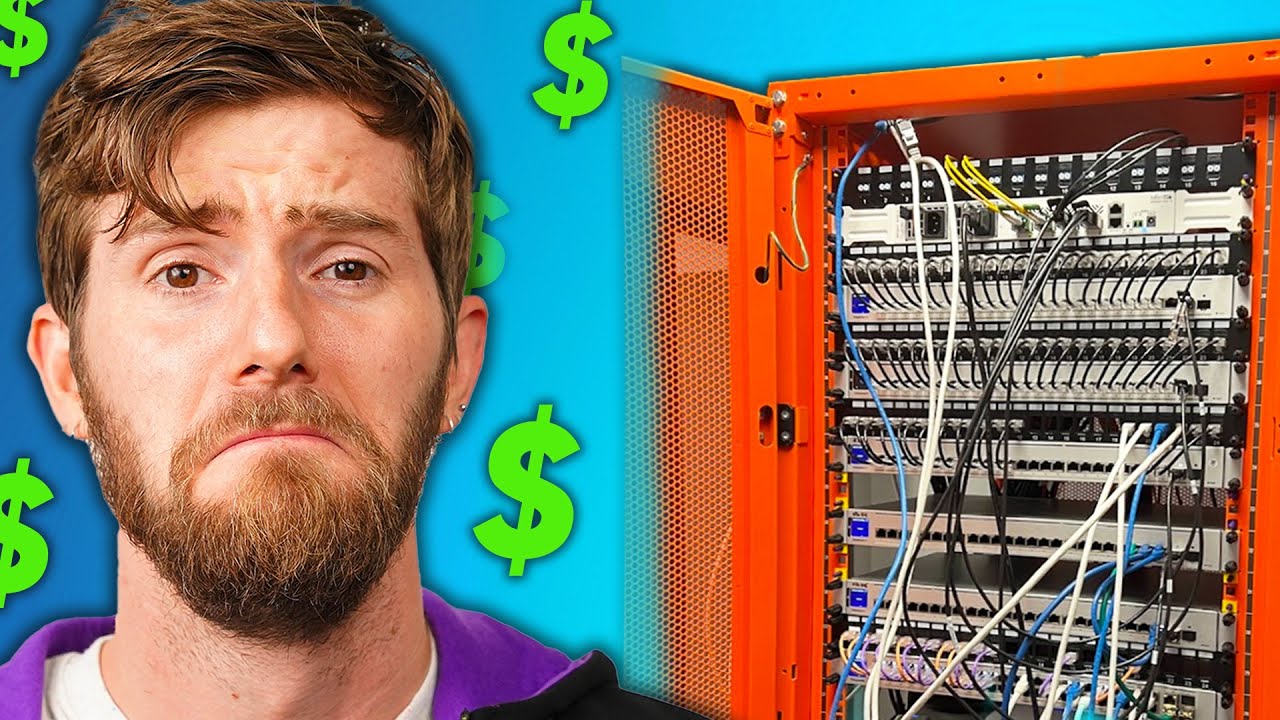
The video documents a major real-world lab upgrade as Linus and the team tackle a testing facility that has been out of order for months. The opening establishes a chaotic environment, with half-finished wiring and a floor refinery in progress, setting the stage for a hands-on rebuild. The crew outlines a bold plan: to install a full rack of networking gear, manage cables cleanly, and provide reliable wireless access across the space. They acknowledge the sponsorship and pivot to practical tasks, including unboxing a rack and beginning the cable management process. The tone blends humor with practical progress as they begin laying out the physical infrastructure and prepare to bring the network to life in the lab. By mid-video, the team makes substantial headway on the rack installation, anchors the logistics area, and routes cables to test stations and floor outlets. They discuss and test components like rack studs, which promise easier and sturdier cable organization, and compare Ubiquiti switches to alternatives, highlighting AR port mapping and other features. The team wrestles with practical constraints such as cabinet orientation, PDU mounts, and door clearance, all while keeping spirits high with playful banter. The plan evolves into a tangible network blueprint, including 10-gig links to workstations and a 100-gig backhaul from a central closet. The segment underscores a shift from chaos to a structured, scalable network layout. As the video progresses, attention turns to more advanced routing and patching decisions, including the choice between 24-port and 48-port switches and how to physically route patch panels without blocking access. They discuss the pros and cons of different hardware choices, and the AR-based discovery features of Ubiquiti switches are demonstrated as a practical aid for diagnosing port connections. The team considers future scalability, acknowledging that up to 90 more runs are needed and that contractors may be brought in for the rest of the install. The narrative emphasizes learning through doing, with lines about “If it fits we push it” turning into a functional, albeit imperfect, network setup. The goal remains to deliver a robust, test-ready lab environment capable of supporting high-end equipment and security cameras. Toward the end, the video frames the outcome as a work-in-progress success rather than a flawless finish. They close with a recap of the current lab status, noting that the rack is nearly closed, cable management is improving, and key infrastructure is in place to support testing servers and high-speed links. The discussion touches on future expansion, HVAC considerations, and the potential for adding a second rack to accommodate growing equipment. The team teases a cleaner, more organized space once cleanup routines take effect, while humorously acknowledging the ongoing chaos that accompanies any large-scale lab build. The sponsor segment and call to action blend with a hopeful forecast for what comes next, inviting viewers to follow along for the continued LTT Labs journey.
Topics · technology · networking · hardware · data_center · build_log · lab_operations
Questions answered
- What is the main goal of the LTT Labs Update in this video?
- The goal is to bring the lab into a functional networked space by installing the rack, routing cables, and getting the network up and running, including wireless access points.
- What hardware features are highlighted as beneficial during the build?
- Highlights include rack studs for easier cable management, Ubiquiti switches with AR port mapping features, and the distinction between 24-port and 48-port switches with 10-gig and 2.5-gig capabilities.
- Why do the team discuss future scalability and potential additional racks?
- They anticipate growth, with up to 90 more cable runs and more equipment, making a second rack a sensible option to accommodate future testing hardware and cameras.