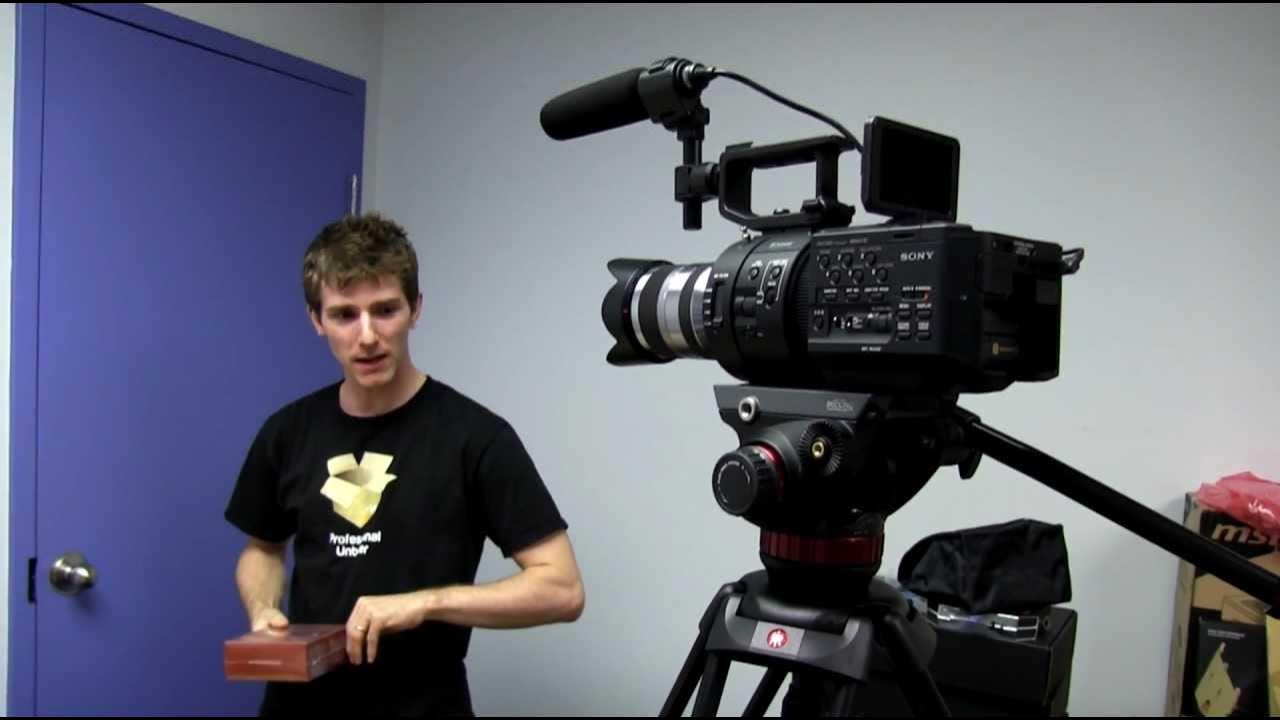
Black Magic Intensity Pro HDMI Capture Card Unboxing & First Look Linus Tech Tips
0 up · 0 down · 0 ratings
Description
If you want to capture a clean, uncompressed HDMI input to your PC (remember, no HDCP protected content...) this is pretty much the card to get! CA: ncix.com US: us.ncix.com
Linus Tech Tips presents an unboxing and first look at the Blackmagic Intensity Pro HDMI Capture Card. The host explains that this PCIe card enables uncompressed HDMI capture for live streams, webcasts, and multivideo setups by using a high quality input source such as a cinema camera. He highlights that the device supports 1080p 30 FPS capture and 720p at 60 FPS, making it suitable for multi-camera configurations when paired with software like XSplit. The video covers the physical unboxing, showing the card’s native PCIe 1X form factor and the included breakout cable for analog inputs, though Linus notes he will not use the analog connections for this particular setup. He references On Air software from Blackmagic for real-time video source mixing and explains that the device uses well-known Blackmagic video technology used in Hollywood productions, emphasizing that uncompressed capture is possible when HDCP content is not involved. The host also clarifies practical workflow considerations, such as how an FS700 or other high-end cameras can serve as pristine capture sources and why some people might record in SD or memory formats, but for true uncompressed video you need capture hardware like this. Finally, he demonstrates the card’s compatibility with both macOS and Windows operating systems and mentions intended use cases like dual-camera setups for unboxings and live events, with a light nod to the accessory set and the two-card package for future multicam projects.
Topics · technology · unboxing · video-production · hardware · streaming · pc-hardware · audiovisual · video-capture
Questions answered
- What is the Blackmagic Intensity Pro HDMI Capture Card best used for?
- It is used to capture uncompressed HDMI video from source cameras into a PC for live streams, recording, and multi-camera workflows, with support for 1080p 30 FPS and 720p 60 FPS.
- What inputs and connections does the card provide?
- The card provides HDMI in and out, a breakout cable for analog inputs including component and audio, and it is a native PCIe 1X card compatible with Windows and macOS environments.