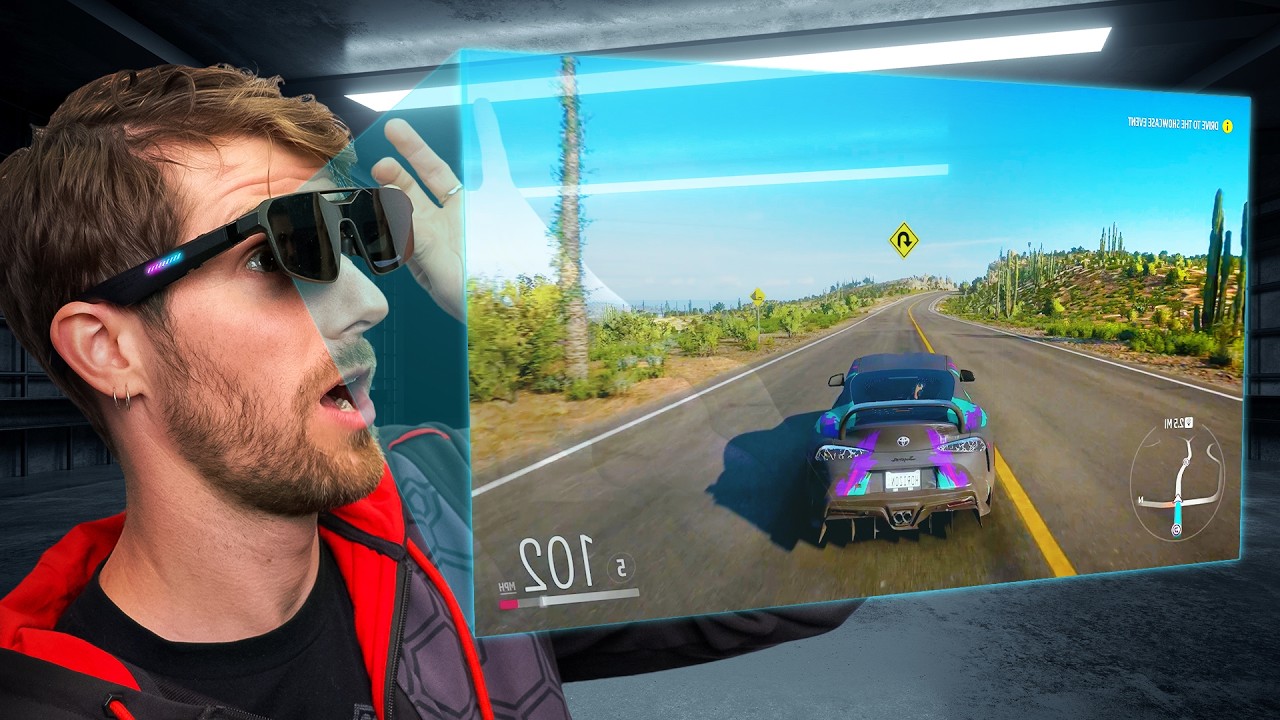
ASUS Made Big Screen Glasses For Gamers - ROG x XREAL R1
0 up · 0 down · 0 ratings
Description
Thanks to ASUS ROG for sponsoring this video!
Check out the all-new ROG x XREAL R1 gaming glasses using our link: rog.gg CES week continues with the all new ASUS x XREAL R1 Gaming Glasses! These have a 1080p Micro-OLED screen that can reach up to a whopping 240Hz. They also can be paired easily with your ROG Ally, and of course they have RGB on the temple holders. Discuss on the forum: linustechtips.com
Promos
Check out our Channel Partners: Secretlab - Get great chairs at: lmg.gg PIA - Get the VPN of our choice: piavpn.com dbrand - Buy a "Circuit" series skin for your device: dbrand.com ► GET OUR MERCH: lttstore.com ► GET EXCLUSIVE CONTENT ON FLOATPLANE: lmg.gg ► SPONSORS, AFFILIATES, AND PARTNERS: lmg.gg Purchases made through some store links may provide some compensation to Linus Media Group. Affiliate links powered in part by affilimate.com Linus Sebastian is an investor in Framework Computer, Inc and HexOS by Eshtek. CHAPTERS --------------------------------------------------- 0:00 Intro 1:18 Taking a look at the accessories 1:48 Overview of the glasses 2:21 Gaming on a ROG XBOX Ally X 4:58 But what about laptop gaming? 6:56 Desktop gaming at 240Hz 9:05 Outro
In this CES week coverage, LTT dives into the ASUS ROG x XREAL R1 gaming glasses, highlighting that they use dual 1080p micro OLED displays with lightning-fast response times and a 57-degree field of view, delivering a virtual display that can reach up to 171 inches at a typical viewing distance. The panel claims 700 nits brightness with electrochromic dimming, which allows the user to block out ambient light for better contrast while gaming. The device borrows from previous XREAL designs but adds features like an RGB strip on the temple, Bose-tuned speakers, and a simple control interface including an action button, navigation rocker, and a programmable macro button. A dedicated dock is introduced to simplify connectivity with devices that lack full USB-C video output, providing two HDMI inputs, one DisplayPort input, power, and a front-facing port for the glasses. The on-wall demo shows the glasses performing in several modes, including follow mode, anchor mode, and a third mode called anchor man, each affecting how the virtual screen tracks the user or stays fixed in space. While the 1080p OLED experience is surprisingly sharp for the size, the lack of HDR support and early-stage software features temper the overall impression. ASUS positions the R1 as a portable, out-of-the-box large-screen alternative for travel, buses, and casual couch setups, projecting a substantial screen presence without a physical monitor, albeit at a premium and with caveats on long-term comfort and eye strain. The video owner notes that pricing and retail timing are not yet disclosed, and cautions potential buyers to limit session lengths to 30 to 40 minutes initially to acclimate to AR/VR-associated wear.
Topics · Technology · Wearables · Gaming · Consumer Electronics
Questions answered
- What is the display technology used in the ROG x XREAL R1 glasses and what refresh rate do they support?
- The ROG x XREAL R1 glasses use 1080p Micro-OLED displays and support up to 240 Hz refresh rate.
- What are the main modes for screen positioning and how do they affect use cases?
- The glasses offer follow mode, anchor mode, and anchor man mode; follow mode makes the screen move with your gaze, anchor mode keeps it fixed in space in front of you, and anchor man mode ignores device input for a more fixed experience.