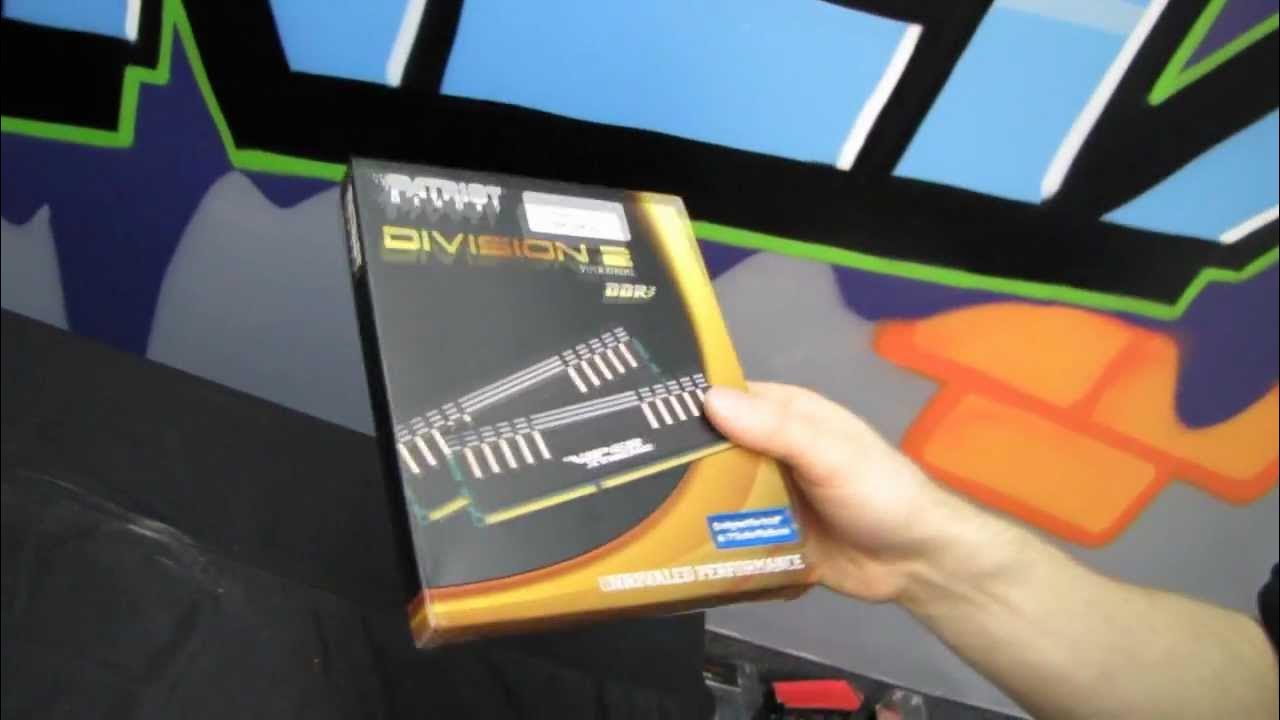
Patriot Viper Xtreme 8GB DDR3 2400MHz 2.4GHz RAM Memory Unboxing & Test Linus Tech Tips
0 up · 0 down · 0 ratings
Description
CA: ncix.com US: us.ncix.com High speed Patriot DDR3 is now easier to operate than ever! In this video I unbox the RAM, then show how easy it is to set up in a Z77 board!
The video opens with Linus presenting an unboxing of Patriot Viper Extreme Division 2 DDR3 RAM, highlighting that the 8 GB kit runs at 2400 MHz and uses a 1.65 V design. He walks through the memory’s physical build, noting copper spreaders under aluminum heat shields and the overall aggressive aesthetic, while discussing whether such high-frequency memory is feasible on Sandy Bridge versus Ivy Bridge platforms. Linus then demonstrates a real-world setup on an Ivy Bridge Z77 system, showing how to enable the XMP profile and boot into Windows, with the kit running at advertised specifications once configured. He provides live commentary on POST speed, boot times, and the system recognizing the memory, comparing the experience to Kingston HyperX DDR3 3600 as a reference point. The segment ends with a lighthearted wrap, featuring Slick clearing boxes in the background and a playful Patriot-themed “museum” vibe, followed by a quick call to subscribe. Overall, the video blends unboxing, install steps, and first impressions of the Patriot Viper Extreme Division 2 RAM on a modern Ivy Bridge platform, concluding that high-frequency memory is achievable and easy to enable on the right motherboard and processor combination.
Topics · technology · hardware · pc_hardware · unboxing · computer_science · video_blog · review
Questions answered
- What is the advertised speed and voltage of the Patriot Viper Extreme Division 2 8GB RAM kit?
- The kit is advertised as 2400 MHz with a voltage of 1.65 V.
- How can Ivy Bridge users enable the high-frequency memory on a Z77 board?
- By enabling the XMP profile in the motherboard BIOS, which allows the memory to run at its advertised 2400 MHz.”